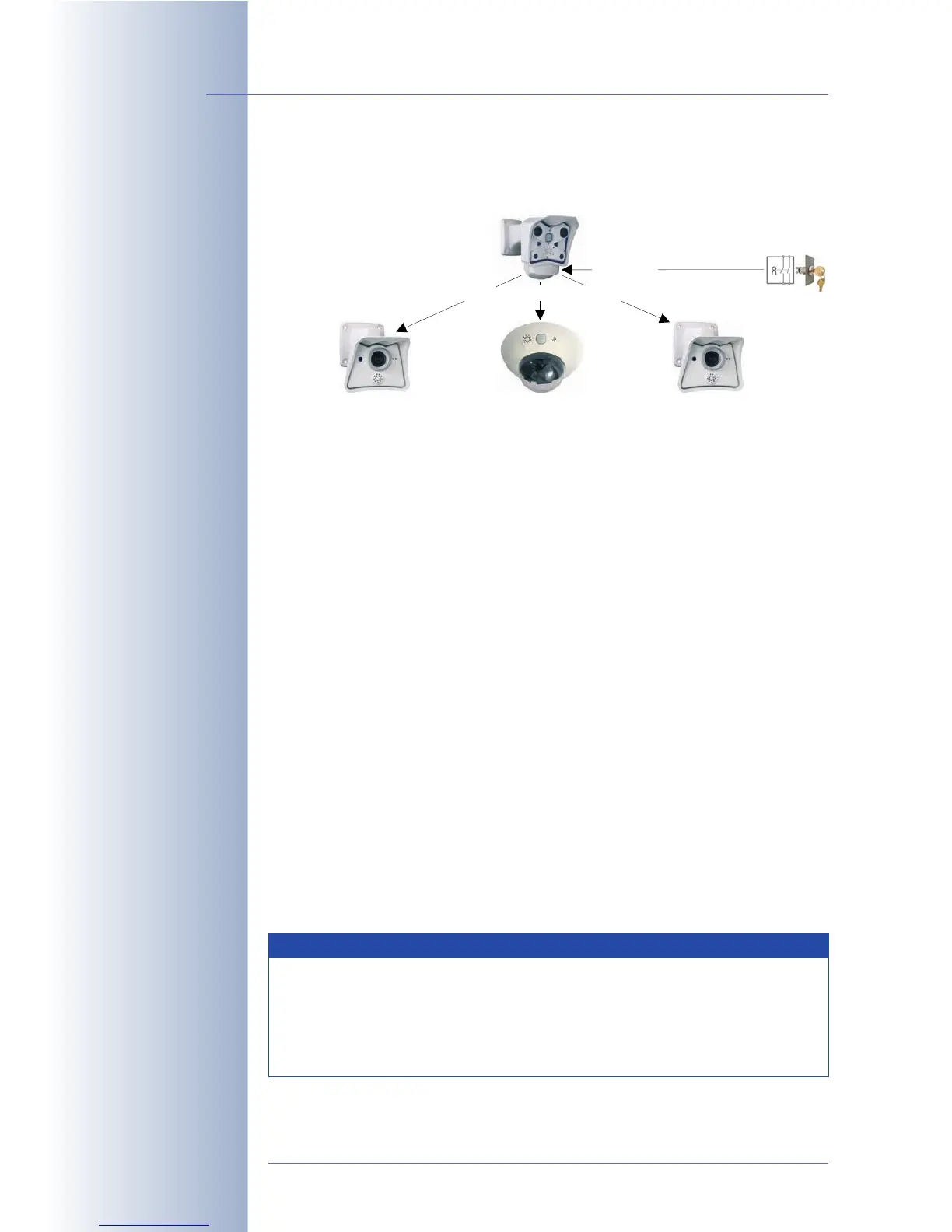
switch. Only the Master camera's signal input is connected to the alarm sys-
tem.
• Configuring the Master camera:
Setup Menu > General Event Settings
• Arming has already been set to
Off
.
• Enable the Master/Slave parameter.
• Set the camera's CS1 signal to
Signal Input
,
Pin 9-5
,
SI Open (high)
(or
SI
Closed (low)
as required by the activated alarm system).
Click on the Set button, then on Close and permanently save the settings of
the Master camera.
• Configuring the Slave cameras:
Setup Menu > General Event Settings
• Arming has already been set to
Enable
.
•Set Custom Signal 1 (CS1) to
From Master
.
• Enable the Master/Slave parameter.
• Enter the IP address of the Master camera.
Setup Menu > Messaging
•Set Message Profile to
CS1
.
• Select a Time Table Profile.
• Select an E-Mail Action.
Click on the Set button, then on Close and permanently save the settings of
the Slave camera.
© MOBOTIX AG • Security-Vision-Systems • Made in Germany
www.mobotix.com • sales@mobotix.com • 10.10.2006
150/288
Software Camera Manual Part 2
Note
These settings will synchronize the status of the message profile of the
Slave cameras with the CS1 signal of the Master camera (remote sig-
naling). Hence, the message profile of the Slave cameras is always
active, if the signal input of the Master camera detects the selected
signal and the specified time table of the Slave camera is active.
Master
Slave 1
Slave 2 Slave 3
Status CS1 Status CS1 Status CS1
Signal input
Key switch
CS1 AND Tme Table = E-Mail CS1 AND Tme Table = E-Mail CS1 AND Tme Table = E-Mail



 To Next Page