Using the profiles
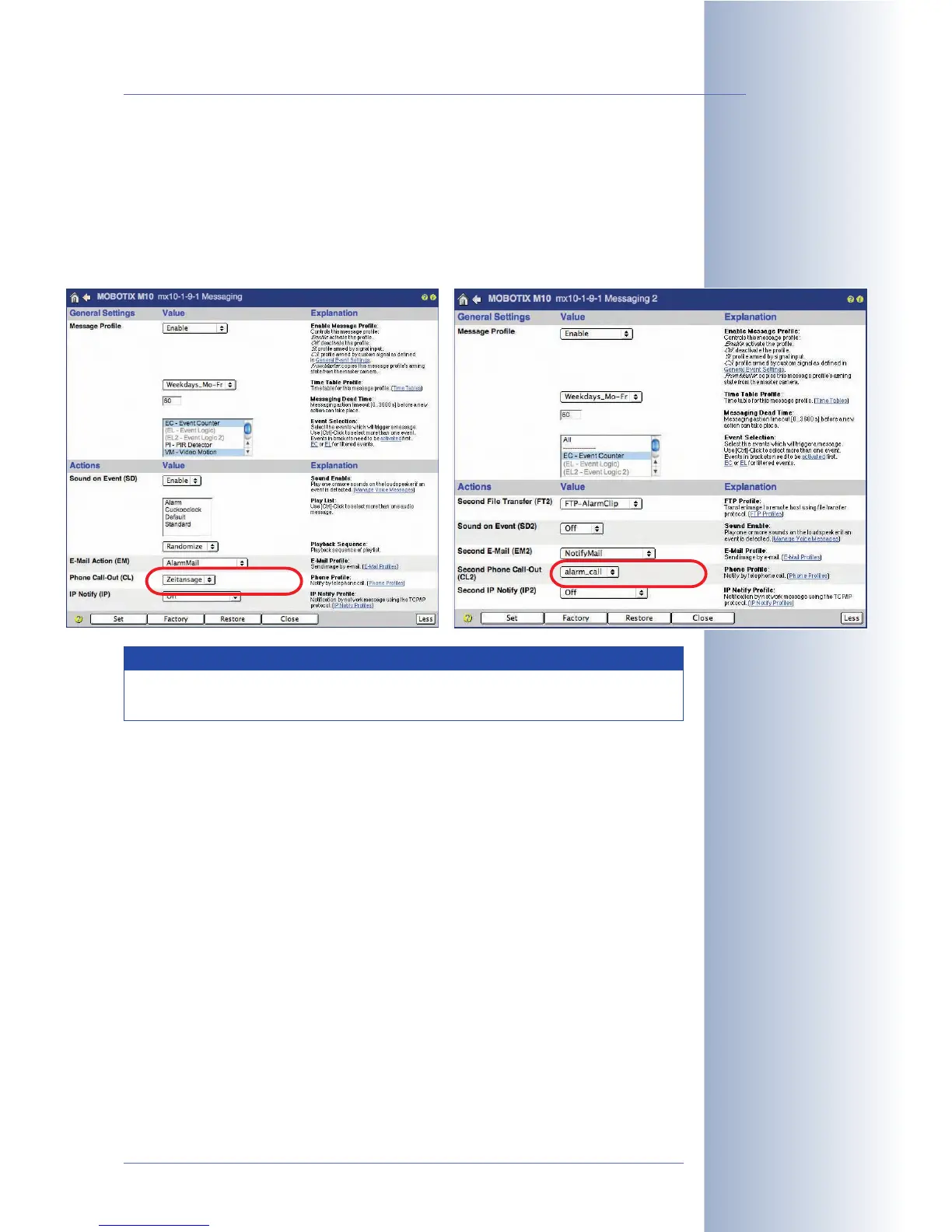
The phone profiles defined in this dialog can be used in Setup Menu > Messaging
and Messaging 2 for the Phone Call-Out (CL) and the Second Phone Call-Out
(CL2) action. The phone profiles are also used in Admin Menu > Time Tasks for
automated placing of phone calls. For additional information on this topic, see sec-
tion 7.9,
Time Tasks
.
© MOBOTIX AG • Security-Vision-Systems • Made in Germany
www.mobotix.com • sales@mobotix.com • 10.10.2006
185/288
Software Camera Manual Part 2
Note
Open Admin Menu > Phone Profiles to test the phone profiles one by
one.



 To Next Page