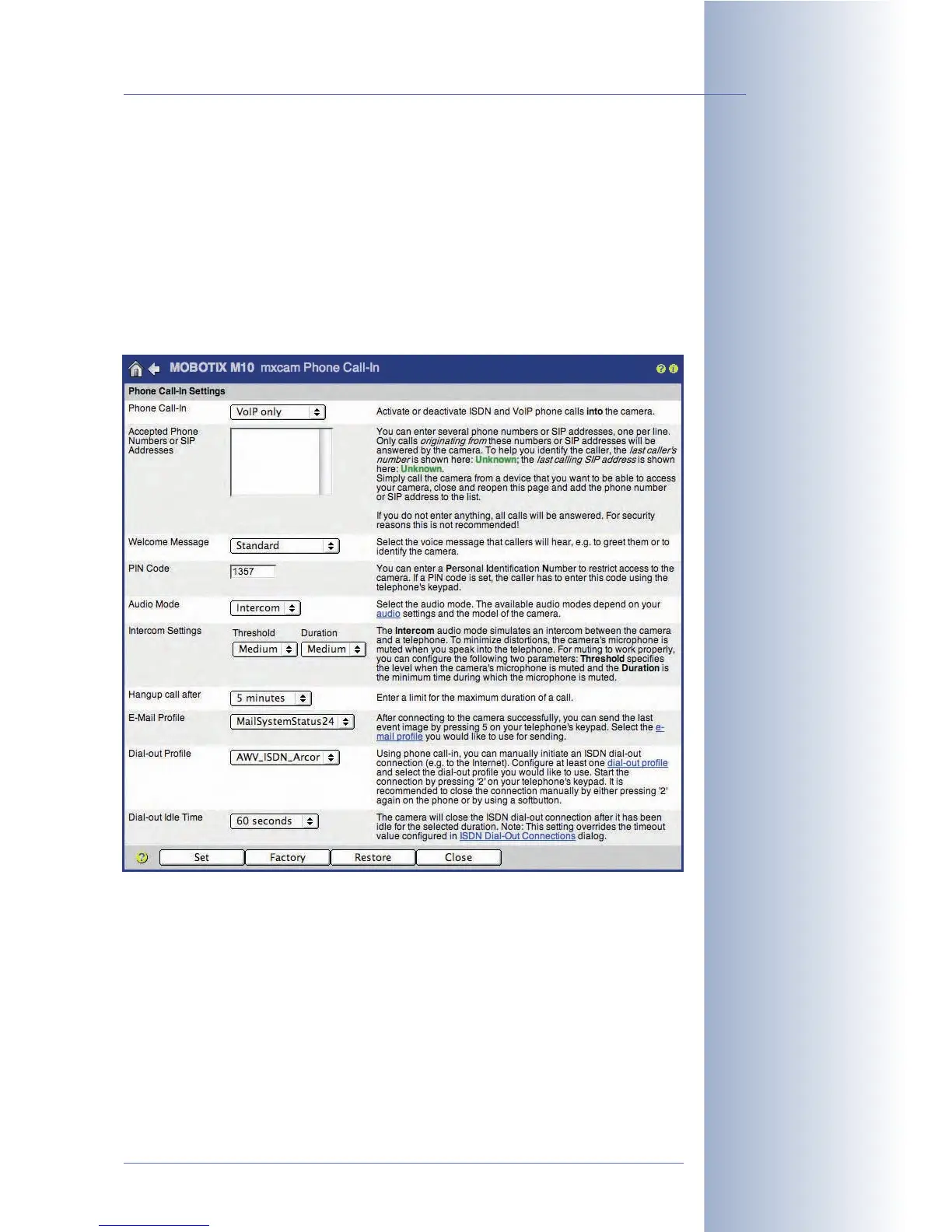
Configuring Phone Call-In
Configure the parameters for inbound voice calls (Admin Menu > Phone Call-In).
• Phone Call-In:
VoIP only
• Welcome Message:
Standard
(or another previously recorded voice
message)
•Audio Mode:
Intercom
© MOBOTIX AG • Security-Vision-Systems • Made in Germany
www.mobotix.com • sales@mobotix.com • 10.10.2006
255/288
Software Camera Manual Part 2
Configure Phone Call-In
(voice) connections to the
camera



 To Next Page