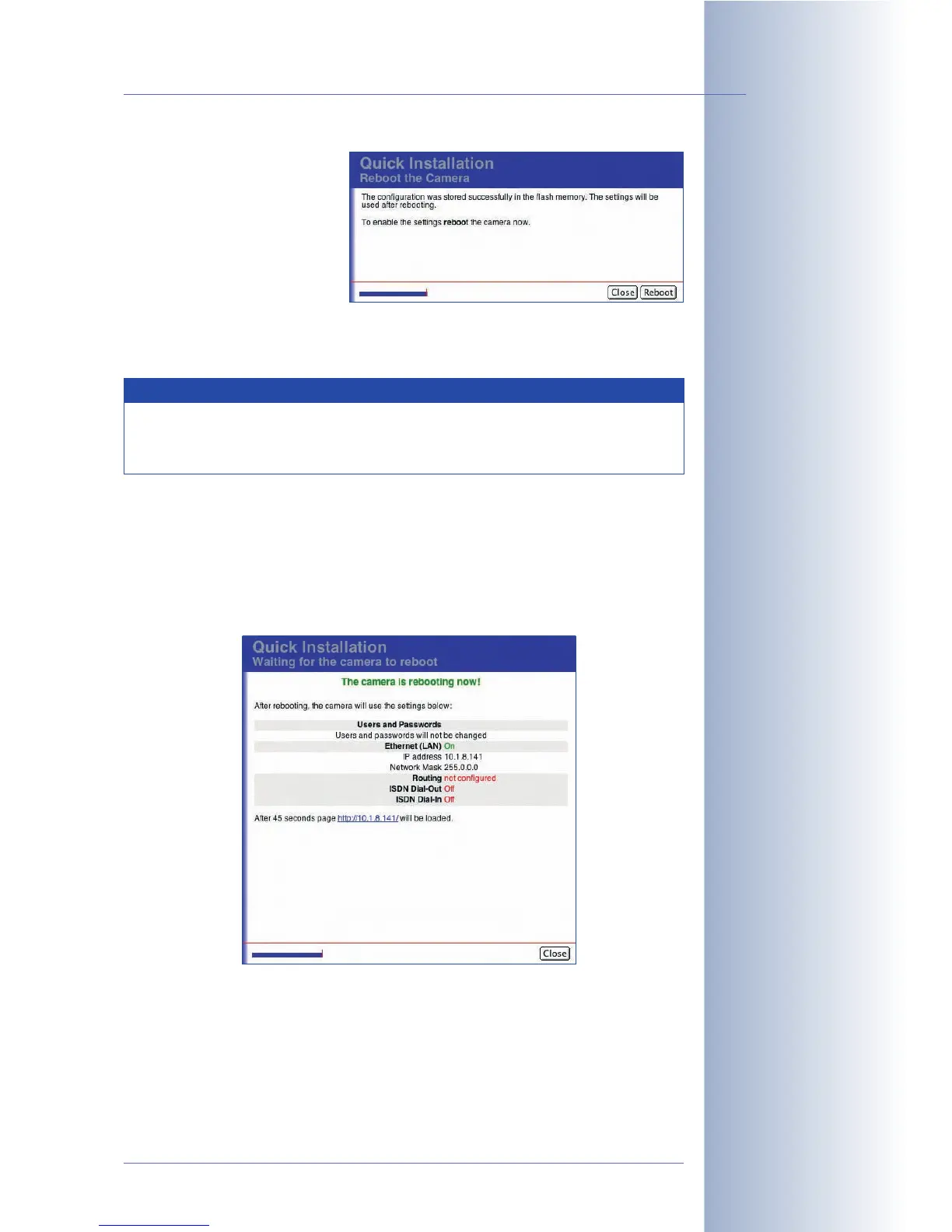
Rebooting the camera
Click on the Reboot button to
reboot the camera with the
modified settings.
Click on the Close button to cancel the Quick Installation wizard without making
any changes. If you do this, open the Quick Installation wizard again and complete
it to make sure that the camera will not use the wrong settings after rebooting.
While rebooting, the camera's new configuration parameters are displayed on the
Waiting for the Camera to Reboot
page. Once the camera has rebooted suc-
cessfully, the dialog closes automatically and displays the camera user interface in
the browser.
© MOBOTIX AG • Security-Vision-Systems • Made in Germany
www.mobotix.com • sales@mobotix.com • 10.10.2006
79/288
Software Camera Manual Part 2
Settings are only active
after rebooting the
camera
Make sure all settings are
correct
Note
If you find that you cannot reach the camera after rebooting, start the
camera with its factory defaults (see section 3.6,
Starting the Camera
Using the Factory IP Address
, in the
Camera Manual
).



 To Next Page