Machine Control : External Machines
23 - 564
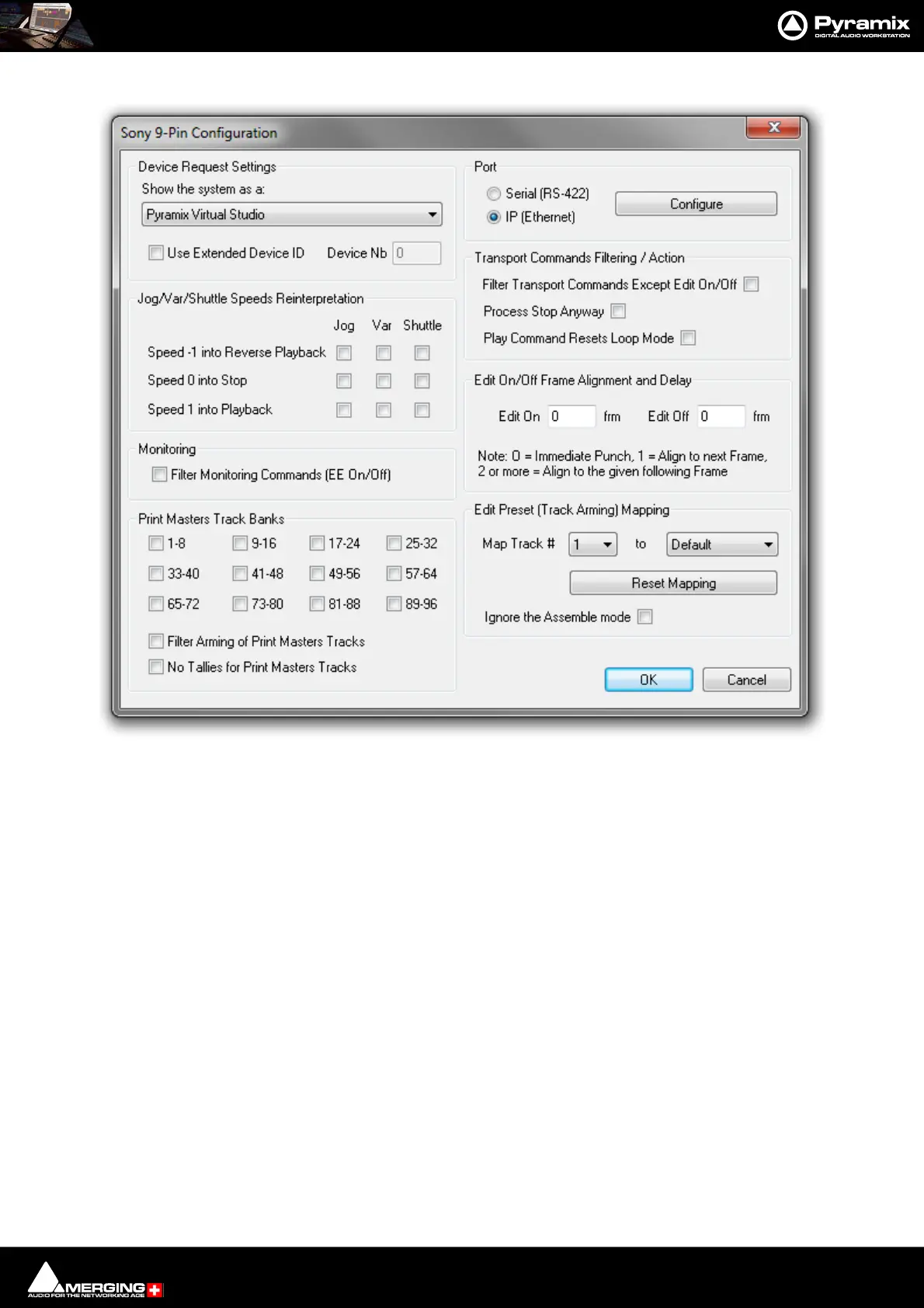
• Click on the Properties button to open the Sony 9-Pin Configuration dialog.
•In the Port section click on the IP (Ethernet) radio button.
• Click on OK to close the dialog.
• Make any other changes you need in the Sony 9-Pin Configuration dialog. (Please see: Sony 9-Pin
Protocol Configuration (Machine) on page 760 for a detailed description of the options.)
•Click OK to confirm all the entries and to add the new machine to the list.
Sony 9-Pin Configuration dialog



 To Next Page