Machine Control : External Machines
23 - 565
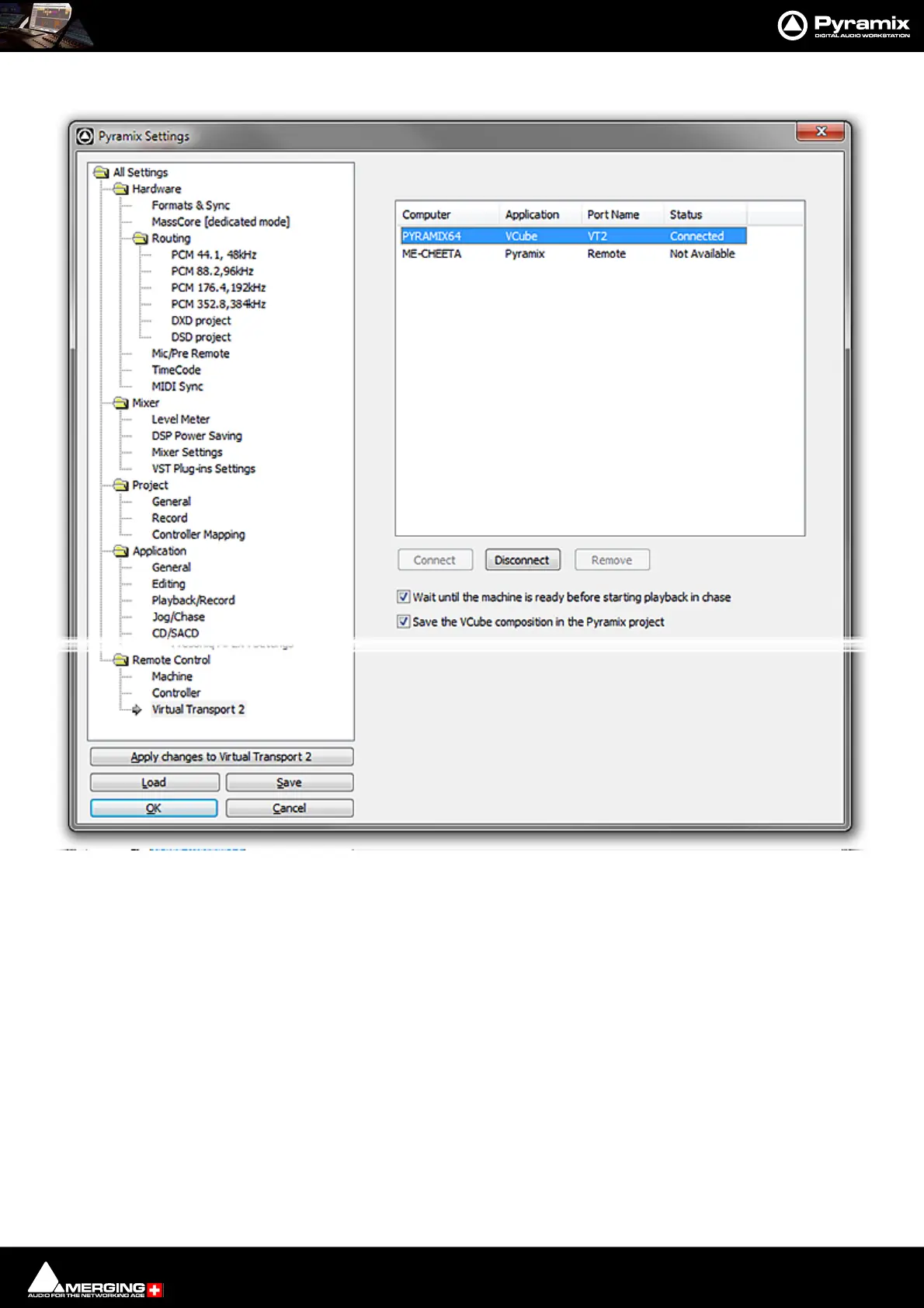
1. On the Master Pyramix machine open Settings > Remote Control > Virtual Transport 2.
• The slave machine will appear in the list. Click on it to select it and click on Connect.
• The status will change to Connected. The machine will appear in the Pyramix Transport Control
Panel (Alt + T) window and is now ready for use.
Note: For solid and stable synchronization ensure that all machines use the same video refer-
ence.



 To Next Page