73
LOGO! Manual
A5E00380835-01
You will see an underscore below the Q in Q1, which is the
cursor. The cursor indicates your current position in the
circuit program. You can move the cursor by pressing the
, , and keys. Now press the key. The cursor
moves to the left.
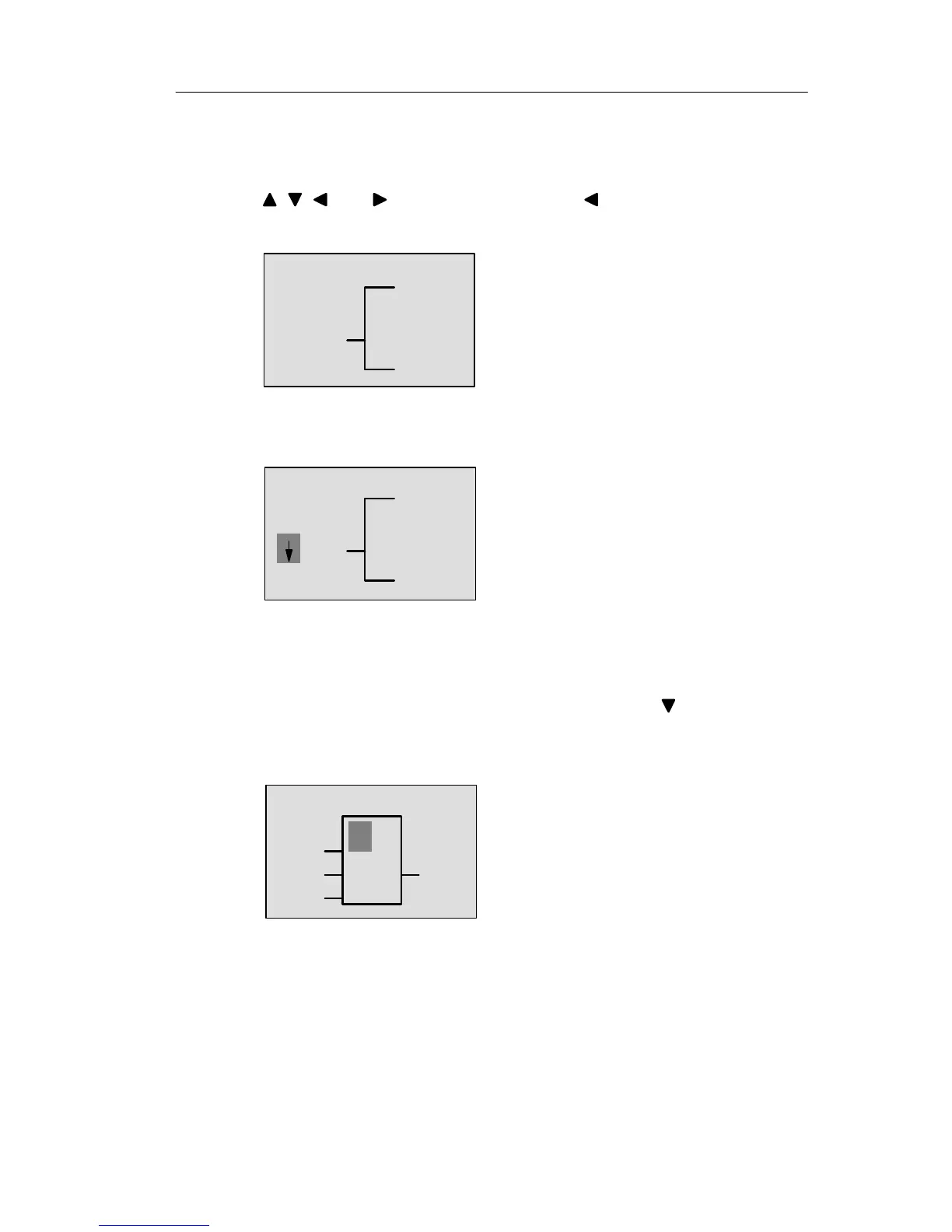
The cursor indicates your current posi-
tion in the circuit program.
Q1
–
At this point you enter only the first (OR) block. Press OK
to select editing mode.
The cursor is displayed as a solid
square: You can now select a connec-
tor or a block
Q1
Co
The cursor no longer appears in the form of an underscore;
but instead as a flashing solid square. LOGO! offers you
here various options.
Select GF (basic functions) by pressing the key until GF
appears, and confirm with OK. LOGO! now shows the first
block from the list of basic functions:
The AND is the first block of the basic
functions list. The solid square cursor
prompts you to select a block.
&
B1
Q1
Pro







 To Next Page