LOGO! Manual
A5E00380835-01
74
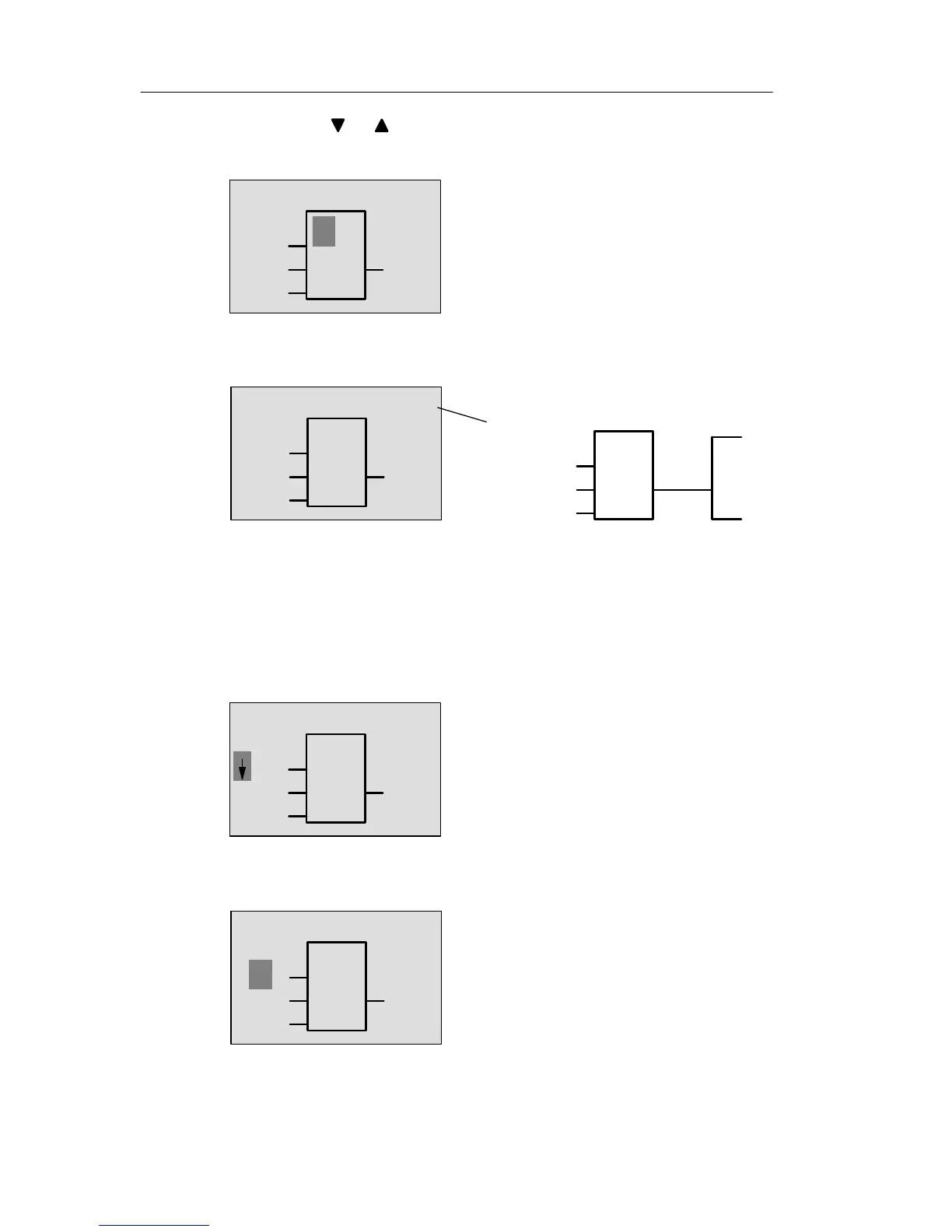
Now press
or until the OR block appears on the dis-
play:
1
B1
Q1
The solid square cursor is still posi-
tioned on the block.
Press OK to confirm your entries and exit the dialog.
1
The display now shows:
B1
Q1
B1
1
Q1
Your complete circuit
program layout
Block
number
–
You have now entered the first block. Each new block is
automatically assigned a block number. The only thing left
to do is to interconnect the block inputs. This is how it is
done:
Press OK.
1
The display now shows:
B1
Q1
Co
Select the Co list: Press OK
1
The display now shows:
B1
Q1
x
Pro







 To Next Page