75
LOGO! Manual
A5E00380835-01
The first element of the Co list is the ”Input 1” character,
namely ’I1’.
Note
Press to go the start of the Co list: I1, I2 .... to lo. Press
to go to the end of the Co list: lo, hi, ..... to I1.
1
Q1
I1
B1
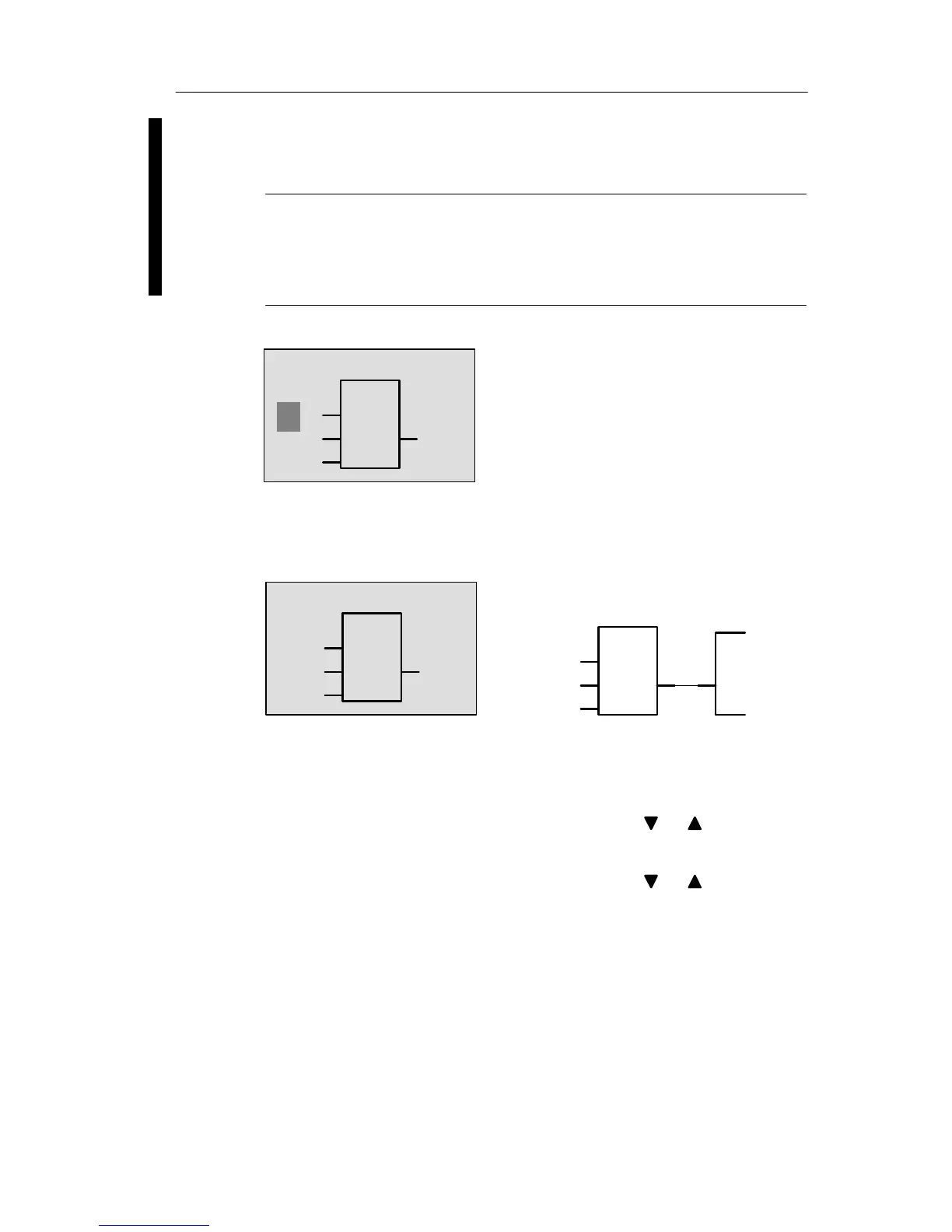
Press OK. I1 is now connected to the input of the OR
block. The cursor jumps to the next input of the OR block.
1
The display now shows:
B1
Q1
1
Q1
Your complete circuit program
in LOGO! up to now:
I1
I1
B1
–
Now you connect input I2 to the input of the OR block. You
already know how to do this:
1. Switch to editing mode: Press OK
2. To select the Co list: Press or
3. To confirm the Co list with: Press OK
4. To select I2: Press or
5. To apply I2: Press OK
Pro







 To Next Page