77
LOGO! Manual
A5E00380835-01
Note
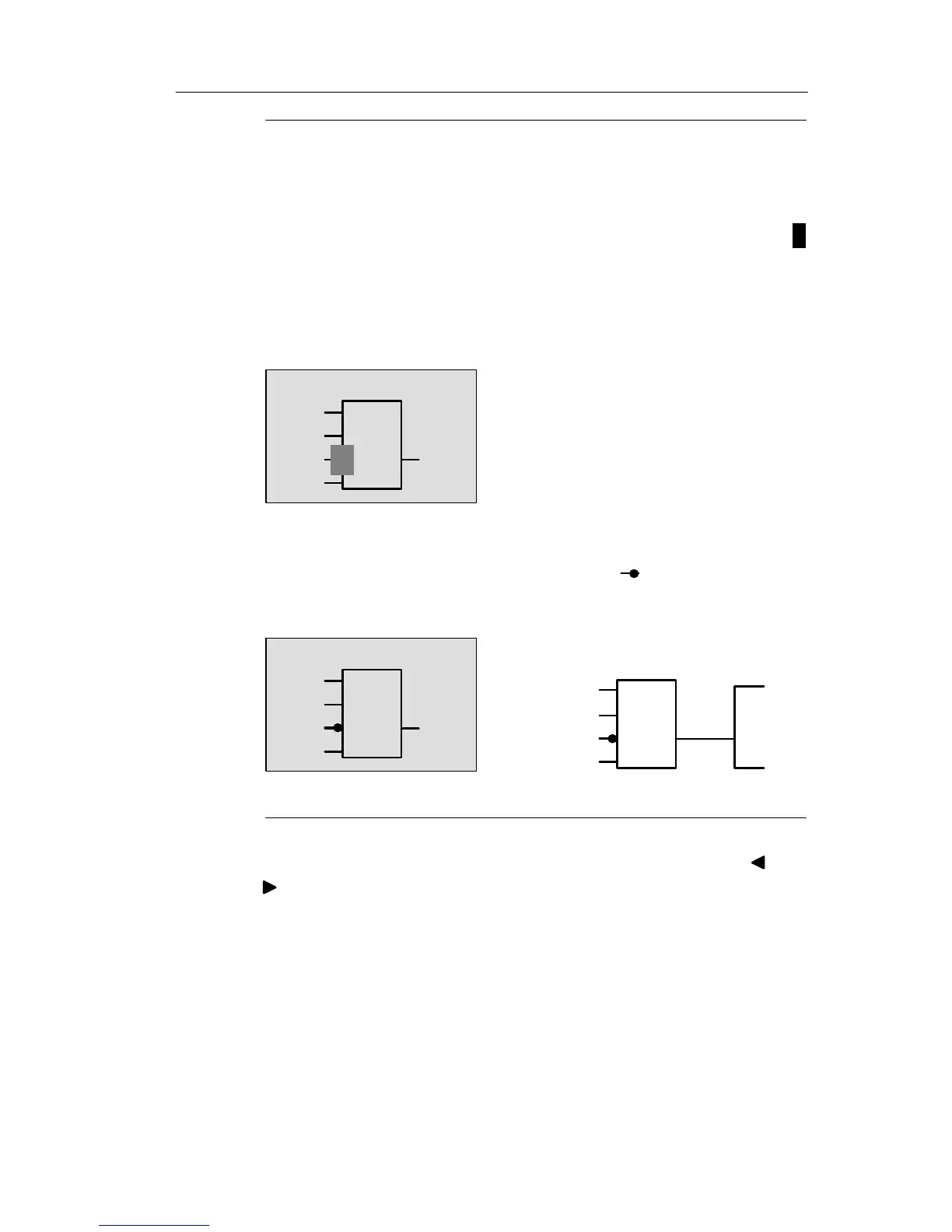
You can invert individual inputs of the basic and special
functions, i.e. if an input carries a logical “1” signal, the cir-
cuit program will output a logical “0”. On the other hand, a
logical “0” is inverted into a logical “1” signal.
To invert an input, move the cursor to the relevant position,
e.g.:
1
B1
Q1
I2
I3
x
I1
Confirm with OK.
Now press or to invert this input:
Next, press ESC.
1
B1
Q1
I2
I3
1
Q1
Your circuit program layout
I2
B1
I3
x
x
I1
I1
You can review your first circuit program by pressing or
to move the cursor through the circuit program.
We shall now exit circuit programming mode. This is how it
is done:
Return to the programming menu: Press ESC
Pro







 To Next Page