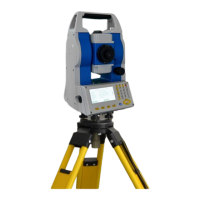
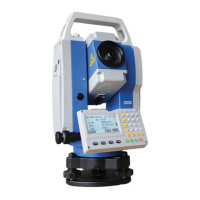
STONEX R2
6.4.1 Manual Code Input
The code in code database can be input manually, or created by the communication
software provided by STONEX Company, and transmitted to the instrument.
Each code has one item of explanation and a maximum of 8 attributes that has no more
than 16 characters.
GSI- CODING
Code:Code name.
Desc: Appended description.
Info1:Editable information which includes more contents.
……
Info8:Other information lines.
OPERATIONAL STEPS:
①In File Management menu, press
[F4] to enter into Code function
menu.
File Management 1/2
▼
F1 Job (1)
F2 Known Points (2)
F3 Measurements (3)
F4 Codes (4)
F1 F2 F3 F4
② In Code View/Del dialog, press
[F1] (NEW) to start input Code
function.
Code View/Del 1/2
Find: * ▼
Code: 1
Desc: --- --- ---
Info1 : --- --- ---
Info2 : --- --- ---
Info3 : --- --- ---
NEW START LAST DELETE
Code View/Del 1/2
Find: *
Code: Nr01
Desc: BOARDLINE
Info1: Nr.12
Info2: 12.54
Info3: --- ---
NEW START LAST Delete


 To Next Page