STONEX R2
6.2.3 Editing the Known Points
This function allows editing known points in internal memory.
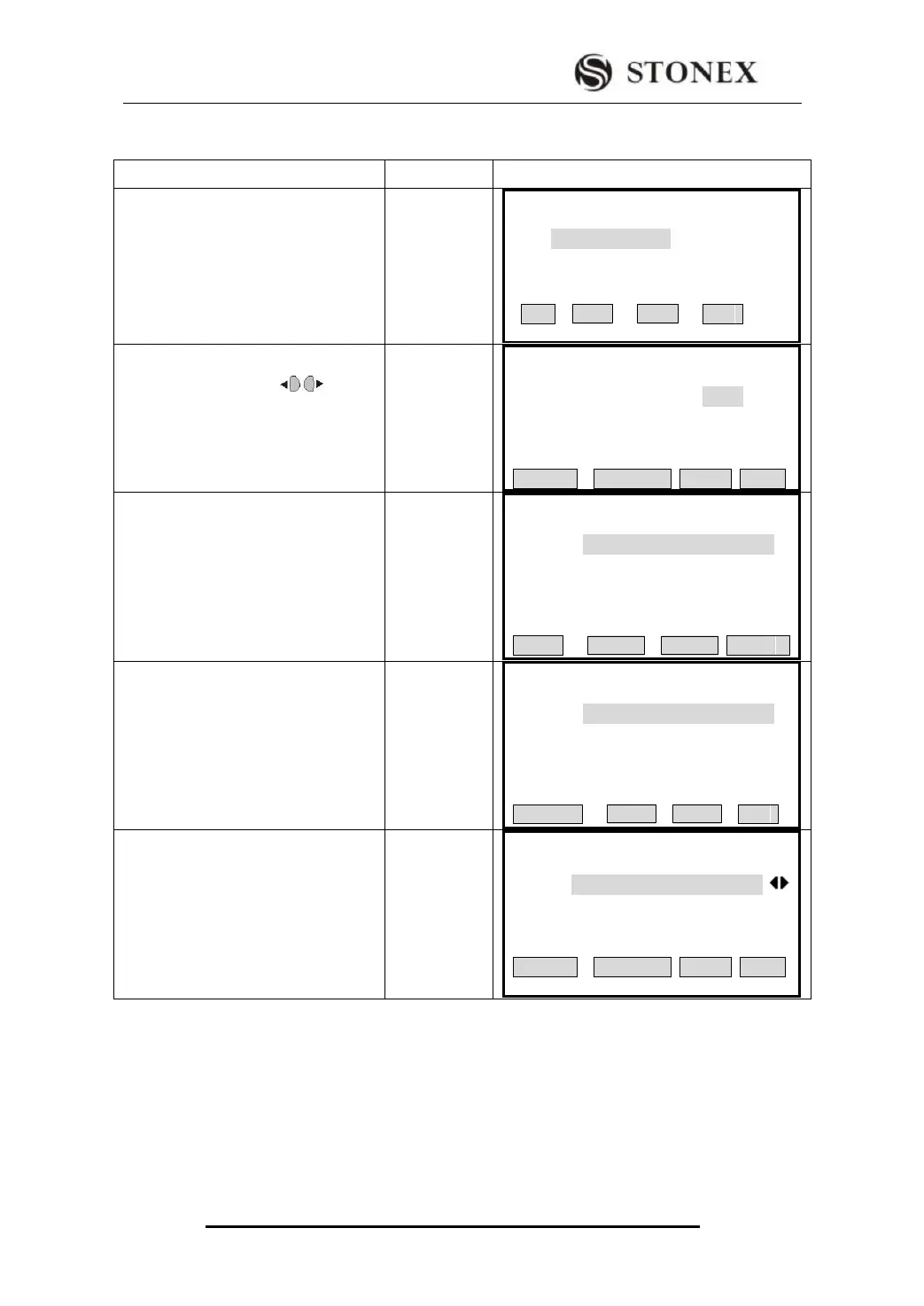
①Select the job which contains the
point to be edited. Press F1[List] to
choose the job in internal memory.
View Known Pt
Job: 2222
List OK
②Press navigation key (or use
search function) to find out the data
needed to edit.
View Known Pt
Job:A:\2222.PTS
Pt ID: 10
X/N : 110.000 m
Y/E : 102.000 m
H : 116.000 m
SEARCH DELETE ADD EDIT
③ Press [F4] (EDIT) to start data
editing function, and the screen
displays this point data. Input new
PtID, coordinate, and press [ENT] to
move to the next line. For those data
needed not edit, press [ENT] directly.
Edit Known Pt
Job:A:\2222.PTS
Pt ID : 10
X/N : 110.000 m
Y/E : 102.000 m
H/Z : 116.000 m
Back SAVE
④As input is finished, press [F4] to
save the edited data.
Edit Known Pt
Job:A:\2222.PTS
Pt ID : 10
X/N : 110.000 m
Y/E : 102.000 m
H/Z : 116.000 m
Data Save!
DELETE OK
⑤After finishing editing data, return to
last menu, and the data edited is
displayed.
【View Known Pt】
Job :A:\2222.PTS
Pt ID : 10
X/N : 110.000 m
Y/E : 102.000 m
H/Z : 116.000 m
SEARCH DELETE ADD EDIT



 To Next Page