STONEX R2
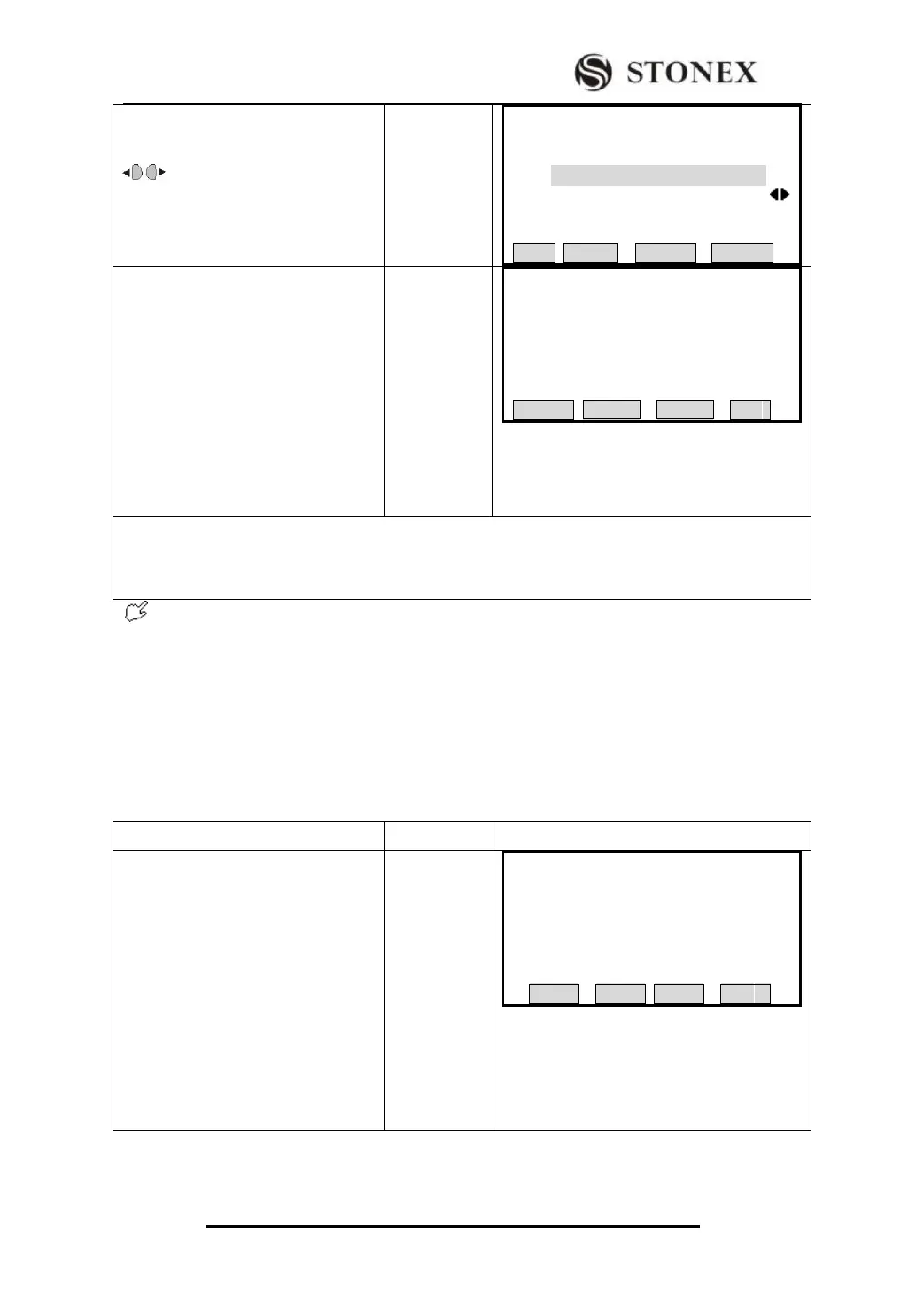
②Select the job to be deleted, press
[ENT] to move to data item. Press
to select the data types to be
deleted in job. (Job, measurement
value, and known point are selectable.)
【Initialization】
Job: 1
DATA: MEAS VAL
LIST ROAD CODE DELETE
③Press [F4] (DELETE). The program
indicates as the right graph.
To cancel deletion, press [F1] to return
to Initialize Memory menu, user can
select the job and data to be deleted.
Press [OK], this data has been deleted.
The program returns to Initialize
Memory menu, user can also go on
selecting job and data to be deleted.
【Initialization】
Delete data?
Deleted data No Revert!
DELETE OK
‴1)[DELETE] Delete the selected data area.
[ROAD] Delete all Horizontal Alignment or delete all vertical Alignment or Delete all Alignment
data;
[CODE] Delete all CODE data in internal memory!
After deleting, the data can not be recovered, therefore, before operation, be sure that
the useful data have been downloaded or stored.
6.6 MEMORY STATISTIC
Displays the information of memory, such as:
²The amount of the stored known points
²The amount of the recorded data block (measurement points, codes, etc. )。
²The amount of jobs which can be used or still not determined .
① In File Management menu, press
[PAGE] to display Page 2, press [F2]
to enter into Memory Statistic
function dialog.
【File Management】1/2 ▼
F1 Job (1)
F2 Known (2)
F3 Measurement (3)
F4 Code (4)
F1 F2 F3 F4



 To Next Page