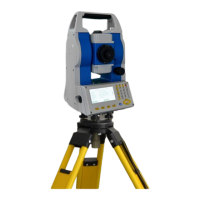
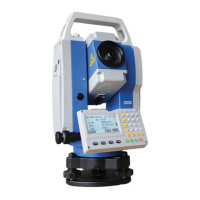
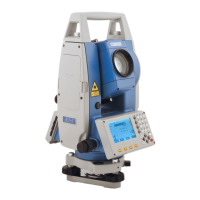
STONEX R2
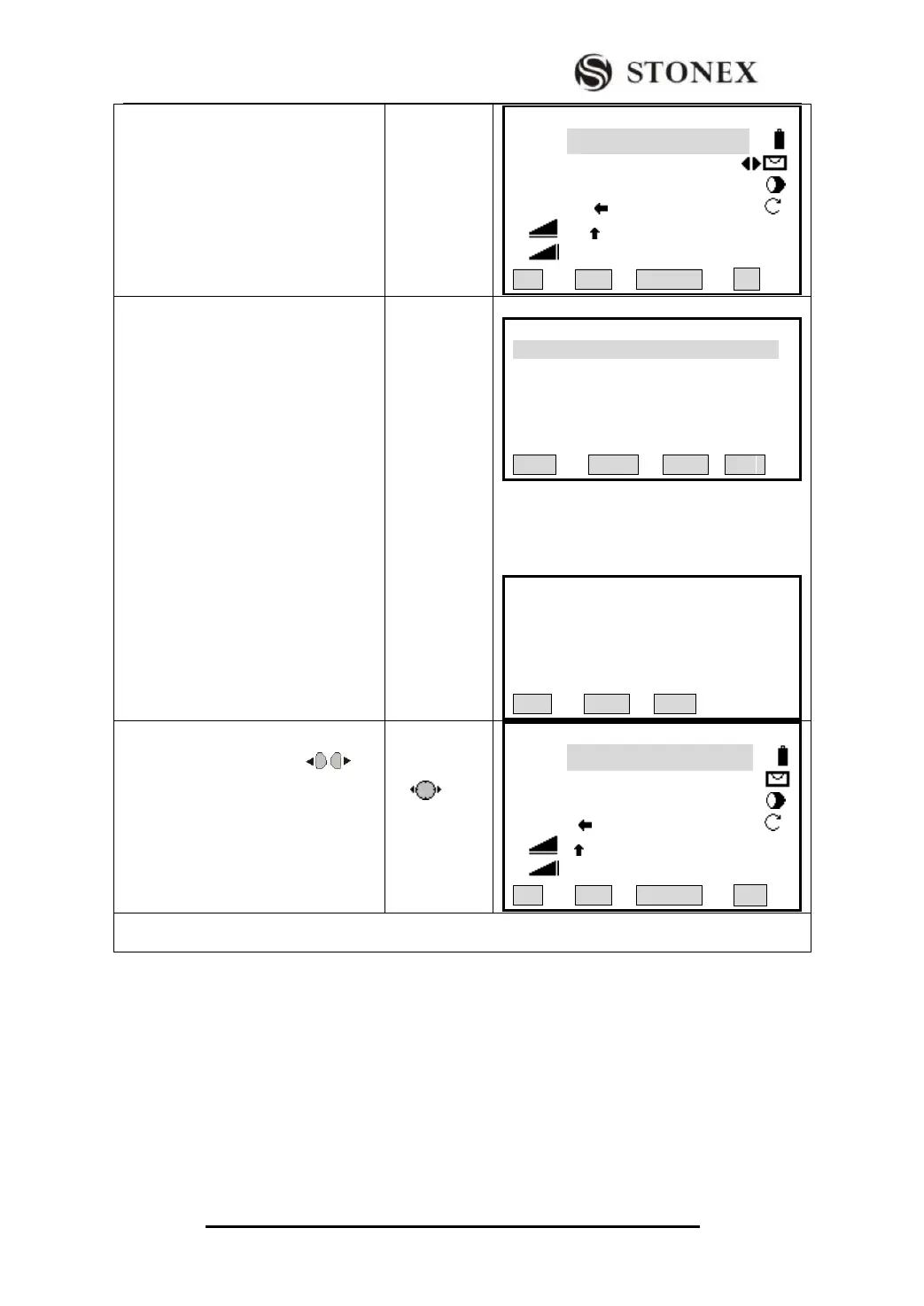
② In Find item, input the stake-out
PtID and press [ENT] to start Pt
Search function. (You can also input
wildcard “*” to start wildcard search.)
【Stake Out 】 1/3 ▼
FIND : *
PtID: 5
Type: Known
△Hz : -85°51′31″
△ : 2.055 m Ⅰ
△ : ---.--- m
All DIST RECORD ↓
③A:
The program searches PtID in the job,
and displays the result dialog. All
PtIDs will be listed separately. Press
[F4] to return to Stake Out menu.
(Input wildcard “*” to display all data
in the job.)
B
If the PtID does not exist, the program
will advise user to input the coordinate
of the point and save it. Then return to
Stake Out menu.
【Point Search】 1/25
A12 Known
A03 Known
12 Meas.
125 Meas.
212 Meas.
VIEW ENH JOB OK
【Pt Search】
Job : STONEX
PtID : A25
Select Job / input Pt coord.
FIND 0SET ENH
④ Press navigation key to
select the PtID to be staked out. Start
staking out.
【Stake Out 】 1/3 ▼
FIND : A*2
PtID: A25
Type: Known
△Hz : -85°51′31″
△ : 2.055 m Ⅰ
△ : ---.--- m
All DIST RECORD ↓
‴1) Methods of setting job, station and orientation have been introduced previously. Please refer to
“5.1Setting Job”, “5.2 Setting Station”, and “5.3 Set Orientation”.


 To Next Page