Data Backup and Restore
Update from R3 to R5 (or later) SD/SM Cards
14-14 Strata CIX Programming Vol.1 12/09
Update from R3 to R5 (or later) SD/SM Cards
To update Strata CIX100 and CIX670 R3 systems to R5 software requires new processor cards. The older
processors use SM memory cards, R5 and later processors use SD memory cards.
Note The process requires a SM/SD adapter for your PC.
To backup an R3 database to restore on an R5 processor use the following procedure.
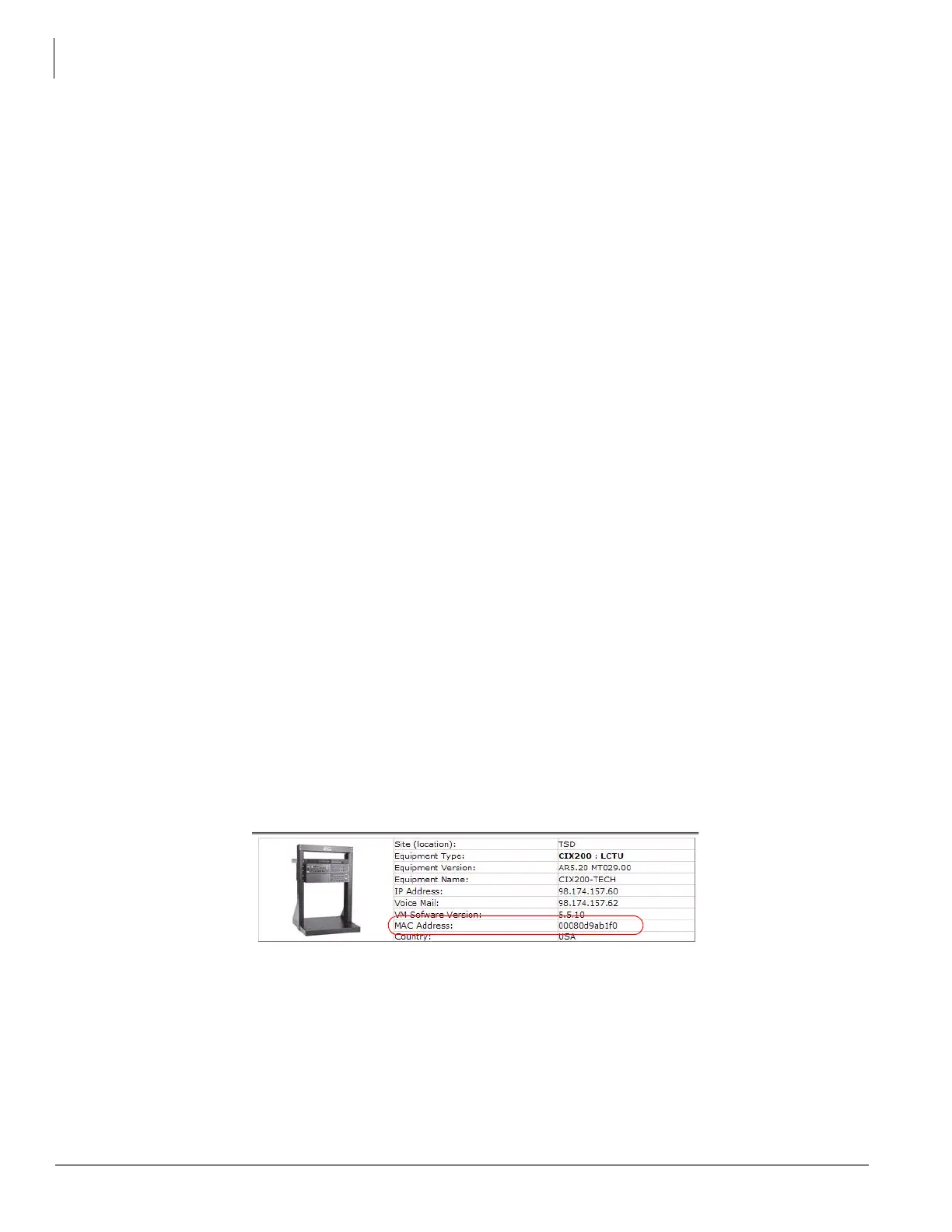
1. Connect the Strata CIX system using Network eManager. Note the MAC address of the processor.
2. Backup the system database to the on-board SM. The backup will be the DEFAULT.DAT file in the
PROGDATA file on the SM card.
3. Download the default.dat file from SM to a file on your PC. The path to the PROGDATA folder on your
PC is: C:\eManager\main\eManager\UserData\Administrator\<MAC address of the processor
card>\SM.SD_CARD
4. Copy the file from your PC to the PROGDATA folder on the SD card.
5. Power down the system and remove the processor card.
6. Insert the new processor card. Insert the SD card into the connector on the processor card.
7. Power up the system.
8. Copy the file from your PC to the PROGDATA folder on the SD card.
9. After the SW update restore the database from the SD card. When using the Network eManager
update procedure this step is automatic. The SD card must be in the processor card for this function to
execute automatically.
Update from R3 to R5 (or later) Local PC
To update Strata CIX100 and CIX670 R3 systems to R5 software requires new processor cards. The older
processors use SM memory cards, R5 and later processors use SD memory cards.
Note This process requires a PC with Network eManager.
To backup an R3 database to restore on an R5 processor use the following procedure.
1. Connect the Strata CIX system. Note the MAC address of the processor.



 To Next Page