BRAKES
8-37TX525 Service Manual Rev. 000
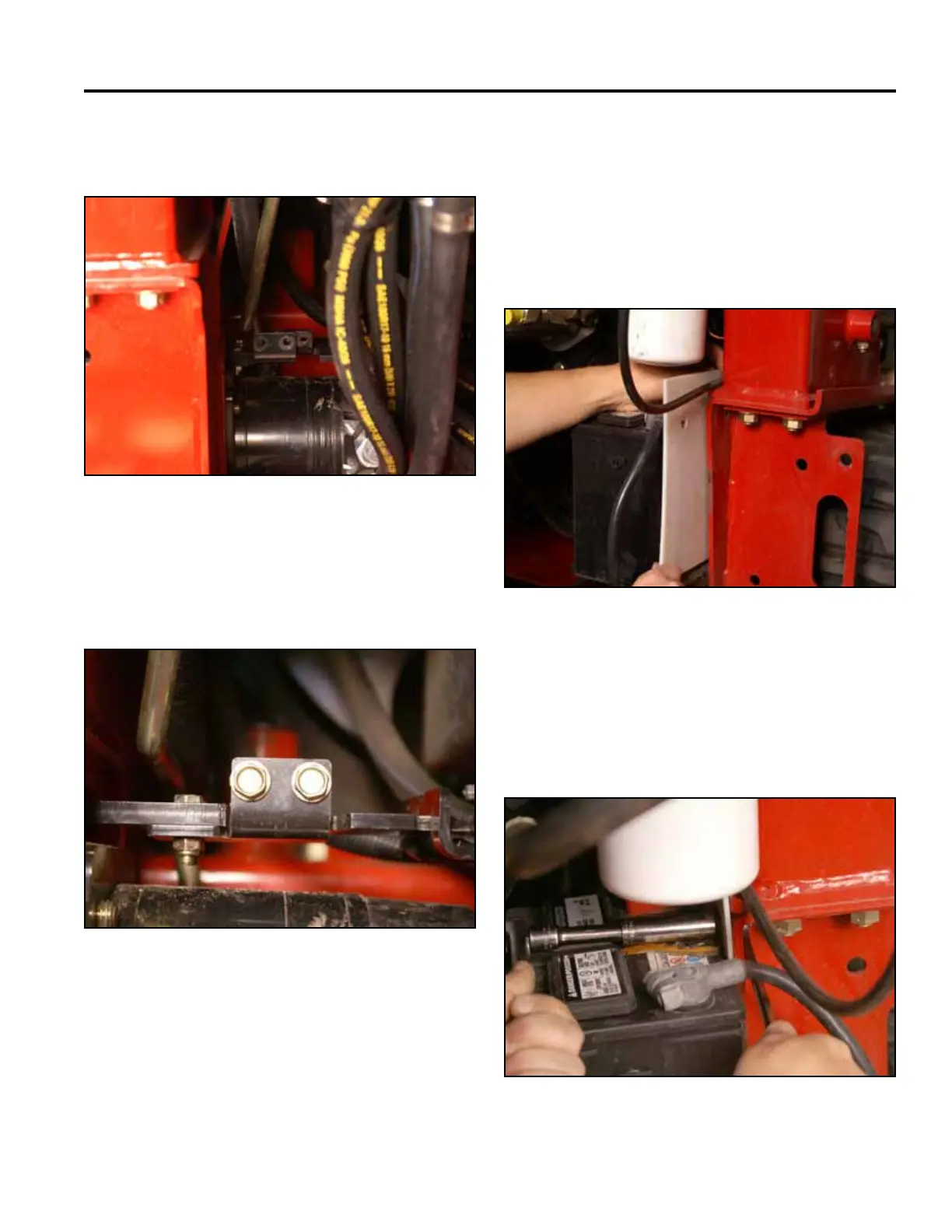
4. Using a 1/2” socket, install 2 bolts to secure the
brake plate to the brake mounting bracket (Fig.
1772).
Fig 1772 PICT-4365a
5. Slide the battery partially into the battery mount.
Install the positive battery cable to the positive
battery terminal. Slide the battery farther into the
battery mount. Install the negative battery cable to
the negative battery terminal. Slide the battery guard
in between the battery and the frame so that the hole
in the guard lines up with the battery clamp mounting
hole in the frame (Fig. 1773).
3. Push the brake plate inward aligning the brake link
bar with the brake mounting bracket (Fig. 1771).
Fig 1773 PICT-4330
Fig 1771 PICT-4367
6. Position the battery clamp into the slot on the battery
mount and line up the mounting hole with the hole in
the frame. Using a 1/2” socket and wrench, install a
bolt, washer and nut to secure the battery clamp to
the frame (Fig. 1774).
Fig 1774 PICT-4310a



 To Next Page