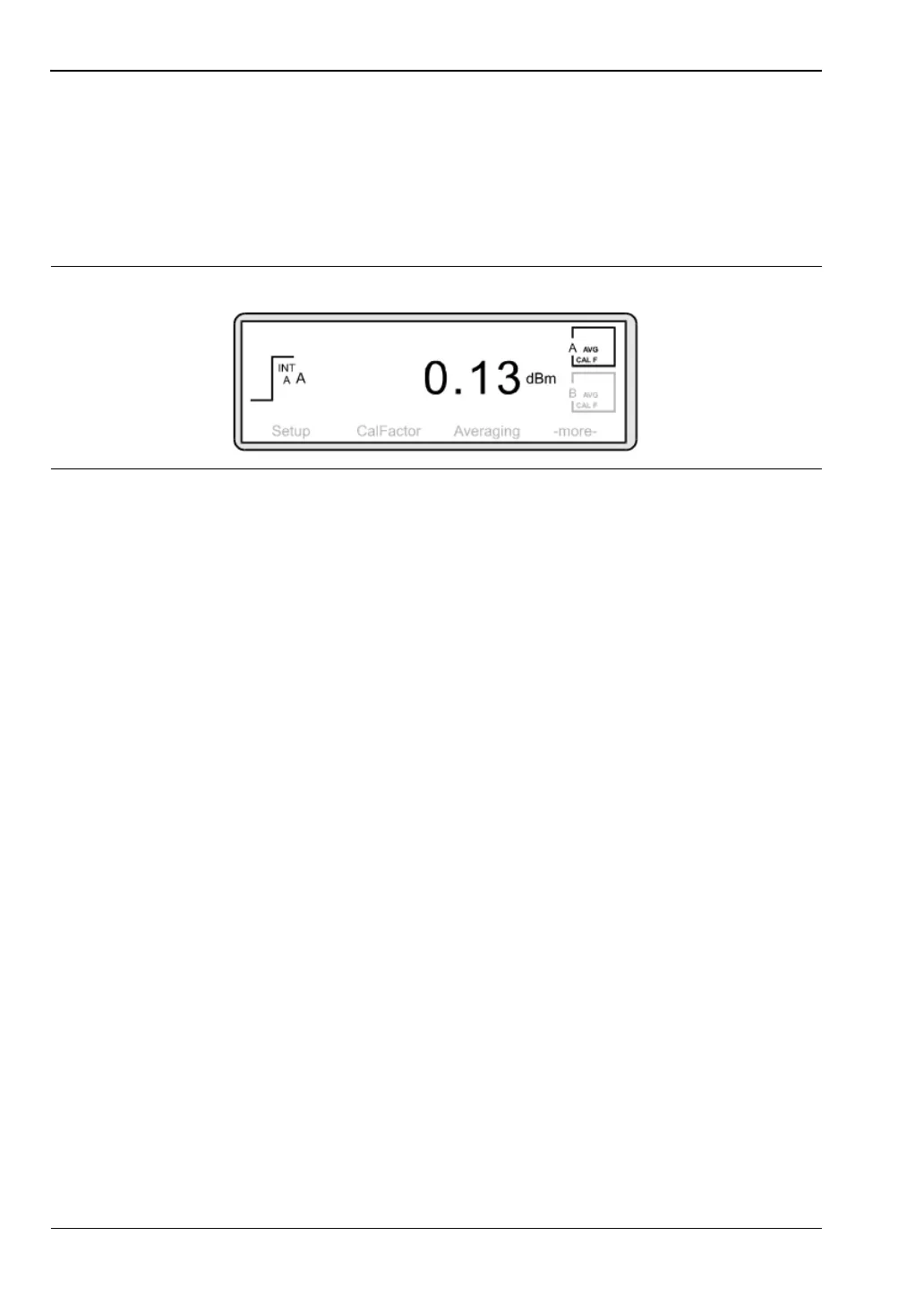
Example 9: Displaying GSM-TDMA Bursts Measurement Examples
7-26 PN: 10585-00001 Rev. P ML2437A/38A OM/PM
The average power between a set of cursors is shown at the bottom of the Display
Readout box. However, to display the average power in readout mode, press [System]
>
[Setup] > [-more-].
Press [LINK] and toggle this setting until "ON" is displayed.
To return to readout mode, press [-back-]
> [MODE]. Toggle this setting until "Readout"
is shown. To display the resulting screen, press any hard key.
Figure 7-39.












 To Next Page