Measurement Examples Example 3: Optimizing Measurements at Low Power Levels
ML2437A/38A OM/PM PN: 10585-00001 Rev. P 7-9
7-3 Example 3: Optimizing Measurements at Low Power
Levels
When measuring power levels in the bottom 20 dB of a sensor’s dynamic range, Anritsu
recommends that prior to the measurement, you perform a Zero. If possible, this should be
done with the sensor connected to the device under test (having first ensured it is not
emitting any power).
When measuring power, readings are subject to a certain amount of noise. To minimize this,
averaging increases as the power level reduces. However, at the bottom 20 dB of a sensor’s
dynamic range, this effect of noise increases. The meter automatically increases the amount
of averaging for low power measurements. However, you may choose to select a high level of
averaging. This will be at the expense of measurement speed. To do this, it is necessary to
move from Automatic Averaging (the default factory setting) to another method — either
Moving or Repeat.
1. Changing the averaging mode
To change the averaging mode, press [Sensor]
> [AVERAGING].
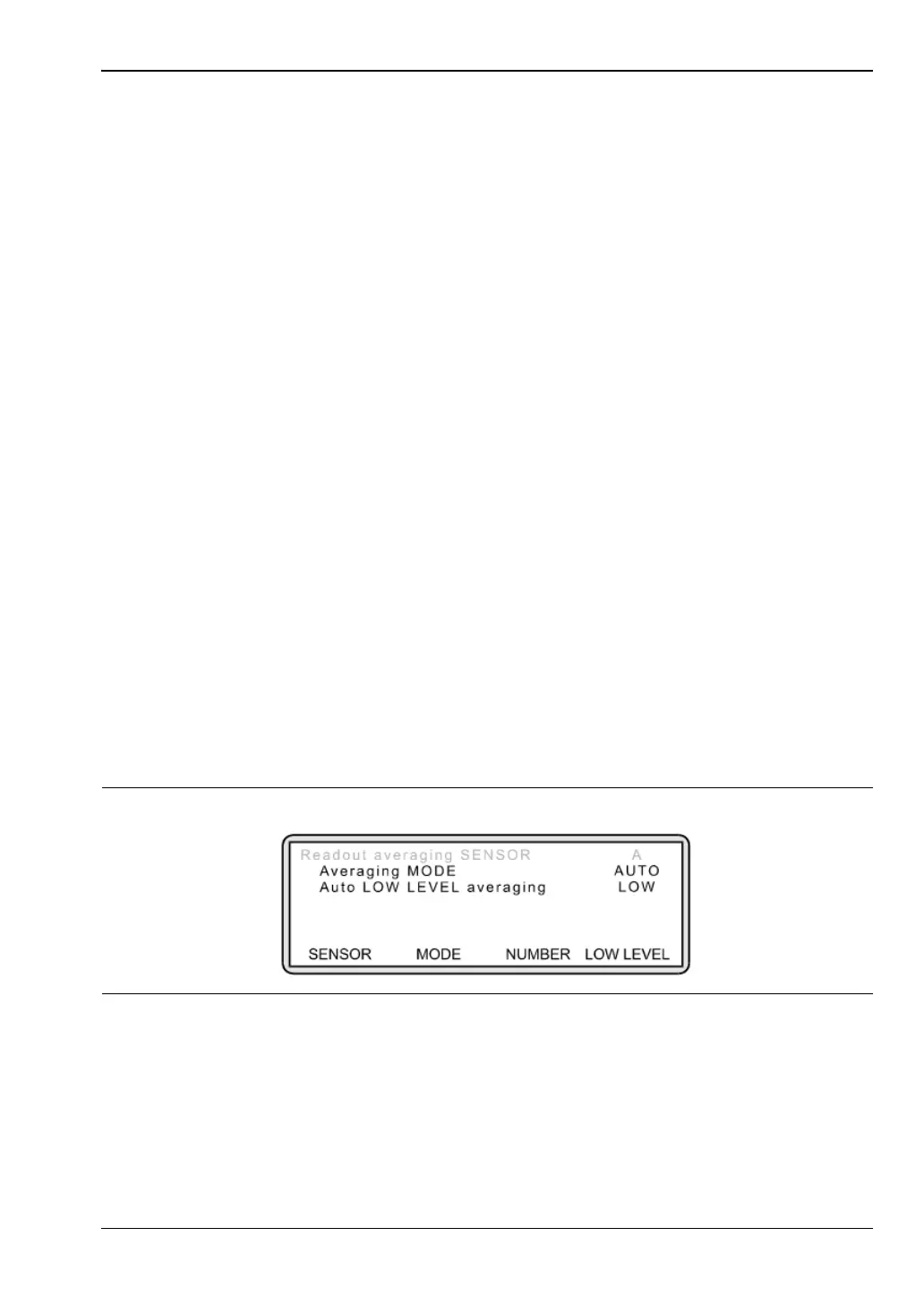
The following screen is displayed:
This screen reflects the default factory setting. To change the averaging mode, press
[MODE]. Toggle this setting until the mode you require is displayed.
To enter a reading rate, press [NUMBER] and using the keypad, input the rate
(between 1 and 512). Press [ENTER].
2. Apply Automatic Low Level averaging.
Moving mode: This mode allows you to manually select the number of averaging
readings taken (between 1 reading and 512 readings) regardless of the
power level. A reading rate of 512 indicates the highest level of
averaging and is recommended when measuring at low power. The
display is continually updated whilst averaging.
Repeat mode: This mode is similar to Moving Average but the display is only updated
once the specified number of readings has been taken. One drawback
to this mode is that if the reading rate is set to 512 and the power level
changes before all readings have been taken, the display will not
reflect the true input power.
Figure 7-15.












 To Next Page