2000X energy Power Supply Chapter 6: Operation
Instruction Manual System Menus
011-003-991 EN 6-11
Viewing Weld Results
Take this action… To get this result…
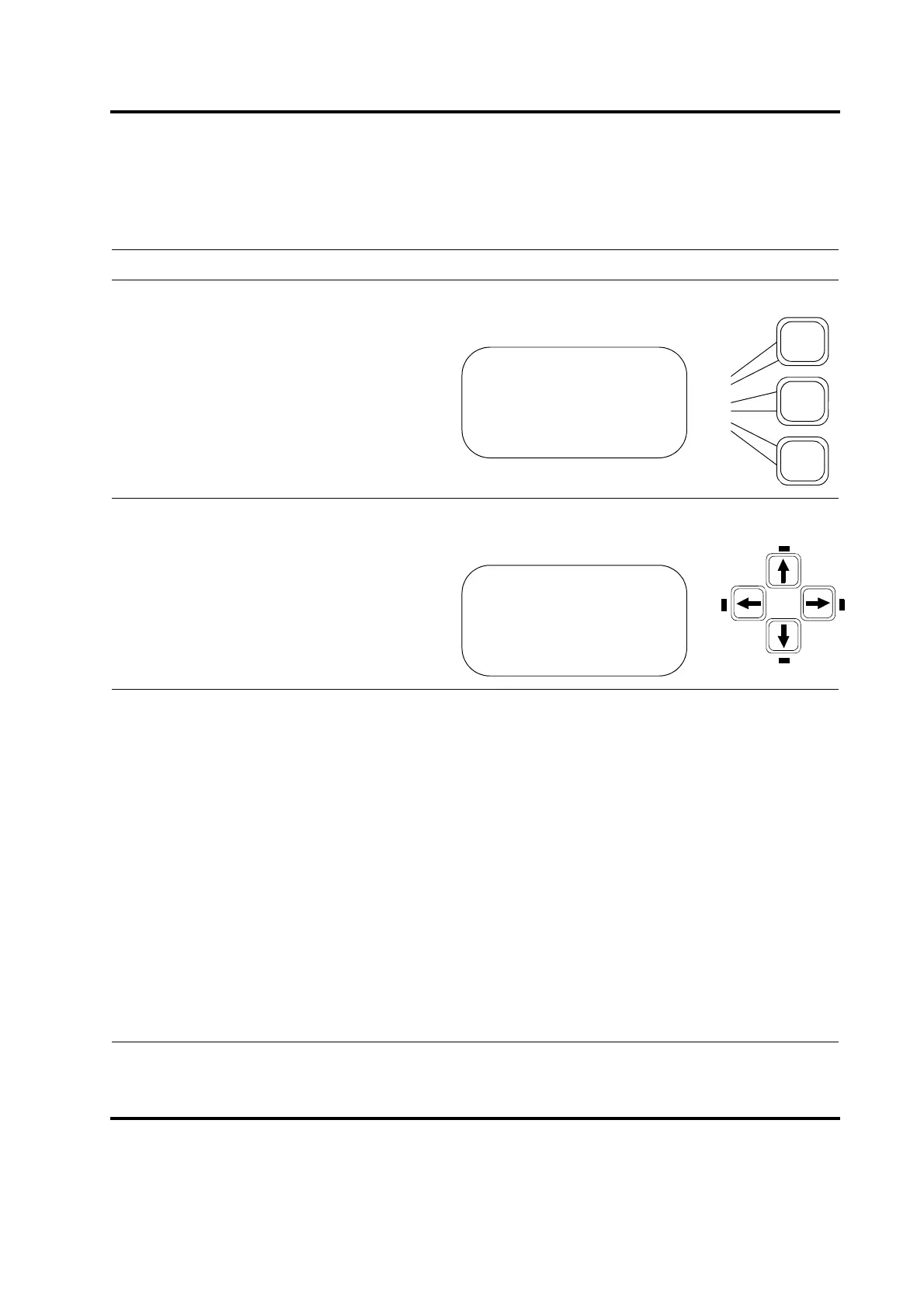
Press the Run key to go to the Run
Screen.
You will see the LEDs next to the left and
right arrows illuminated on the Display
Control panel. You can press these keys to
scroll right or left through a series of param-
eters that reflect the status of the most
recent weld cycle.
On the bottom line of the display, you can scroll through the following Weld Results parameters:
• Cycle#: the number of the last cycle completed.
• Time(s): the actual length of time the ultrasonics was on during the most recent weld cycle
• Pk Pwr(%): the percentage of peak power of the most recent weld
• Energy (J): the energy that was used in the most recent weld
• Set Amp (%): The set value for amplitude of the most recent weld when amplitude stepping is off.
• Set Amp A (%): (Does not appear when stepping is enabled.) The set value for amplitude during the
first part of the weld before reaching the step point when amplitude stepping is on.
• Set Amp B (%): (Does not appear when stepping is enabled.)The set value for amplitude during the
second part of the weld after reaching the step point when amplitude stepping is on.
• Freq Min(Hz): the minimum frequency used during the most recent weld cycle
• Freq Max(Hz): the maximum frequency used during the most recent weld cycle
• Freq Start(Hz): the frequency at the start of the most recent weld cycle
• Freq End(Hz): the frequency at the end of the most recent weld cycle
• Freq Chg(Hz): the change in frequency during the most recent weld cycle
RUN:TIME =30.000
Preset1 ABCDE123456
Adjust Weld>
Weld Results>
RUN:TIME =30.000
Preset1 ABCDE123456
Adjust Weld>
Cycle #= 12345678










 To Next Page