Chapter 6: Operation
System Menus
6-10 011-003-991 EN
Adjusting the Weld Setup from the Run Screen
Take this action… To get this result…
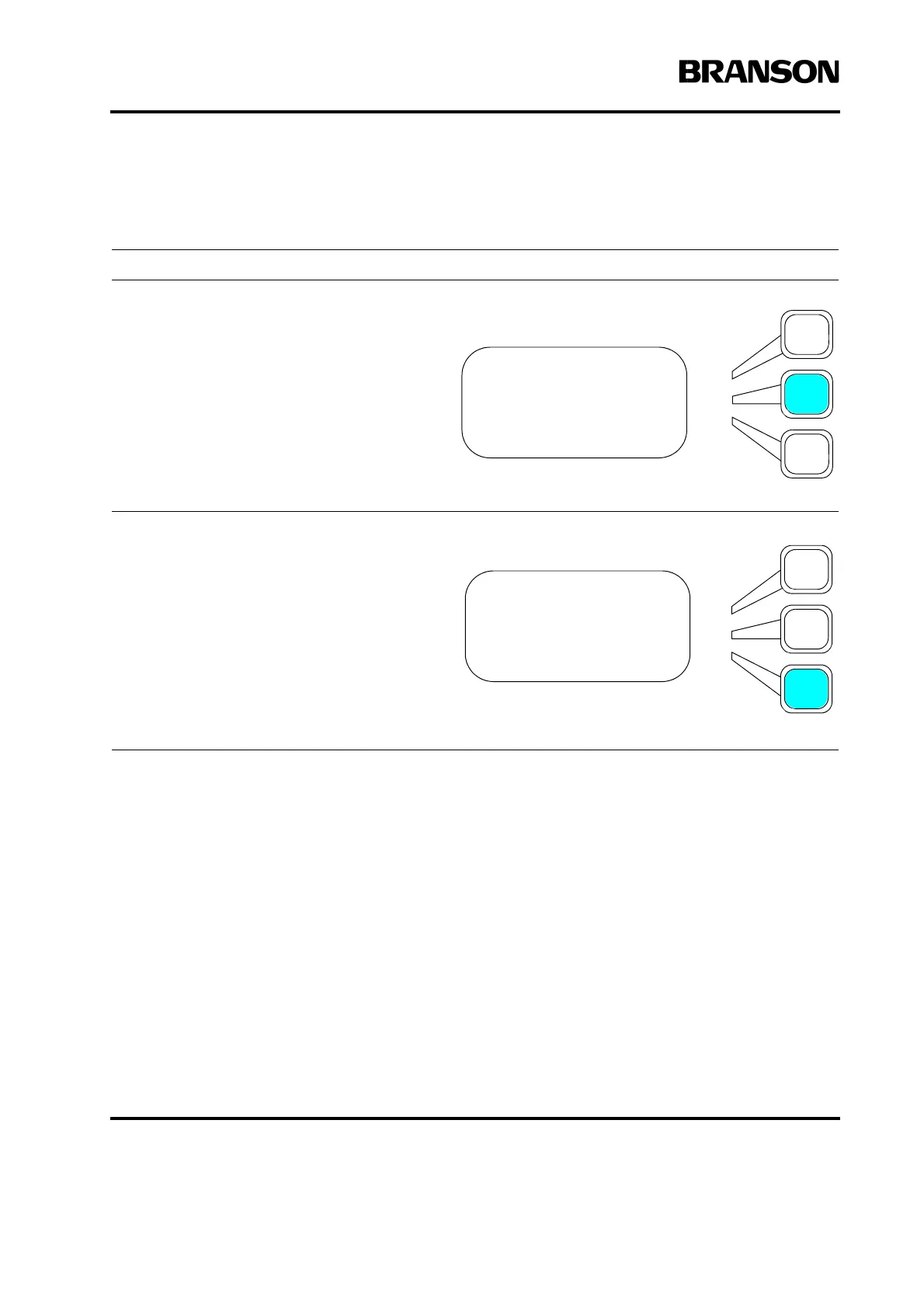
Press the Select key that corresponds to
Adjust Weld on the Run Screen.
You will see the Adjust Weld submenu.
Note: The Weld Time(s) line of the Adjust
Weld submenu is determined by the
currently selected Weld Mode (for
example, in Energy Mode, this line would
read “Weld Energy (J = XX”). From this
submenu, you can adjust the Weld Time or
Amplitude parameters directly. If you wish
to change any other weld parameters,
press the Weld Setup key for a full setup
menu.
RUN:TIME =30.000
Preset1 ABCDE123456
Adjust Weld>
Weld Results>
ADJUST WELD Pg1of1
Weld Time(s) =30.000
Amplitude(%)= 100










 To Next Page