2000X energy Power Supply Chapter 6: Operation
Instruction Manual Setting Other Weld Parameters
011-003-991 EN 6-33
Setting Stepped Amplitude
You can select whether you want to apply a fixed or stepped amplitude to the part during
welding. If you choose to use a stepped amplitude, you must also choose the first and sec-
ond amplitudes (each as a percentage of the maximum) to use before and after the step
point, as well as the criteria to use to step.
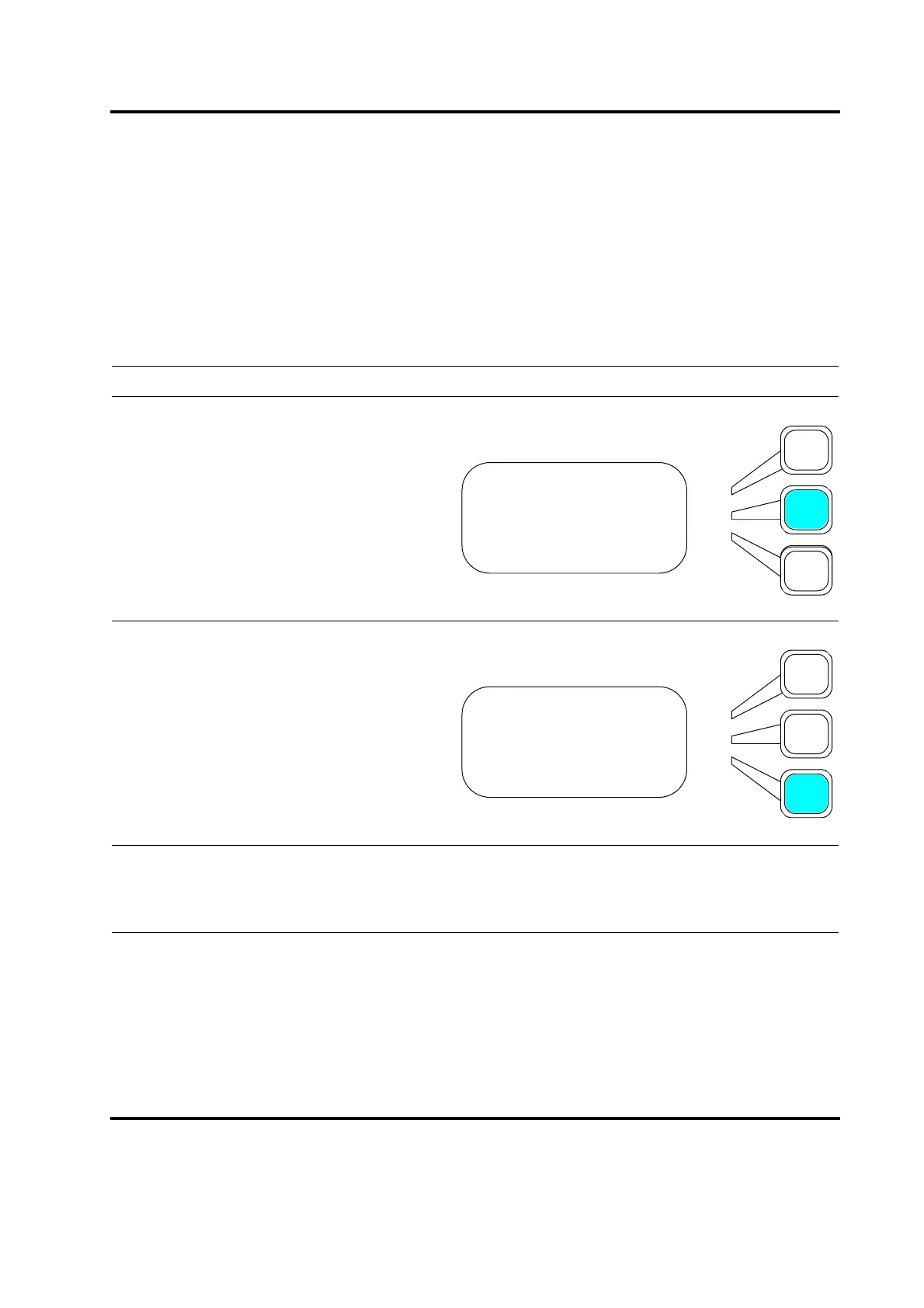
Take this action… To get this result…
Using the arrow keys, scroll downward
through the menu until you see Amplitude.
Press the Select key that corresponds to
Amplitude.
Press the same Select key again to toggle
between FIXED and STEP.
Press Enter on the numeric keypad to save
the new value, or press Go Back/Esc to
make no change to the value.
WELD SETUP Pg3of13
Hold Time (s)= 0.010
Amplitude> FIXED
Amplitude(%)=
WELD SETUP Pg3of13
Hold Time (s) = 0.010
Amplitude> STEP
Amplitude(%)=










 To Next Page