Chapter 6: Operation
Setting Other Weld Parameters
6-34 011-003-991 EN
You must go to User I/O and assign pin to Ext Signal.
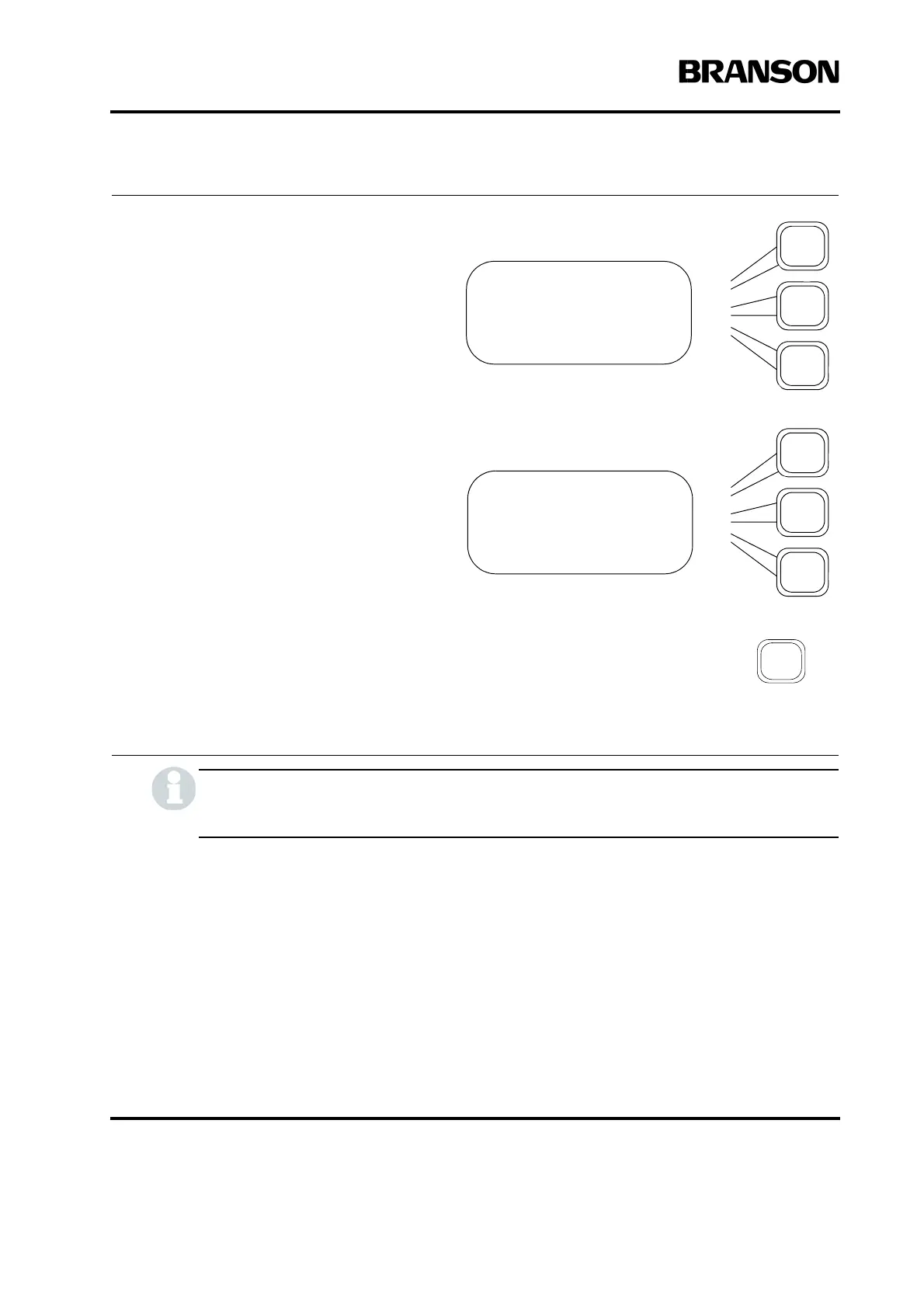
If you chose STEP, use the Select
keys and the numeric keypad to
enter the values you want to use as
limits before and after the step
(where A is before and B is after).
Pressing the Select key that corre-
sponds to one of the following limits,
to select the criteria for stepping:
T(s): time (in seconds)
E (J): energy level (in Joules)
Pwr(%): percentage of peak power
Ext Sig: whether an external signal
will be used to trigger the amplitude
step (see note).
Press the Go Back/Esc key to exit
the submenu.
AMP STEP Pg1of4
Amplitude A(%) =100
Amplitude B(%) =100
Step @ T(s) =30.000
AMP STEP Pg4of4
Step @ E(J) = Off
Step @ Pwr(%)= Off
Step @ Ext Sig= Off










 To Next Page