2000X energy Power Supply Chapter 6: Operation
Instruction Manual Using the System Configuration Menu
011-003-991 EN 6-99
Selecting a Start Screen
You can choose whether to begin from the Main Menu or the Run screen, when you start
up the Power Supply.
Take this action… To get this result…
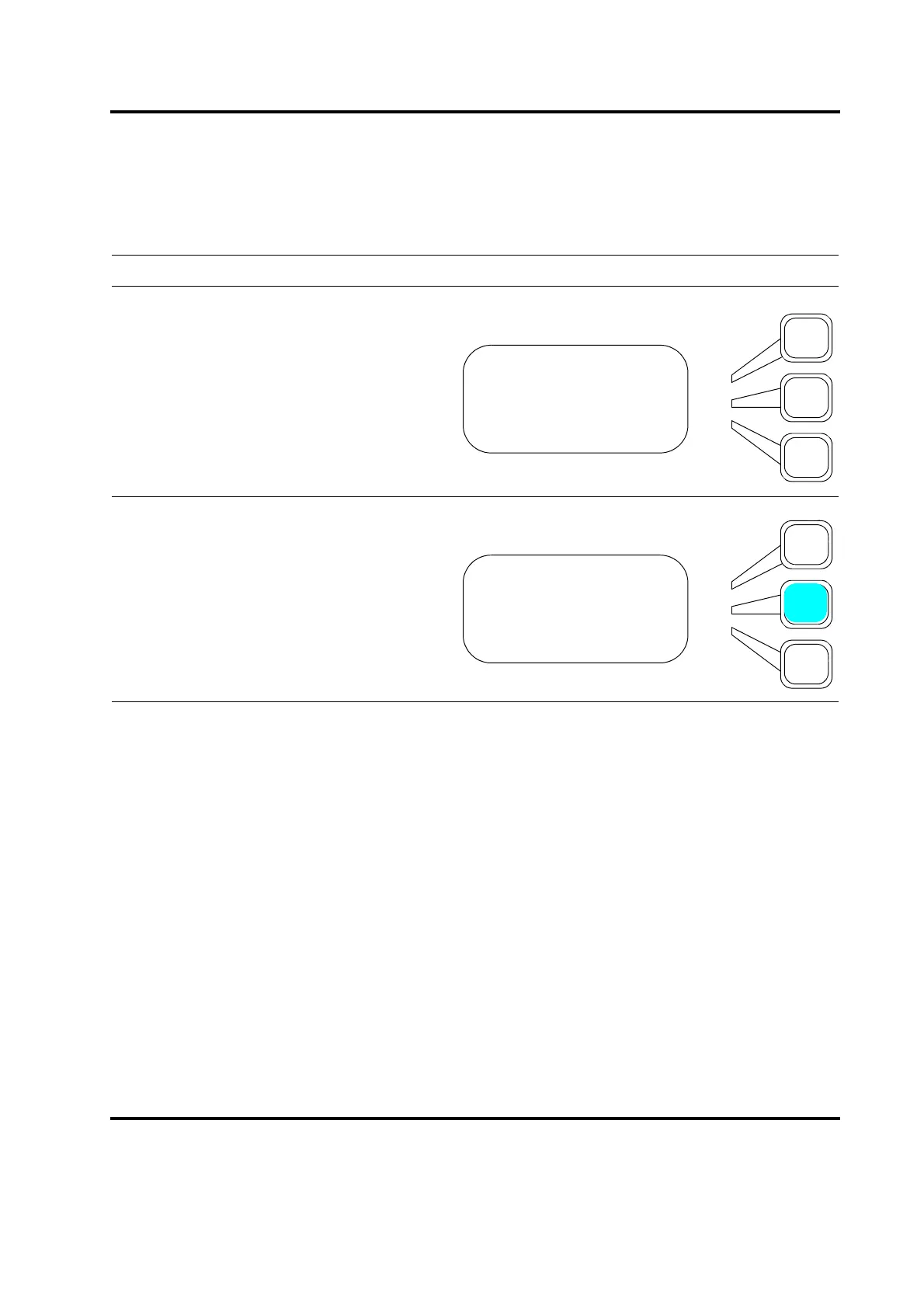
Press the Select key that corresponds to
Start Screen.
Press the Select key repeatedly to toggle
between Main and Run. Press the Enter
key on the numeric keypad when you have
set Start Screen to the value you want.
SYS CONFIG Pg3of19
Password =Off
Start Screen =Run
Preset Counter>
SYS CONFIG Pg3of19
Password =Off
Start Screen =Run
Preset Counter>










 To Next Page