Chapter 6: Operation
Using the System Configuration Menu
6-100 011-003-991 EN
Resetting the Presets Counter
Take this action… To get this result…
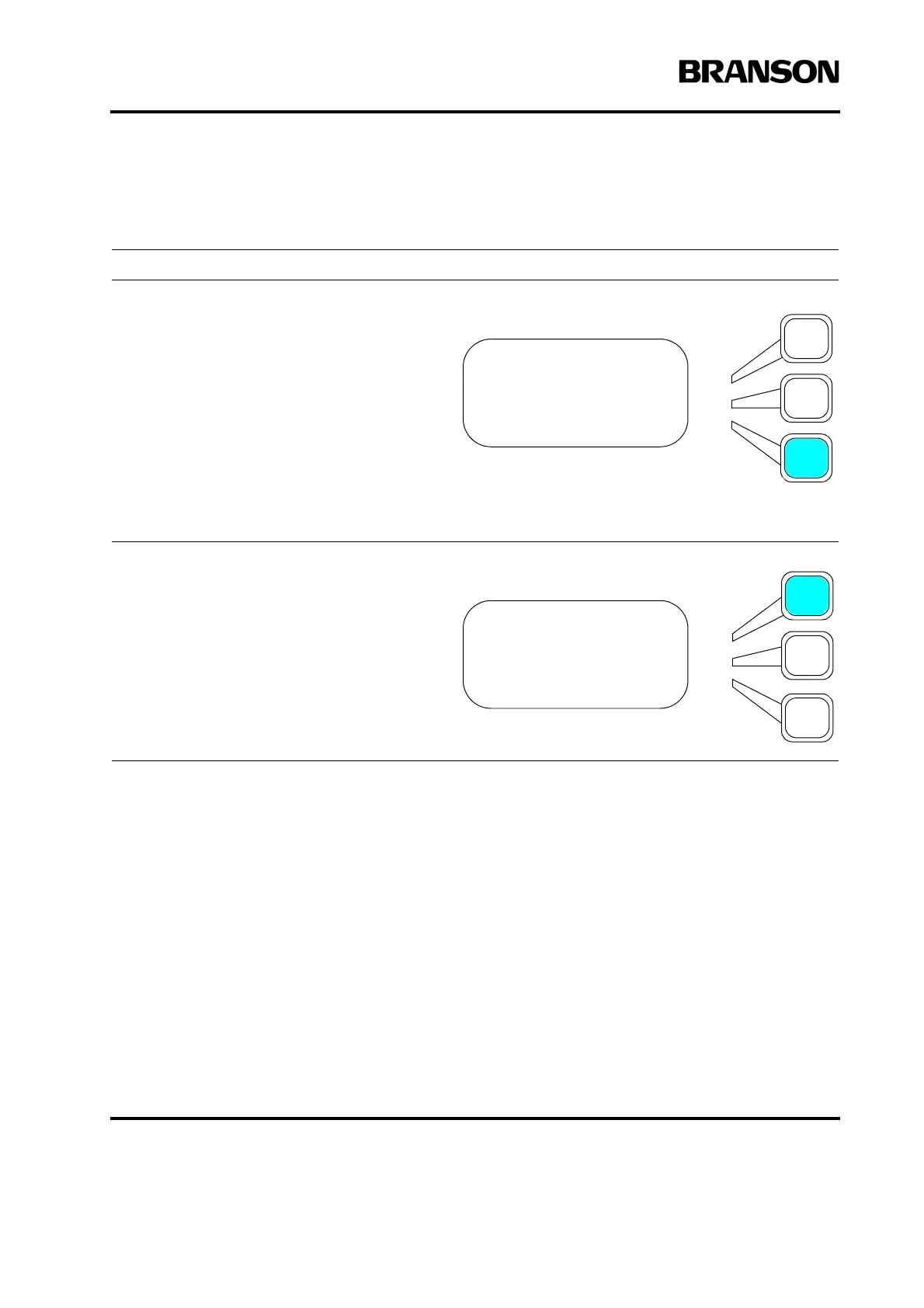
Press the Select key that corresponds to
Preset Counter>.
Press the Select key that corresponds to
Reset.
The counter for the current preset will be
reset.
SYS CONFIG Pg4of19
Start Screen =Run
Preset Counter>
RS232> Terminal
PRESET COUNT Pg1of1
Reset
Cancel Reset










 To Next Page