2000X energy Power Supply Chapter 6: Operation
Instruction Manual Using the System Configuration Menu
011-003-991 EN 6-101
Setting Parameters for RS232
Take this action… To get this result…
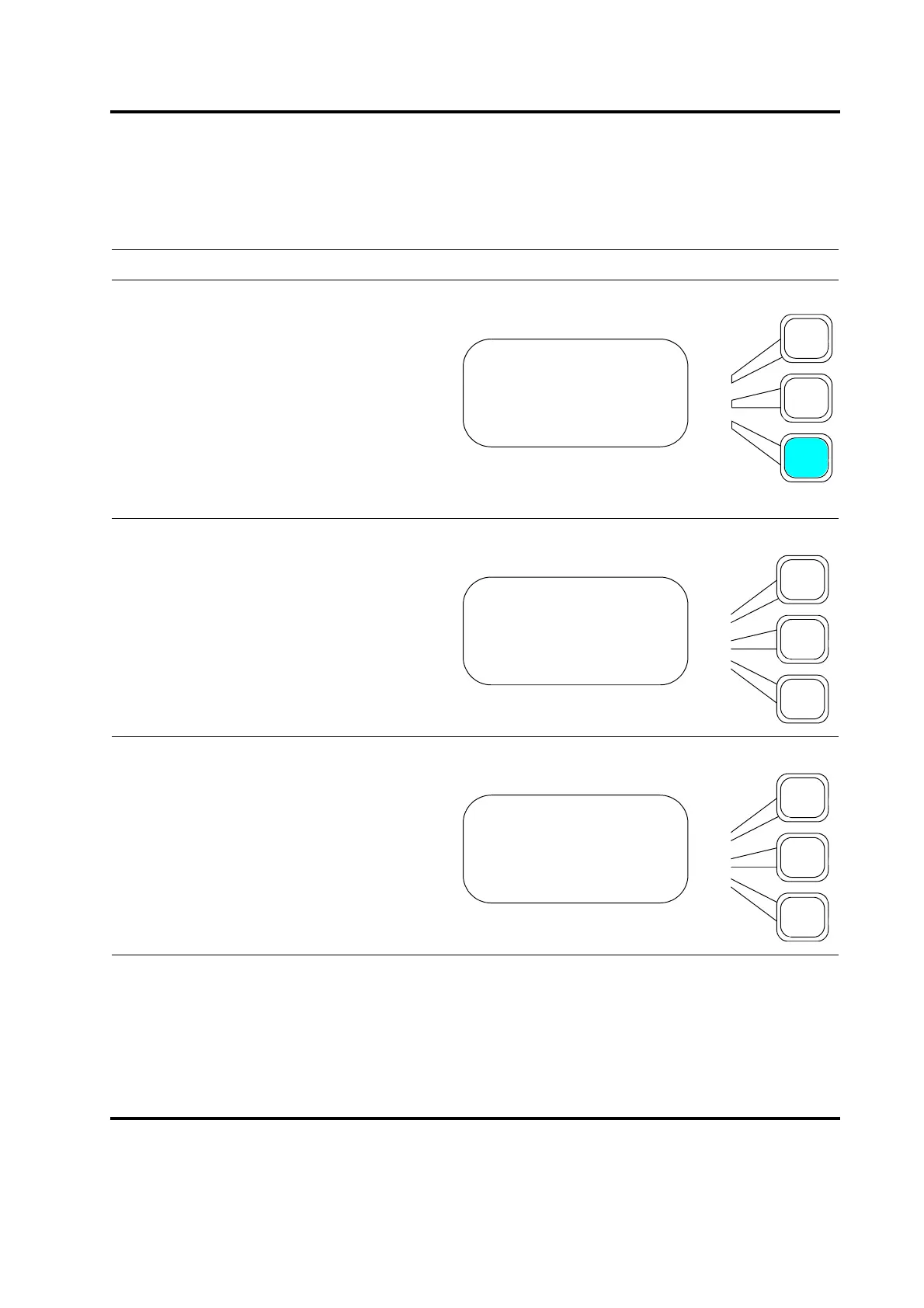
Press the Select key that corresponds to
RS232.
You will see the first page of the RS232
submenu. Press the Select key that corre-
sponds to Host Compute, Remote Termi-
nal, or ASCII(comma). Selection of any
choice will toggle non selections Off. The
ASCII(comma) selection generates an
ASCII string of weld data out the serial port
after each weld. Data is separated in this
case by a comma. Other choices are on
page 2 of this menu.
You can choose the other forms of ASCII
output from this menu. Data output choice
is separated either by a tab or a space.
Disabled On will cause all output from the
serial port to cease.
SYS CONFIG Pg4of19
Start Screen =Main
Preset Counter>
RS232> Host/CW2000
RS232 Pg1of4
Host/CW2000 =Off
Terminal =On
ASCII(comma) =Off
RS232 Pg4of4
ASCII(tab) =Off
ASCII(space) =Off
Disabled =Off










 To Next Page