Chapter 6: Operation
Using the System Configuration Menu
6-108 011-003-991 EN
Turning Beepers On or Off
Take this action… To get this result…
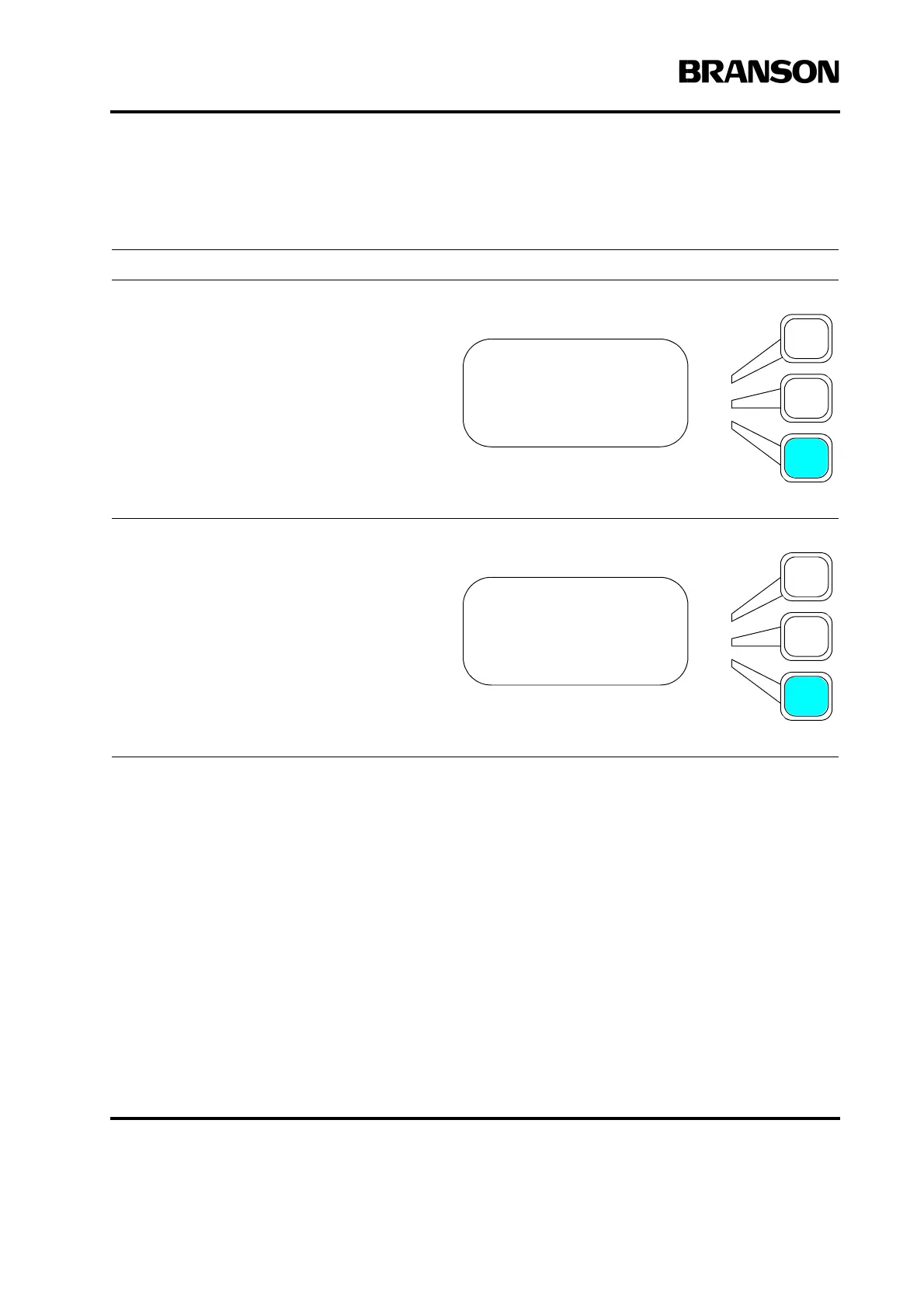
Press the Select key that corresponds to
Beepers.
You will see the Beepers submenu.
For each type of beeper, Trigger, Error, and
Alarm, press the corresponding Select key
repeatedly to toggle between On and Off.
Press the Enter key on the numeric keypad
when you have set Beepers to the state
you want. Press the Go Back/Esc key when
you have finished setting the beepers.
SYS CONFIG Pg8of13
Time> =18:43
Date> 09/15/98
Beepers>
BEEPERS Pg1of1
Trigger Beeper =On
Error Beeper =On
Alarm Beeper =On










 To Next Page