Chapter 6: Operation
Using the System Configuration Menu
6-112 011-003-991 EN
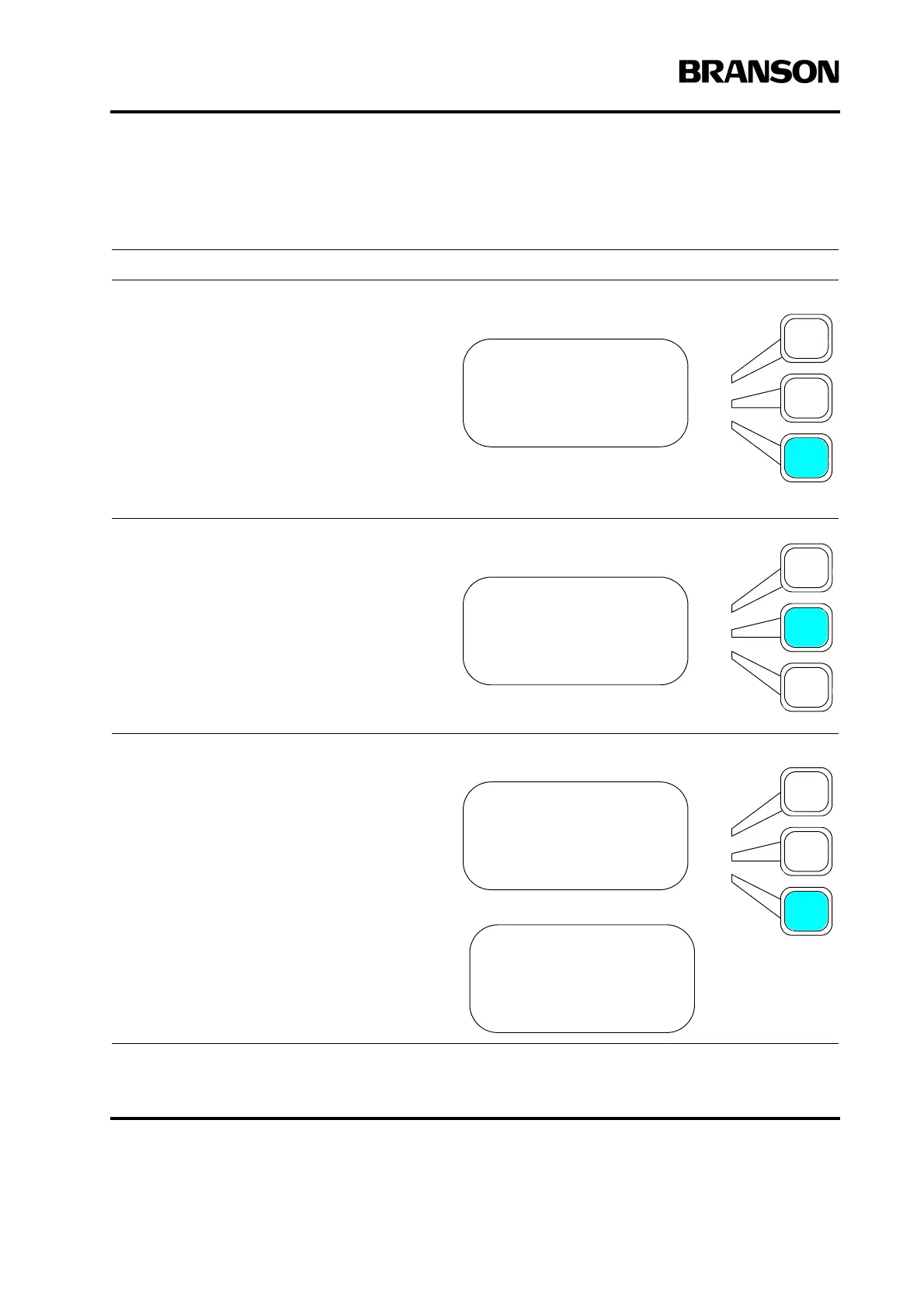
Setting the Cylinder Stroke
Take this action… To get this result…
From the System Configuration menu,
press the Select key that corresponds to
Act Settings.
You will see the ACT SETTING submenu.
Press the Select key that corresponds to
Cyl Stroke.
Press the Select key that corresponds to
the stroke length you are using. Press the
Enter key on the numeric keypad when you
have selected the length.
SYS CONFIG Pg10of13
Beepers>
Amp Control =Int
Act Settings>
ACT SETTING Pg1of1
Cyl Dia (in)> 1.5
Cyl Stroke (in)> 4.0
CYL STROKE Pg1of4
4.0 in =On
5.0 in =Off
6.0 in =Off
CYL STROKE Pg4of4
80 (mm) =Off
100 (mm) =Off
125 (mm) =Off










 To Next Page