2000X energy Power Supply Chapter 6: Operation
Instruction Manual Using the System Configuration Menu
011-003-991 EN 6-113
Custom Actuator Settings
Use these settings to reconfigure standard I/O to use 0V or 24V levels, reassigning user I/O functions.
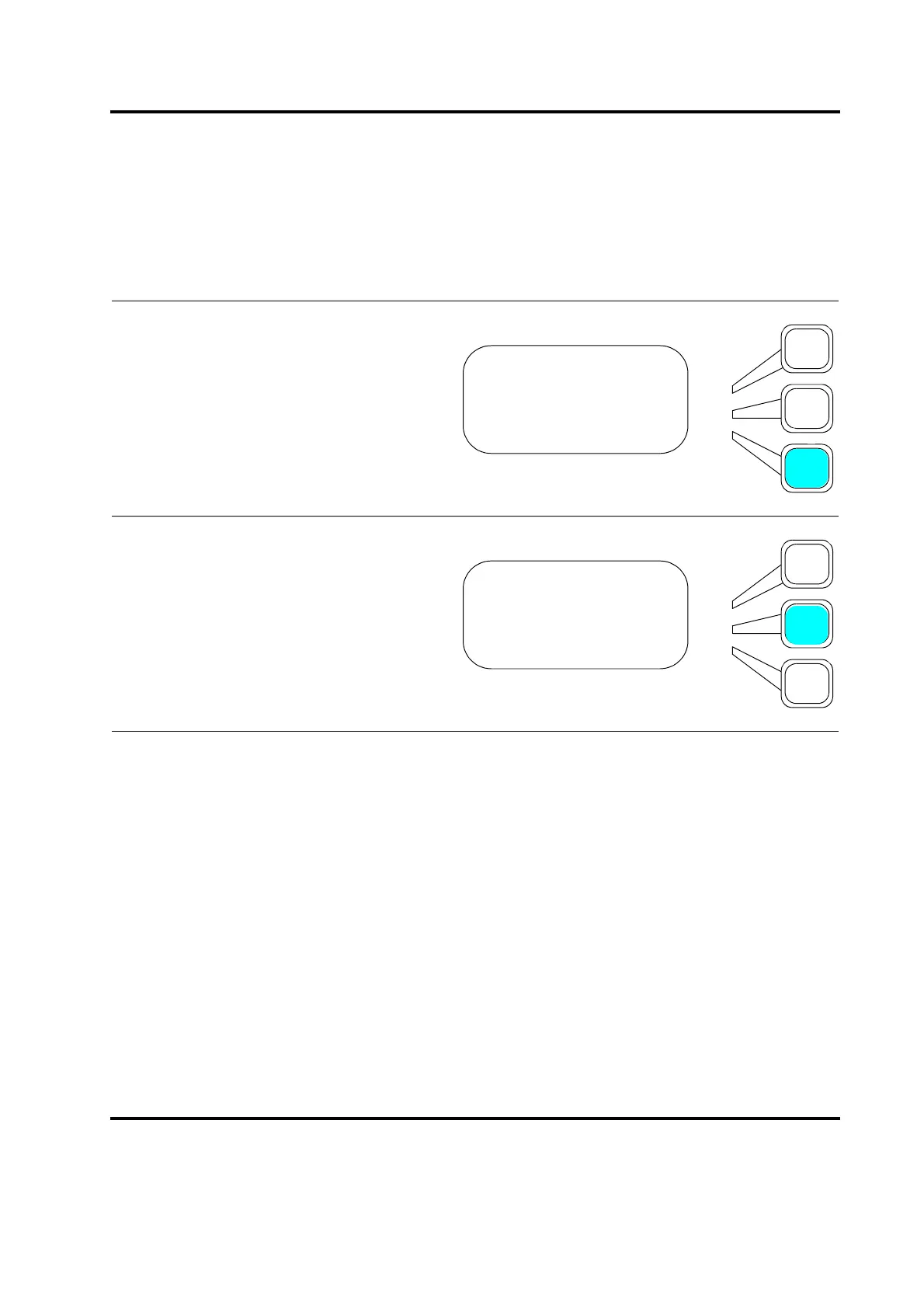
You will see the ACT SETTING submenu.
Press the Select key that corresponds to
Custom.
Selecting Custom will display this screen
where you can choose to set either Gnd
Detect or Upper Limit Sw to 0V or 24V.
ACT SETTING Pg1of1
Cyl Dia (in)> 1.5
Cyl Stroke (in)> 4.0
Custom>
Custom Pg1of1
Upper Limit Sw = 0V
Gnd Detect = 24V










 To Next Page