Chapter 6: Operation
Using the System Configuration Menu
6-114 011-003-991 EN
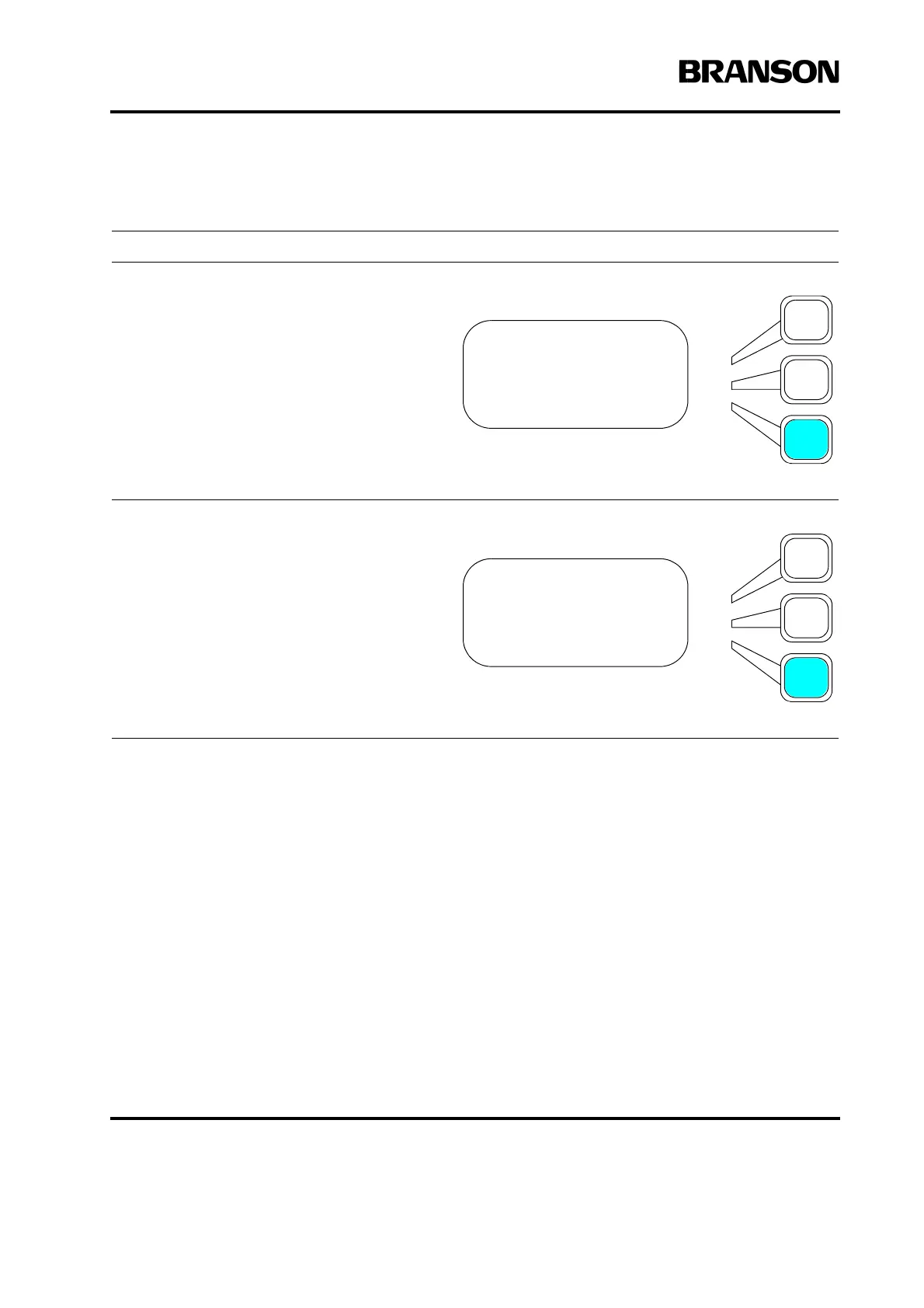
Setting Extra Cooling
Take this action… To get this result…
From the System Configuration menu,
press the Select key that corresponds to
Extra Cooling. This will toggle the function
On and Off. With the cooling Off, cooling air
will not be applied until ultrasonics is
applied
When you are configured for 30 kHz opera-
tion, Extra Cooling will default to On. The
cooling air will then be triggered On from
the Upper Limit switch, and remain on
through the entire cycle. You can override
30kHz operation by turning this to Off.
SYS CONFIG Pg13of19
P/S Settings>
Amp Control =Int
Extra Cooling = Off
SYS CONFIG Pg13of19
P/S Settings>
Amp Control =Int
Extra Cooling = On










 To Next Page