2-34
• Input integers only for the initial term (
α
) of sequence ak and last term (
β
) of sequence ak.
• Input of
n and the closing parentheses can be omitted. If you omit n, the calculator
automatically uses n = 1.
• Make sure that the value used as the final term
β
is greater than the value used as the initial
term
α
. Otherwise, an error will occur.
• To interrupt an ongoing Σ calculation (indicated when the cursor is not on the display), press
the A key.
• You cannot use a first derivative, second derivative, integration, Σ, maximum/minimum value,
Solve or RndFix calculation expression inside of a Σ calculation term.
• In the Math input/output mode, the distance between partitions (
n) is fixed at 1 and cannot be
changed.
k Maximum/Minimum Value Calculations [OPTN]-[CALC]-[FMin]/[FMax]
After displaying the function analysis menu, you can input maximum/minimum calculations
using the formats below, and solve for the maximum and minimum of a function within interval
a < x < b.
u Minimum Value
K4(CALC)6(g)1(FMin) f
(x) , a , b , n )
(
a: start point of interval, b: end point of interval, n: precision (n = 1 to 9))
u Maximum Value
K4(CALC)6(g)2(FMax) f
(x), a , b , n )
(
a: start point of interval, b: end point of interval, n: precision (n = 1 to 9))
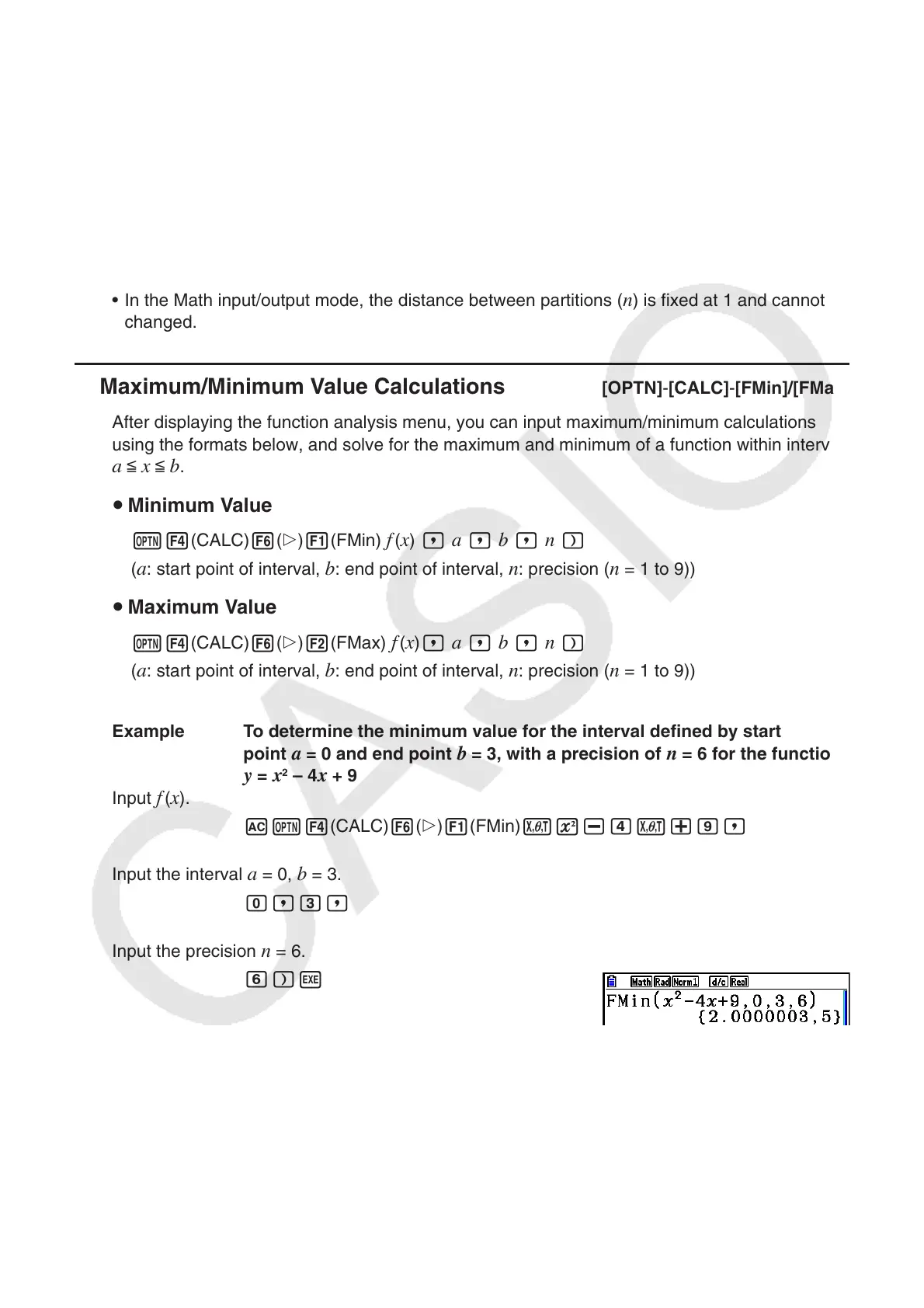
Example To determine the minimum value for the interval defined by start
point
a = 0 and end point b = 3, with a precision of n = 6 for the function
y = x
2
– 4x + 9
Input
f
(x).
AK4(CALC)6(g)1(FMin)vx-ev+j,
Input the interval
a = 0, b = 3.
a,d,
Input the precision
n = 6.
g)w
• In the function
f
(x), only X can be used as a variable in expressions. Other variables (A
through Z excluding X, r, ) are treated as constants, and the value currently assigned to
that variable is applied during the calculation.














 To Next Page