5-22
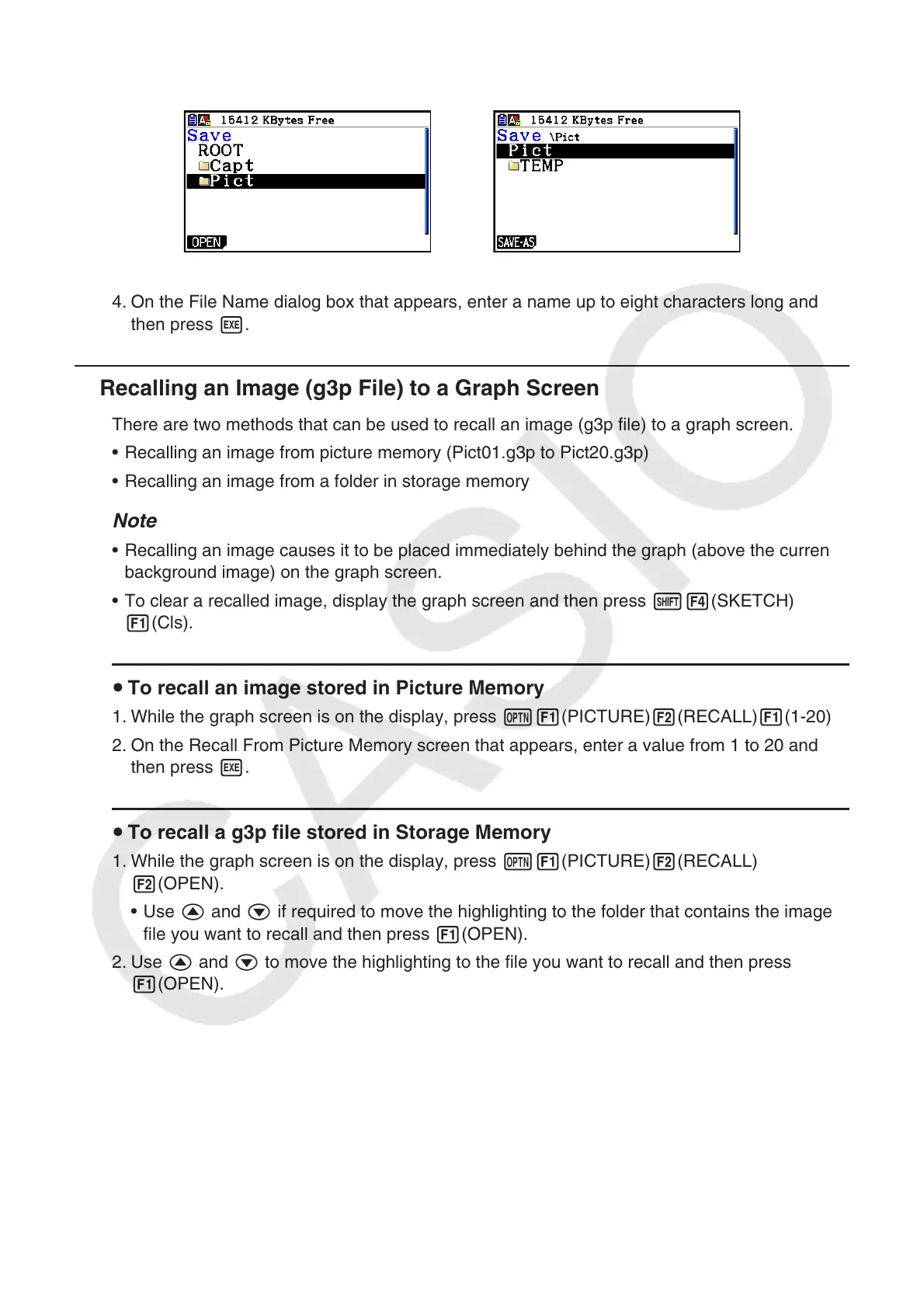
• To store the image in a folder, use f and c to move the highlighting to the desired
folder and then press 1(OPEN).
→
3. Press 1(SAVE • AS).
4. On the File Name dialog box that appears, enter a name up to eight characters long and
then press w.
k Recalling an Image (g3p File) to a Graph Screen
There are two methods that can be used to recall an image (g3p file) to a graph screen.
• Recalling an image from picture memory (Pict01.g3p to Pict20.g3p)
• Recalling an image from a folder in storage memory
Note
• Recalling an image causes it to be placed immediately behind the graph (above the current
background image) on the graph screen.
• To clear a recalled image, display the graph screen and then press !4(SKETCH)
1(Cls).
u To recall an image stored in Picture Memory
1. While the graph screen is on the display, press K1(PICTURE)2(RECALL)1(1-20).
2. On the Recall From Picture Memory screen that appears, enter a value from 1 to 20 and
then press w.
u To recall a g3p file stored in Storage Memory
1. While the graph screen is on the display, press K1(PICTURE)2(RECALL)
2(OPEN).
• Use f and c if required to move the highlighting to the folder that contains the image
file you want to recall and then press 1(OPEN).
2. Use f and c to move the highlighting to the file you want to recall and then press
1(OPEN).



 To Next Page
 Loading...









