3-11
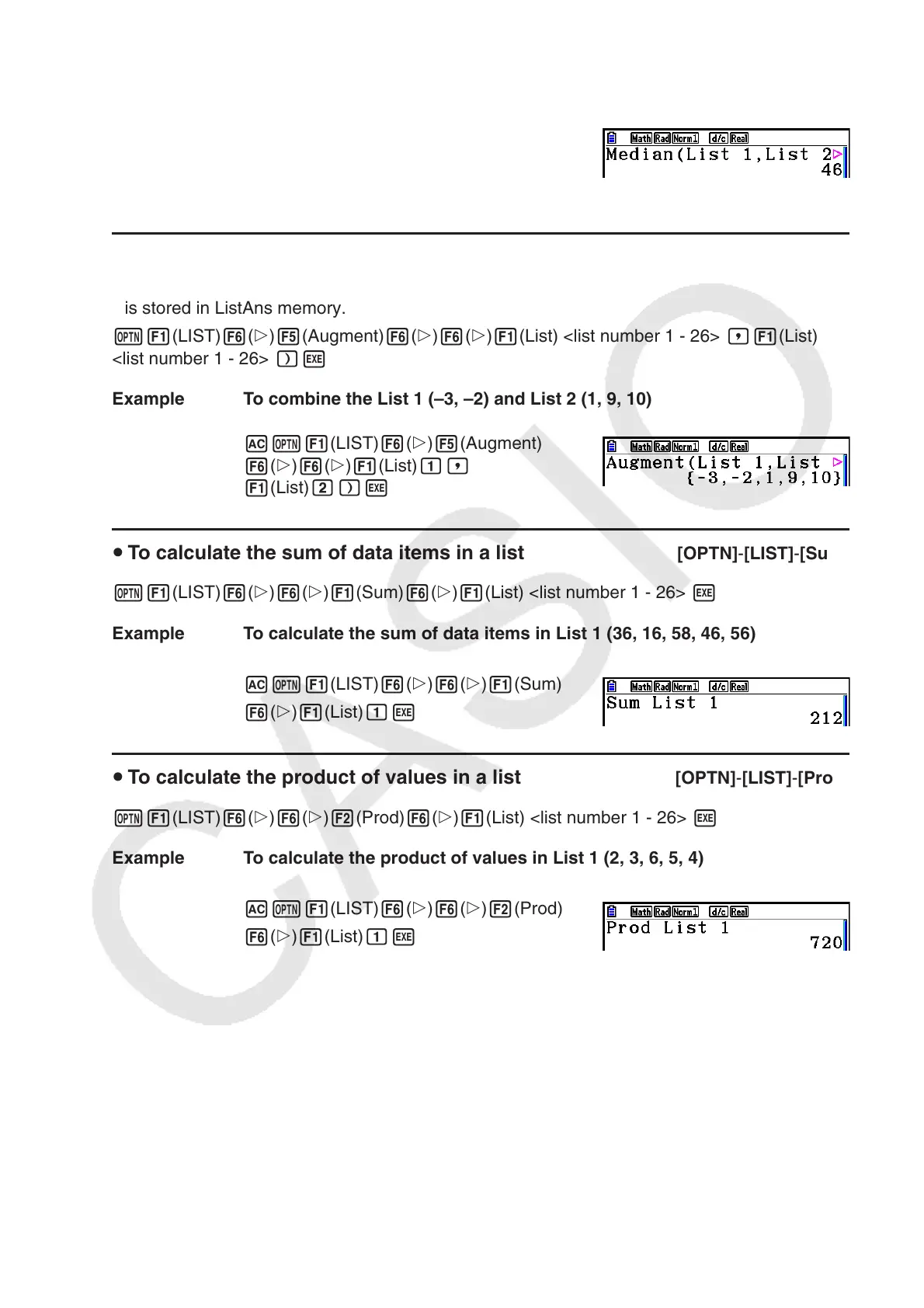
Example To calculate the median of values in List 1 (36, 16, 58, 46, 56), whose
frequency is indicated by List 2 (75, 89, 98, 72, 67)
AK1(LIST) 6( g) 4(Med)
6( g) 6( g) 1(List) b,
1(List) c)w
u To combine lists [OPTN] - [LIST] - [Augment]
• You can combine two different lists into a single list. The result of a list combination operation
is stored in ListAns memory.
K1(LIST) 6( g) 5(Augment) 6( g) 6( g) 1(List) <list number 1 - 26> ,1(List)
<list number 1 - 26> )w
Example To combine the List 1 (–3, –2) and List 2 (1, 9, 10)
AK1(LIST) 6( g) 5(Augment)
6( g) 6( g) 1(List) b,
1(List) c)w
u To calculate the sum of data items in a list [OPTN] - [LIST] - [Sum]
K1(LIST) 6( g) 6( g) 1(Sum) 6( g) 1(List) <list number 1 - 26> w
Example To calculate the sum of data items in List 1 (36, 16, 58, 46, 56)
AK1(LIST) 6( g) 6( g) 1(Sum)
6( g) 1(List) bw
u To calculate the product of values in a list [OPTN] - [LIST] - [Prod]
K1(LIST) 6( g) 6( g) 2(Prod) 6( g) 1(List) <list number 1 - 26> w
Example To calculate the product of values in List 1 (2, 3, 6, 5, 4)
AK1(LIST) 6( g) 6( g) 2(Prod)
6( g) 1(List) bw



 To Next Page
 Loading...









