3-15
u To assign the contents of one list to another list
Use a to assign the contents of one list to another list.
Example To assign the contents of List 3 (41, 65, 22) to List 1
K1(LIST) 1(List) da1(List) bw
In place of 1(LIST) 1(List) d operation in the above procedure, you could input
!*( { ) eb,gf,cc!/( } ).
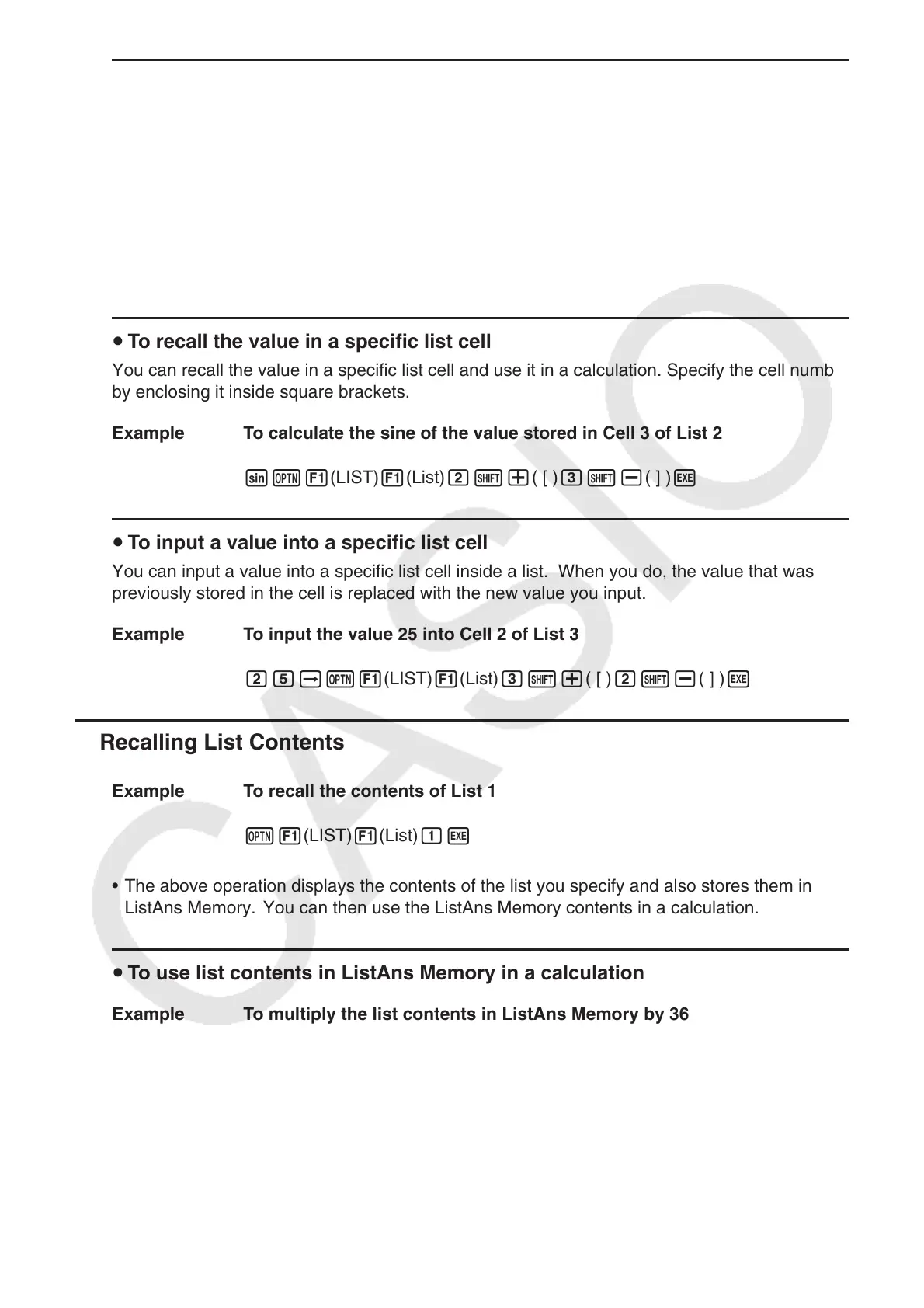
u To recall the value in a specific list cell
You can recall the value in a specific list cell and use it in a calculation. Specify the cell number
by enclosing it inside square brackets.
Example To calculate the sine of the value stored in Cell 3 of List 2
sK1(LIST) 1(List) c!+( [ ) d!-( ] ) w
u To input a value into a specific list cell
You can input a value into a specific list cell inside a list. When you do, the value that was
previously stored in the cell is replaced with the new value you input.
Example To input the value 25 into Cell 2 of List 3
cfaK1(LIST) 1(List) d!+( [ ) c!-( ] ) w
k Recalling List Contents
Example To recall the contents of List 1
K1(LIST) 1(List) bw
• The above operation displays the contents of the list you specify and also stores them in
ListAns Memory. You can then use the ListAns Memory contents in a calculation.
u To use list contents in ListAns Memory in a calculation
Example To multiply the list contents in ListAns Memory by 36
K1(LIST) 1(List) !-(Ans) *dgw
• The operation K1(LIST) 1(List) !-(Ans) recalls ListAns Memory contents.
• This operation replaces current ListAns Memory contents with the result of the above
calculation.



 To Next Page
 Loading...









