7-17
After configuring the parameters, use one of the function menus noted below to perform the
corresponding calculation.
• { SL } … {Calculate depreciation for year
j using the straight-line method}
• { FP } ... { FP } .... {Calculate depreciation for year
j using the fixed-percent method}
{ I% } .....{Calculate depreciation ratio}
• { SYD } … {Calculate depreciation for year
j using the sum-of-the-years’-digits method}
• { DB } … {Calculate depreciation for year
j calculated using the declining-balance method}
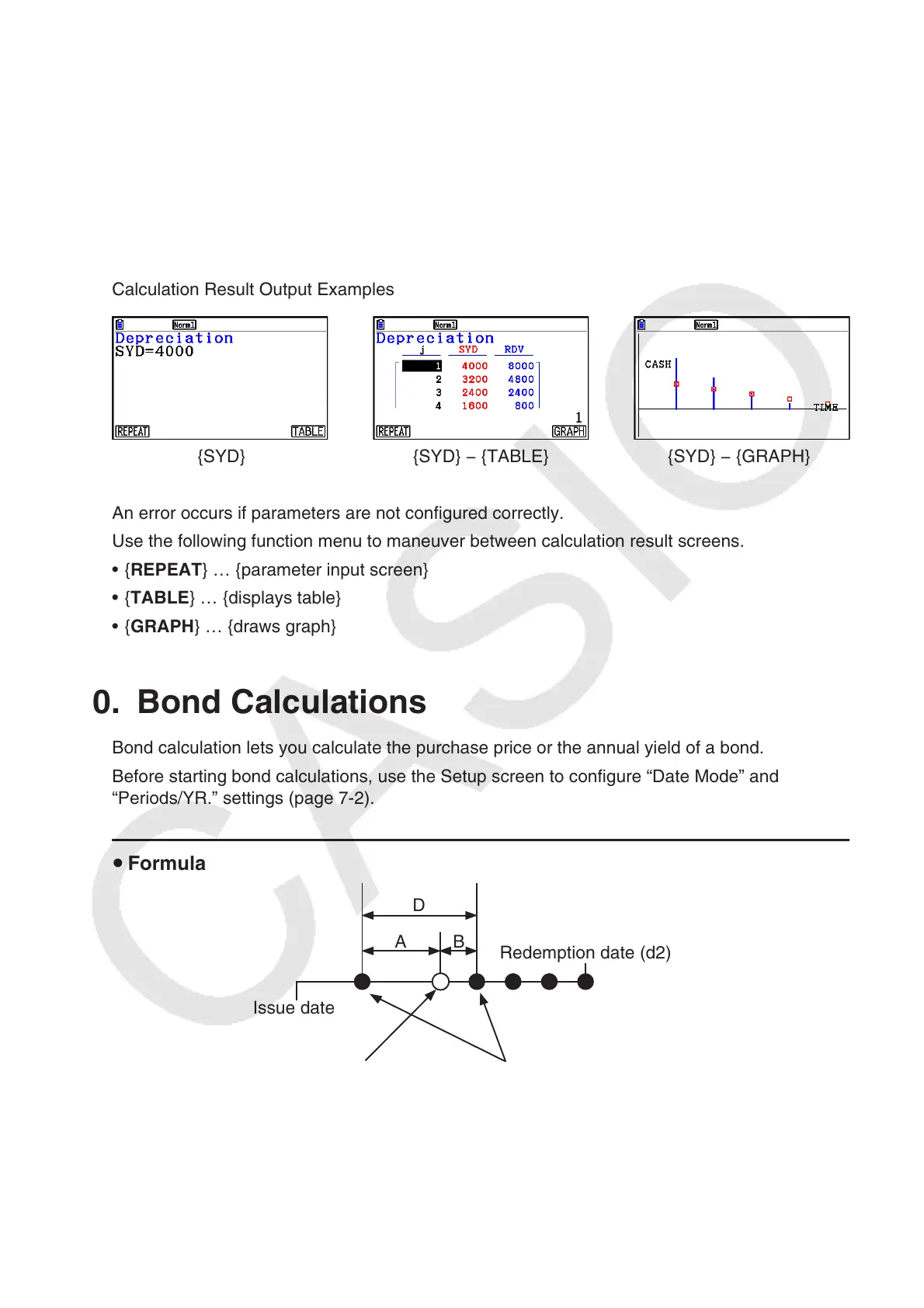
Calculation Result Output Examples
{SYD} {SYD} − {TABLE} {SYD} − {GRAPH}
An error occurs if parameters are not configured correctly.
Use the following function menu to maneuver between calculation result screens.
• { REPEAT } … {parameter input screen}
• { TABLE } … {displays table}
• { GRAPH } … {draws graph}
10. Bond Calculations
Bond calculation lets you calculate the purchase price or the annual yield of a bond.
Before starting bond calculations, use the Setup screen to configure “Date Mode” and
“Periods/YR.” settings (page 7-2).
u Formula
D
Issue date
Redemption date (d2)
Purchase date (d1) Coupon Payment dates
A B



 To Next Page
 Loading...









