5-19
• Grid: Line (Axes: On, Label: Off)
This setting causes scale lines to be displayed for the
x-
axis and y-axis.
Changing the V-Window Xscale setting to 0 while “Line”
is specified for the Grid setting will cause the vertical lines
to disappear from the display. Changing the V-Window
Yscale setting to 0 will cause the horizontal lines to
disappear.
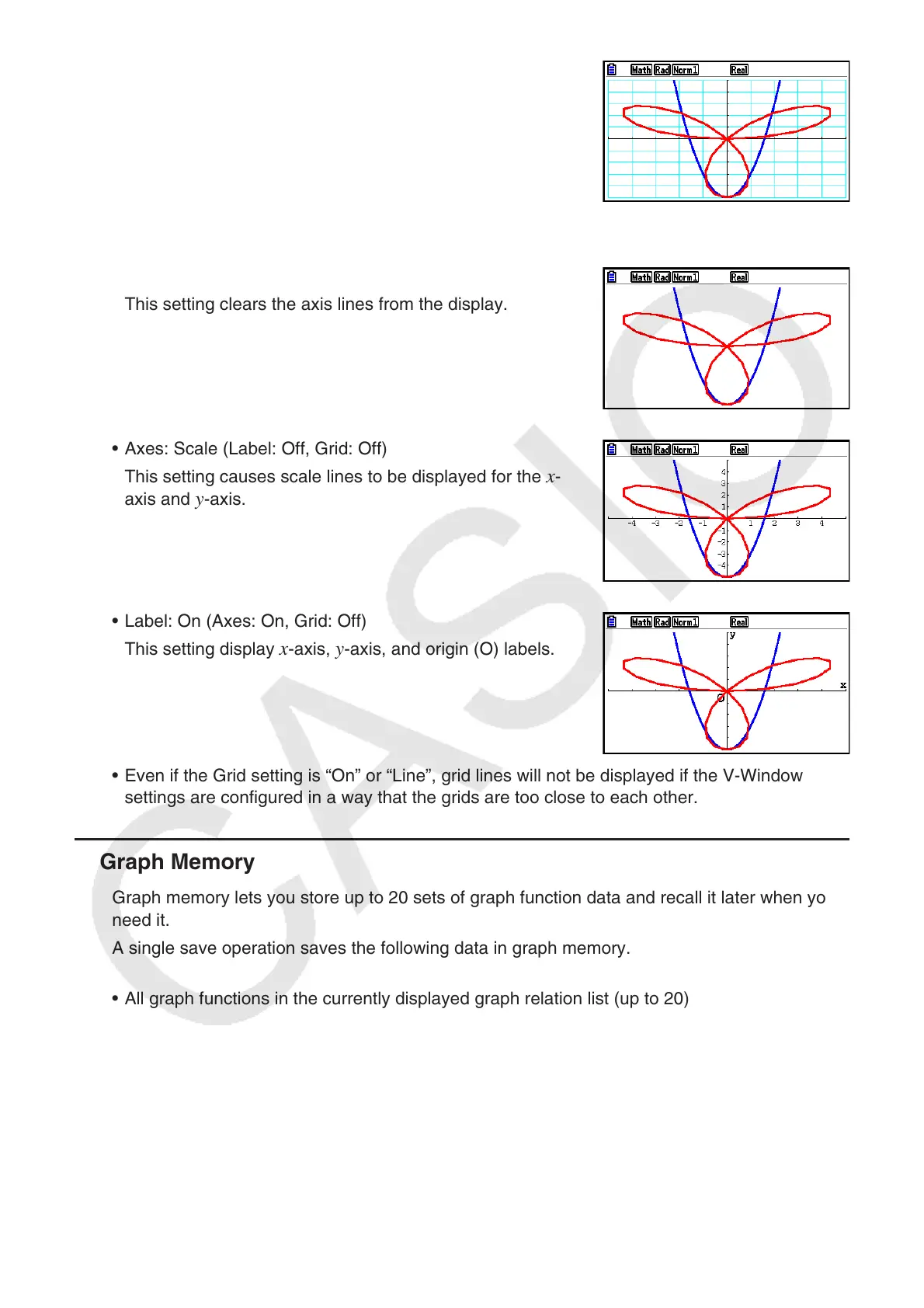
• Axes: Off (Label: Off, Grid: Off)
This setting clears the axis lines from the display.
• Axes: Scale (Label: Off, Grid: Off)
This setting causes scale lines to be displayed for the
x-
axis and
y-axis.
• Label: On (Axes: On, Grid: Off)
This setting display
x-axis, y-axis, and origin (O) labels.
• Even if the Grid setting is “On” or “Line”, grid lines will not be displayed if the V-Window
settings are configured in a way that the grids are too close to each other.
k Graph Memory
Graph memory lets you store up to 20 sets of graph function data and recall it later when you
need it.
A single save operation saves the following data in graph memory.
• All graph functions in the currently displayed graph relation list (up to 20)
• Graph types
• Function graph line style and color information
• Draw/non-draw status
• V-Window settings (1 set)


 To Next Page
 Loading...










