7-8
u PBP
n : smallest positive integer that satisfies the conditions NPV n < 0, NPV n +1 > 0, or 0
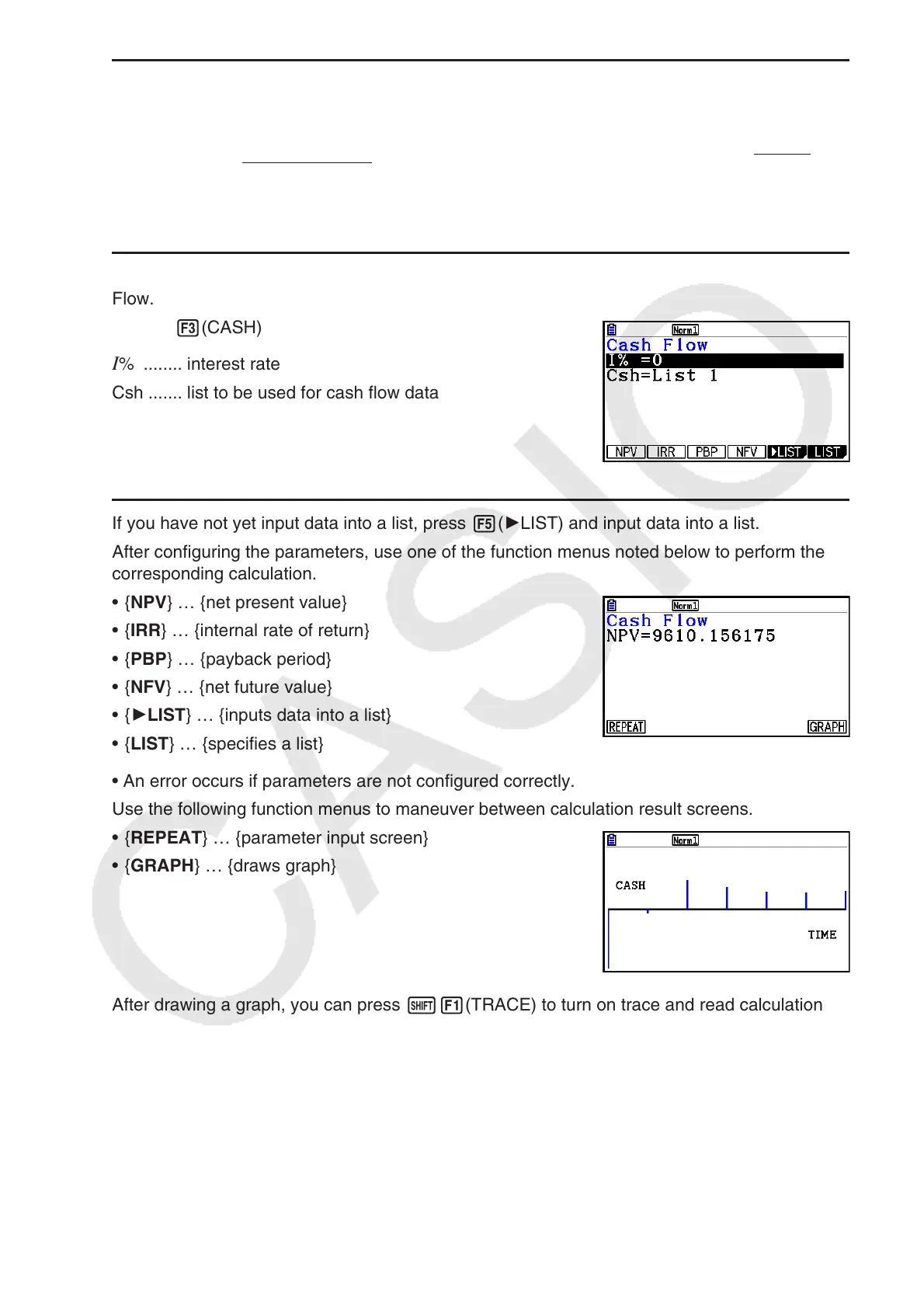
Press 3(CASH) from the Financial 1 screen to display the following input screen for Cash
Flow.
3(CASH)
I % ........ interest rate
Csh ....... list to be used for cash flow data
If you have not yet input data into a list, press 5( 'LIST) and input data into a list.
After configuring the parameters, use one of the function menus noted below to perform the
corresponding calculation.
• { NPV } … {net present value}
• { IRR } … {internal rate of return}
• { PBP } … {payback period}
• { NFV } … {net future value}
• { 'LIST } … {inputs data into a list}
• { LIST } … {specifies a list}
• An error occurs if parameters are not configured correctly.
Use the following function menus to maneuver between calculation result screens.
• { REPEAT } … {parameter input screen}
• { GRAPH } … {draws graph}
After drawing a graph, you can press !1(TRACE) to turn on trace and read calculation
results along the graph.
Press J to return to the parameter input screen.
NPVn =
Σ
n
k
= 0
CFk
(1 + i)
k
PBP =
{
0 .................................. (CF0 > 0)
n –
NPV
n
NPVn+1 – NPVn
(Other than those above)
...
NPVn =
Σ
n
k
= 0
CFk
(1 + i)
k
PBP =
{
0 .................................. (CF0 > 0)
n –
NPV
n
NPVn+1 – NPVn
(Other than those above)
...



 To Next Page
 Loading...









