2-13
u To specify the number of significant digits ( Sci)
Example To specify three significant digits
2(Sci) dw
Press the number key that corresponds to the number of significant digits you want to specify
(
n = 0 to 9). Specifying 0 makes the number of significant digits 10.
• Displayed values are rounded off to the number of significant digits you specify.
u To specify the normal display ( Norm 1/Norm 2)
Press 3(Norm) to switch between Norm 1 and Norm 2.
Norm 1: 10
–2
(0.01) > | x |, | x | >10
10
Norm 2: 10
–9
(0.000000001) > | x |, | x | >10
10
u To specify the engineering notation display ( Eng mode)
Press 4(Eng) to switch between engineering notation and standard notation. The indicator
“/E” is on the display while engineering notation is in effect.
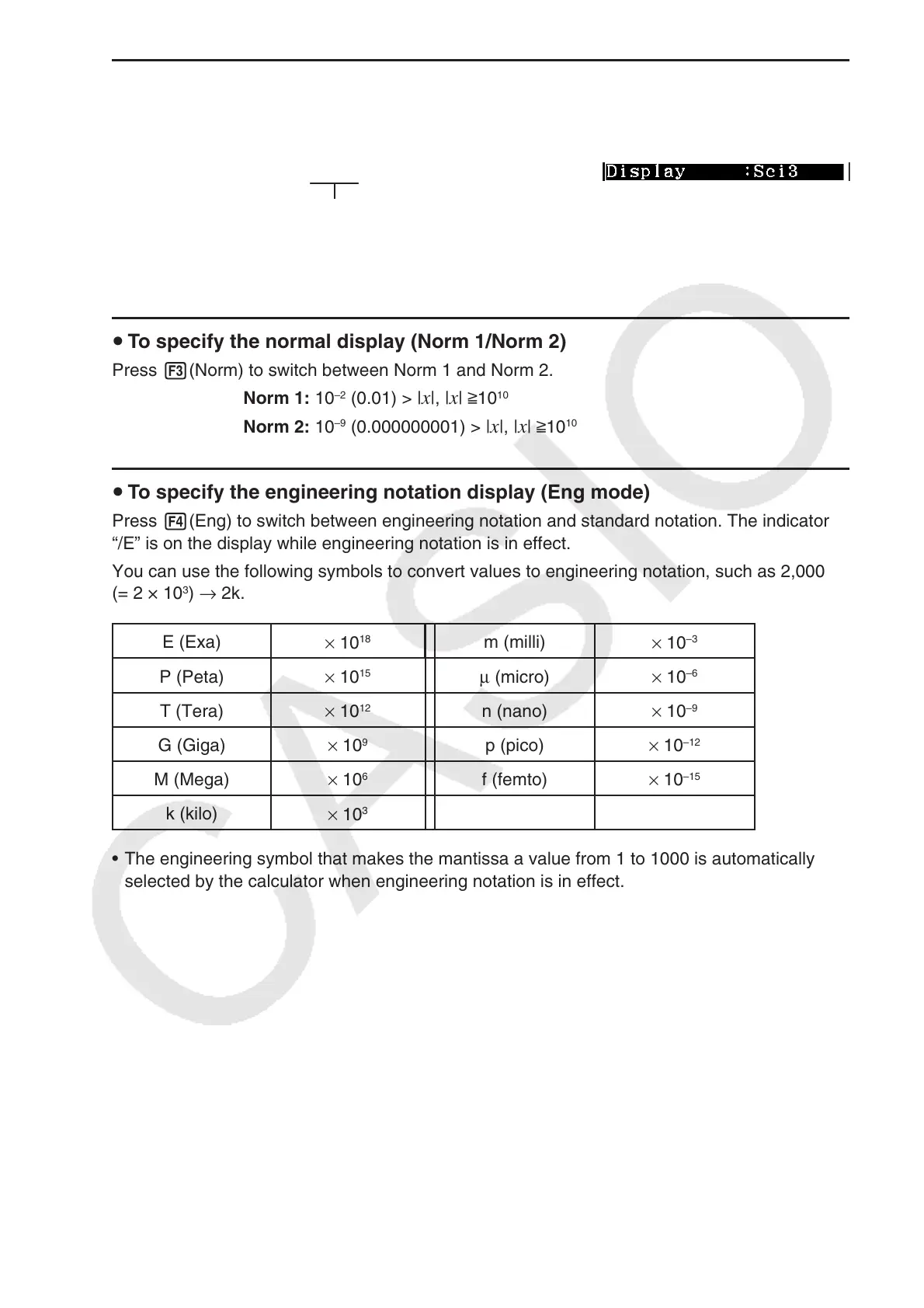
You can use the following symbols to convert values to engineering notation, such as 2,000
(= 2 × 10
3
) → 2k.
E (Exa)
× 10
18
m (milli)
× 10
–3
P (Peta)
× 10
15
μ (micro) × 10
–6
T (Tera)
× 10
12
n (nano)
× 10
–9
G (Giga)
× 10
9
p (pico)
× 10
–12
M (Mega)
× 10
6
f (femto)
× 10
–15
k (kilo)
× 10
3
• The engineering symbol that makes the mantissa a value from 1 to 1000 is automatically
selected by the calculator when engineering notation is in effect.



 To Next Page
 Loading...









