11-7
k Selecting Data
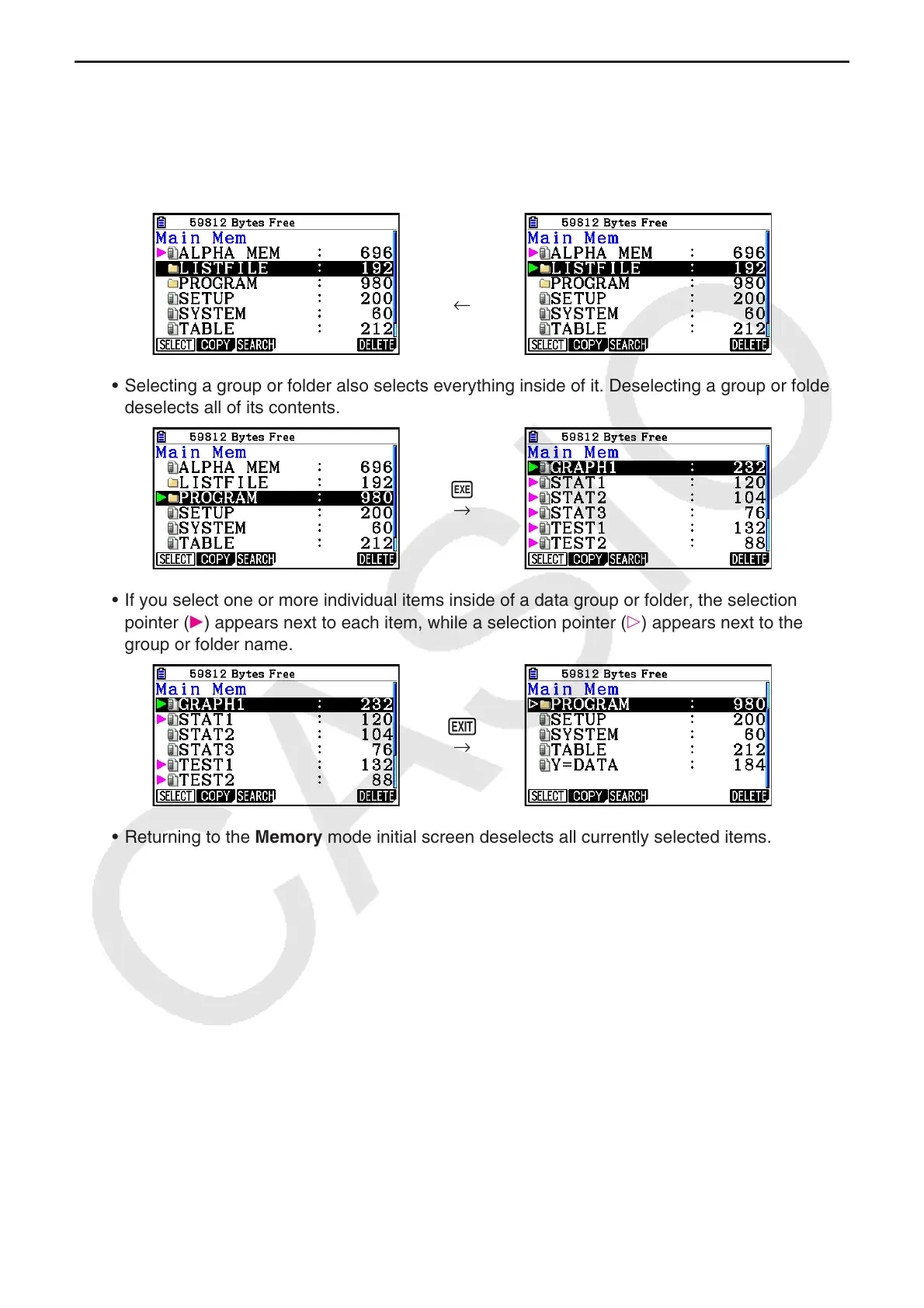
• Press 1(SELECT) to select the currently highlighted item, which is indicated by the
selection pointer ( ) appearing next to it. Pressing 1(SELECT) again will deselect the item,
causing the selection pointer to disappear.
• You can select multiple files, if you want.
→
1(SELECT)
←
• Selecting a group or folder also selects everything inside of it. Deselecting a group or folder
deselects all of its contents.
w
→
• If you select one or more individual items inside of a data group or folder, the selection
pointer (
) appears next to each item, while a selection pointer ( ) appears next to the
group or folder name.
J
→
• Returning to the Memory mode initial screen deselects all currently selected items.


 To Next Page
 Loading...










