2-40
k Selecting a Number System
You can specify decimal, hexadecimal, binary, or octal as the default number system using the
Setup screen.
u To perform a binary, octal, decimal, or hexadecimal calculation
[SET UP] - [Mode] - [Dec]/[Hex]/[Bin]/[Oct]
1. In the Main Menu, select Run-Matrix .
2. Press !m(SET UP). Move the highlighting to “Mode”, and then specify the default
number system by pressing 2(Dec), 3(Hex), 4(Bin), or 5(Oct) for the Mode setting.
3. Press J to change to the screen for calculation input. This causes a function menu with
the following items to appear.
• { d~o } / { LOGIC } / { DISPLAY } ... {number system specification}/{bitwise operation}/
{decimal/hexadecimal/binary/octal conversion} menu
u To specify a number system for an input value
You can specify a number system for each individual value you input. Press 1(d~o) to display
a menu of number system symbols. Press the function key that corresponds to the symbol you
want to select and then input the value.
• { d } / { h } / { b } / { o } ... {decimal}/{hexadecimal}/{binary}/{octal}
u To input values of mixed number systems
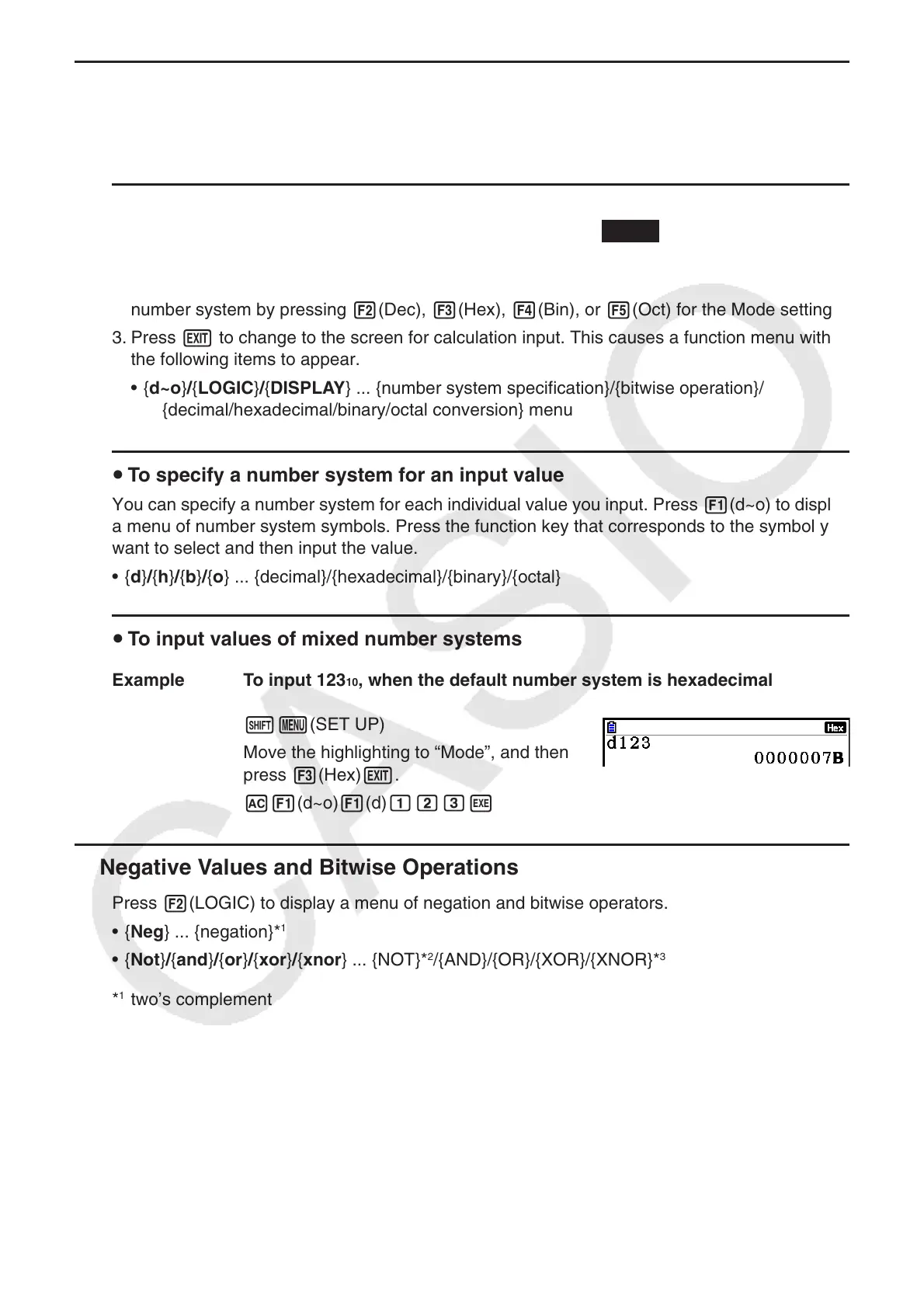
Example To input 123 10 , when the default number system is hexadecimal
!m(SET UP)
Move the highlighting to “Mode”, and then
press 3(Hex) J.
A1(d~o) 1(d) bcdw
k Negative Values and Bitwise Operations
Press 2(LOGIC) to display a menu of negation and bitwise operators.
• { Neg } ... {negation}*
1
• { Not } / { and } / { or } / { xor } / { xnor } ... {NOT}*
2
/{AND}/{OR}/{XOR}/{XNOR}*
3
*
1
two’s complement
*
2
one’s complement (bitwise complement)
*
3
bitwise AND, bitwise OR, bitwise XOR, bitwise XNOR














 To Next Page