CONSOLE AI | Adding Devices (CP2) | 145
The device properties apply to only one DIALOG 20 device. If you add more than one DIALOG 20
device, you must set the device properties for each device.
To change the settings for a DIALOG 20 device:
1.
From the toolbar, click .
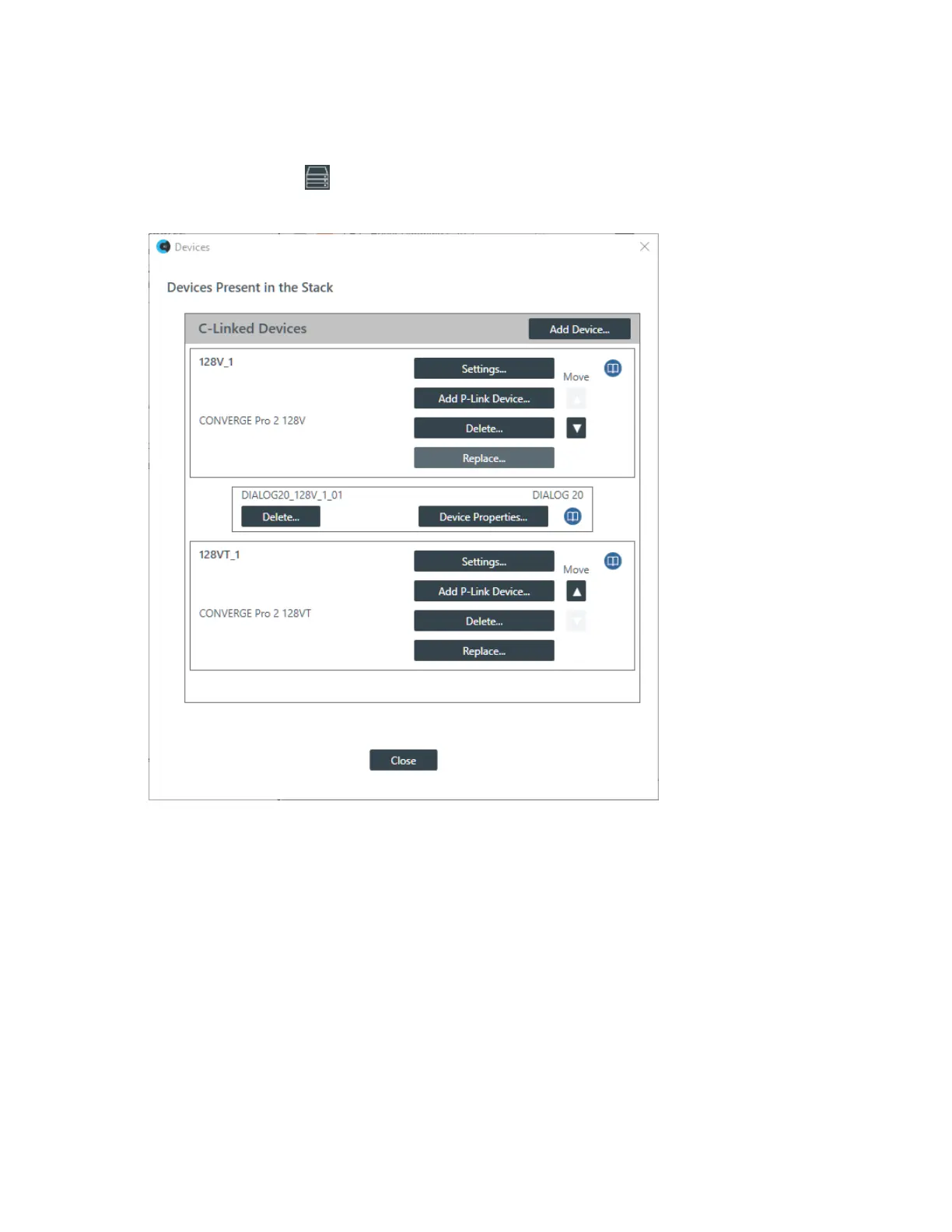
The Devices dialog box appears:
2. For the DIALOG 20 device you want to change, click Device Properties.
The DIALOG 20 Properties dialog box appears:
CONSOLE AI User Manual









 To Next Page