CONSOLE AI | Adding Devices (CP2) | 153
1. In the Navigation Panel, click Settings.
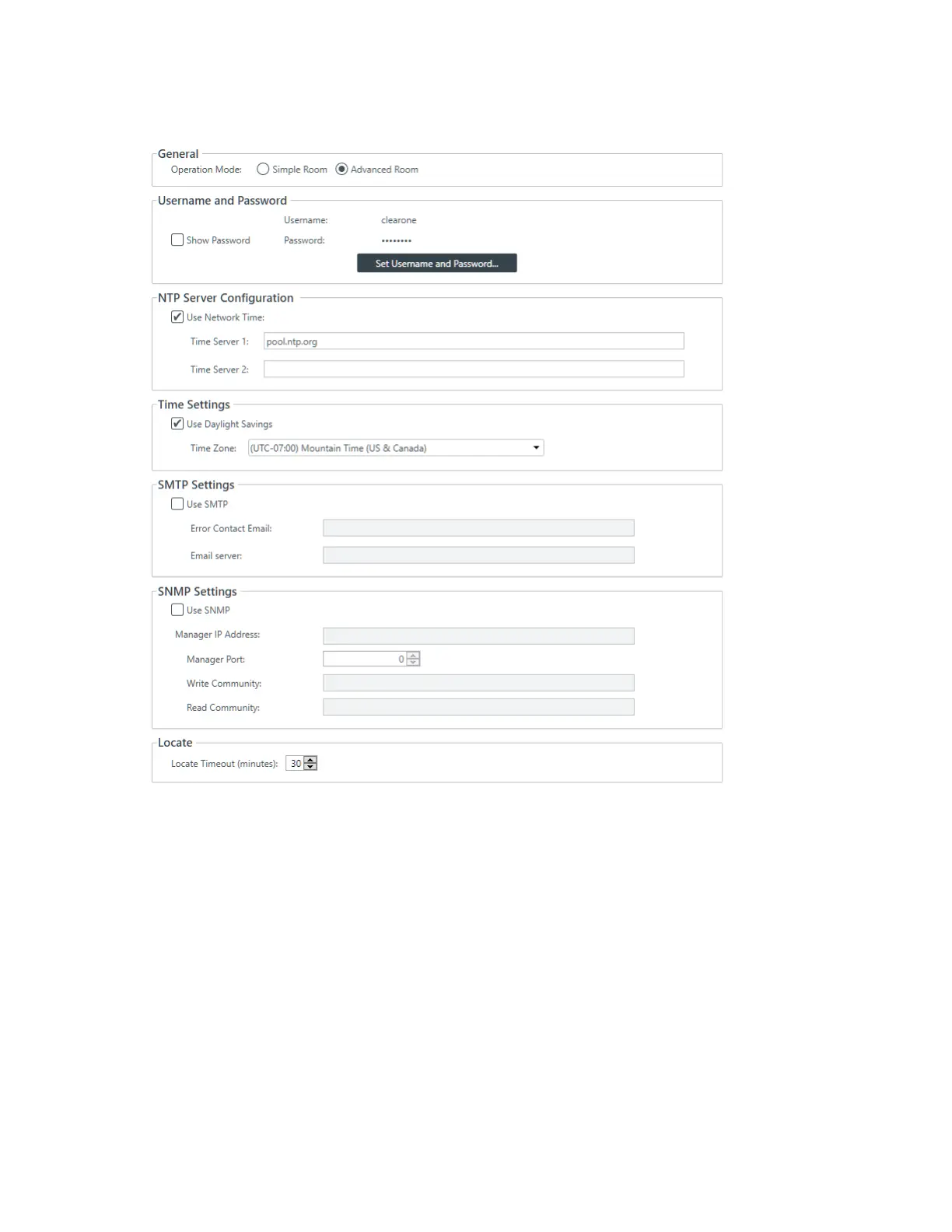
The Stack Settings screen appears:
General
2. Choose an operation mode: Simple Room or Advanced Room.
Use the Simple Room operation mode for a room that doesn’t have partitions. Use Advanced Room for
a room that has partitions. See About Room Partitions for more information. If you choose Advanced
Room, you can use the Partition Manager to add, remove, or configure partitions. See Using Partition
Manager (CP2) for more information.
Username and Password
3. To change the username and password, click Set Username and Password.
The Username and Password dialog box appears:
CONSOLE AI User Manual









 To Next Page