CONSOLE AI | Macros and Timers (CP2) | 175
Add a New Macro
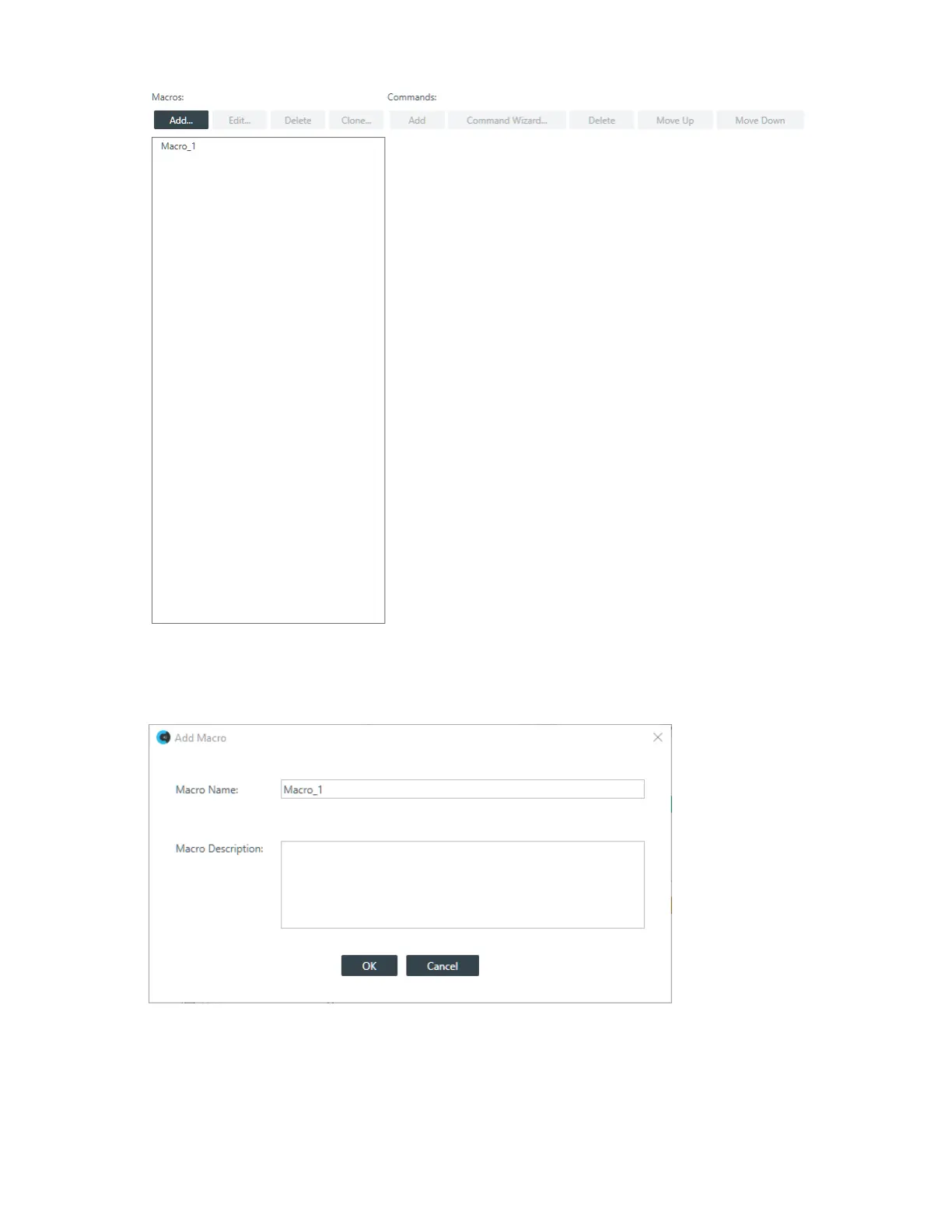
2. To add a new macro, click Add in the Macros column.
The Add Macro dialog box appears:
3. Type a name for the macro in the Macro Name field.
4. (Optional) Type a description for the macro in the Macro Description field.
5. Click OK.
A macro with the name you specified is created in the Macros column, and an empty command is
added to the Command column.
CONSOLE AI User Manual









 To Next Page