CONSOLE AI | Managing Channels (CP2) | 197
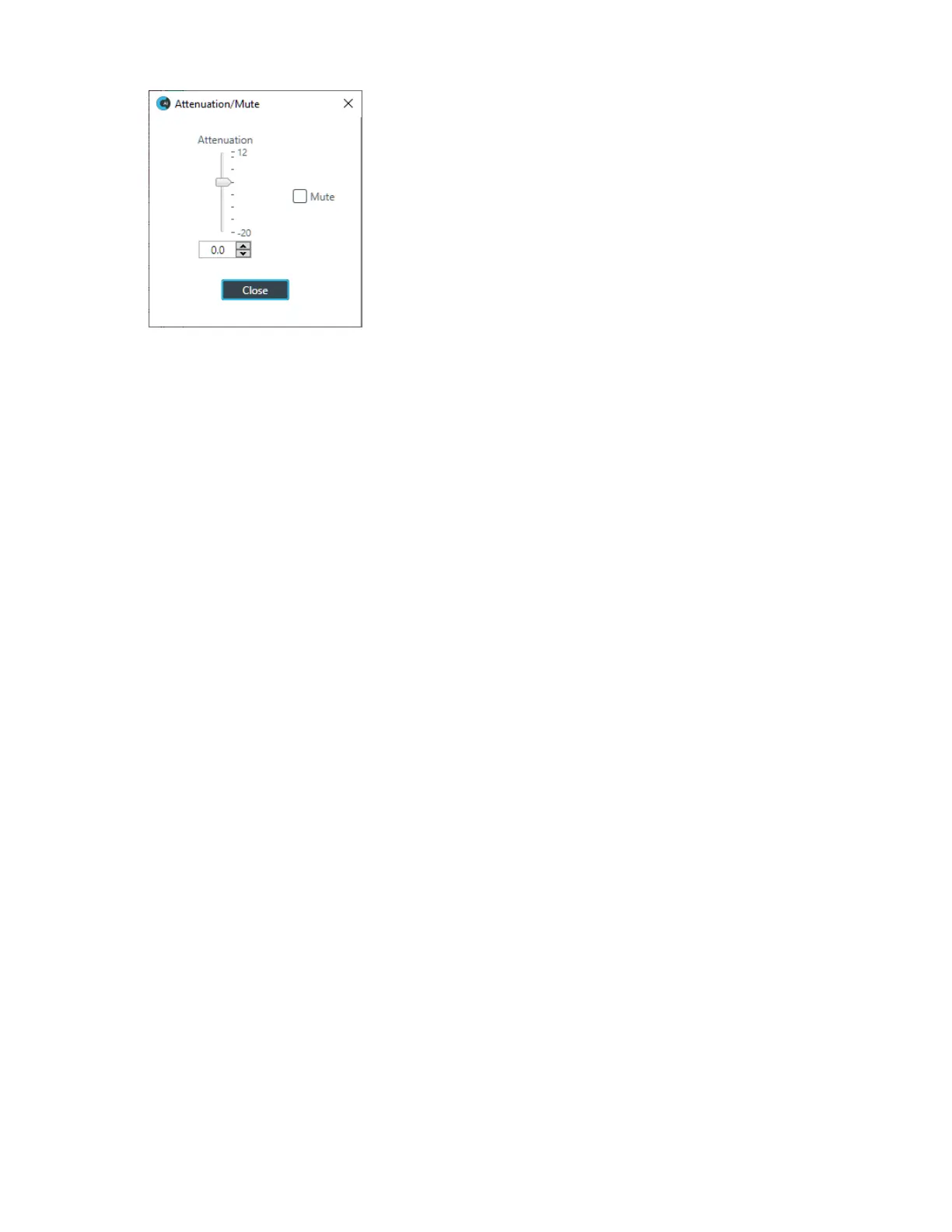
13.To mute this crosspoint, click the Mute check box.
The crosspoint will appear with a red 0 inside, to show that it is muted.
14.You can change the Attenuation in any of the following ways:
• Drag the slider
• Type a value in the text box
• Click the incrementer and decrementer arrows beside the text box to set the value
15.Click Close.
Make Reference Connections
16.Before you can make custom or standard reference assignments, you must first create the references
using FlowView. See Adding Standard References (CP2) and Adding Custom References (CP2) for
more information.
17.For more information about assigning standard or custom references and making reference exclusions,
see Assigning References (CP2).
View/Change Properties
18.To view or change the properties for a channel, channel group, or gating group from within MatrixView,
double-click the channel.
The Properties block for that item appears at the bottom of the MatrixView screen:
CONSOLE AI User Manual









 To Next Page