CONSOLE AI | Managing Channels (CP2) | 206
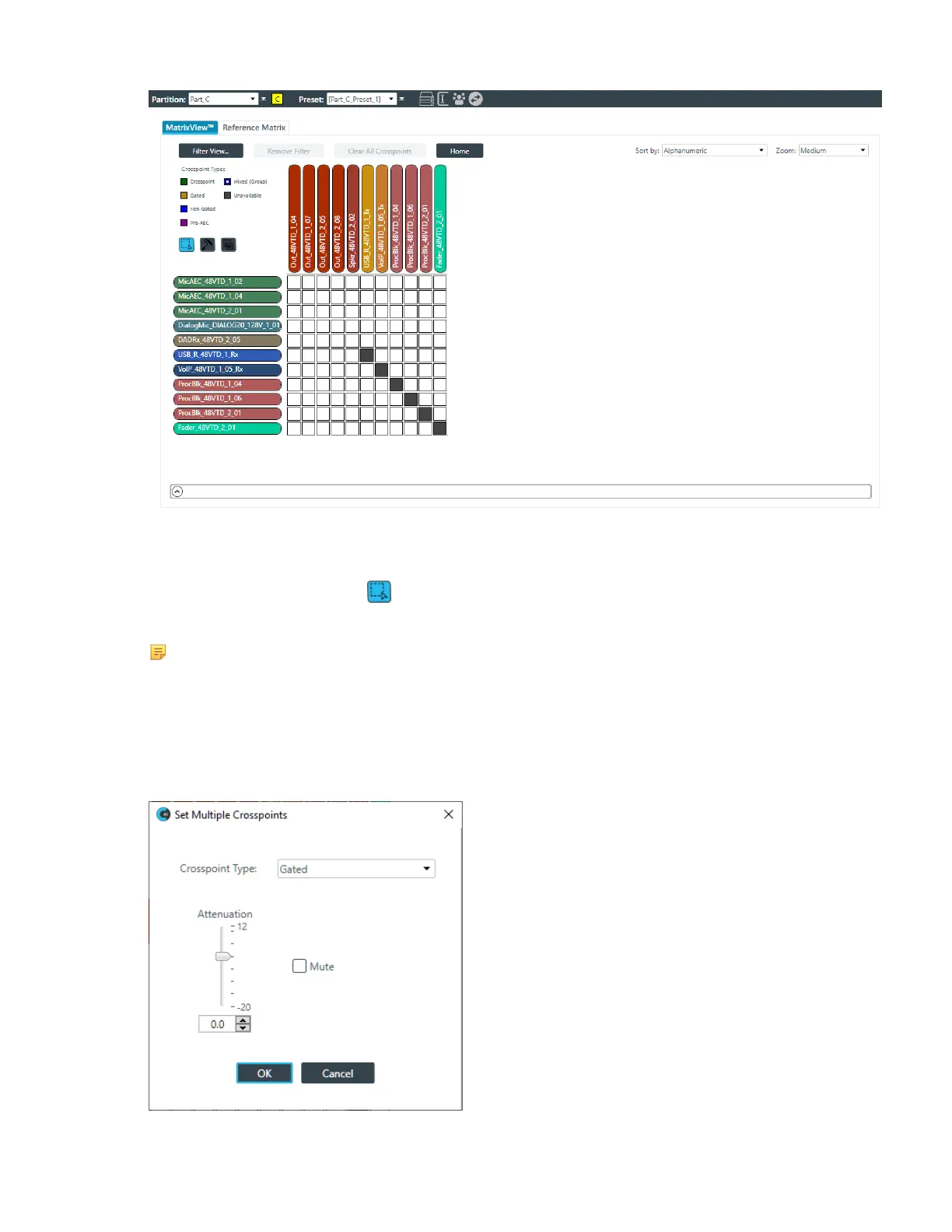
The mode buttons appear just below the crosspoint types.
Select Mode
2.
If it’s not already selected, click to choose Select Mode.
3. Drag the mouse across multiple crosspoints you want to change.
Note:
This feature works only if you have selected crosspoints of the same routing type. For example,
you can change multiple Mic channels, but you cannot make the same kinds of changes to
a selection that includes both Mic channels and Dante channels. If you try to select multiple
channels with different routing types, an error message appears letting you know you have
selected incompatible routing types.
The Set Multiple Crosspoints dialog box appears:
CONSOLE AI User Manual









 To Next Page