CONSOLE AI | Managing Channels (CP2) | 207
4. To change the type of all selected crosspoints, choose an option from the Crosspoint Type drop-down
list.
5. To mute this crosspoint, click the Mute check box.
Selected crosspoints will appear with a red 0 inside, to show that they are muted.
6. You can change the Attenuation of each of the selected crosspoints in any of the following ways:
• Drag the slider
• Type a value in the text box
• Click the incrementer and decrementer arrows beside the text box to set the value
7. Click OK.
Roll Mode
8.
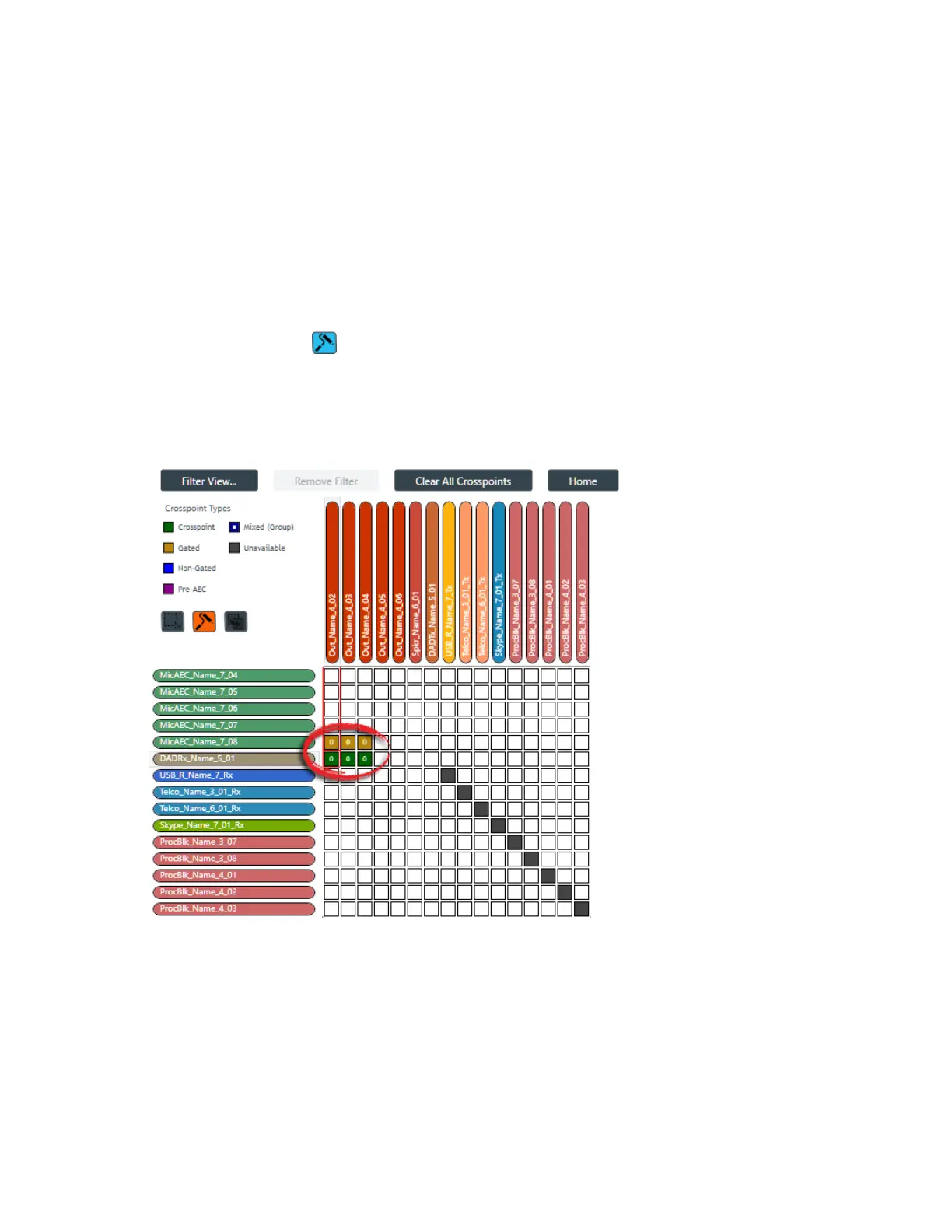
To use Roll Mode, click .
9. Drag the mouse across any crosspoints you want to change.
For each crosspoint you touch, the next possible type is chosen. For example, the images below show
the crosspoint states before and after using the highlighted crosspoints:
Before:
After:
CONSOLE AI User Manual









 To Next Page