CONSOLE AI | Managing Channels (CP2) | 253
Filter
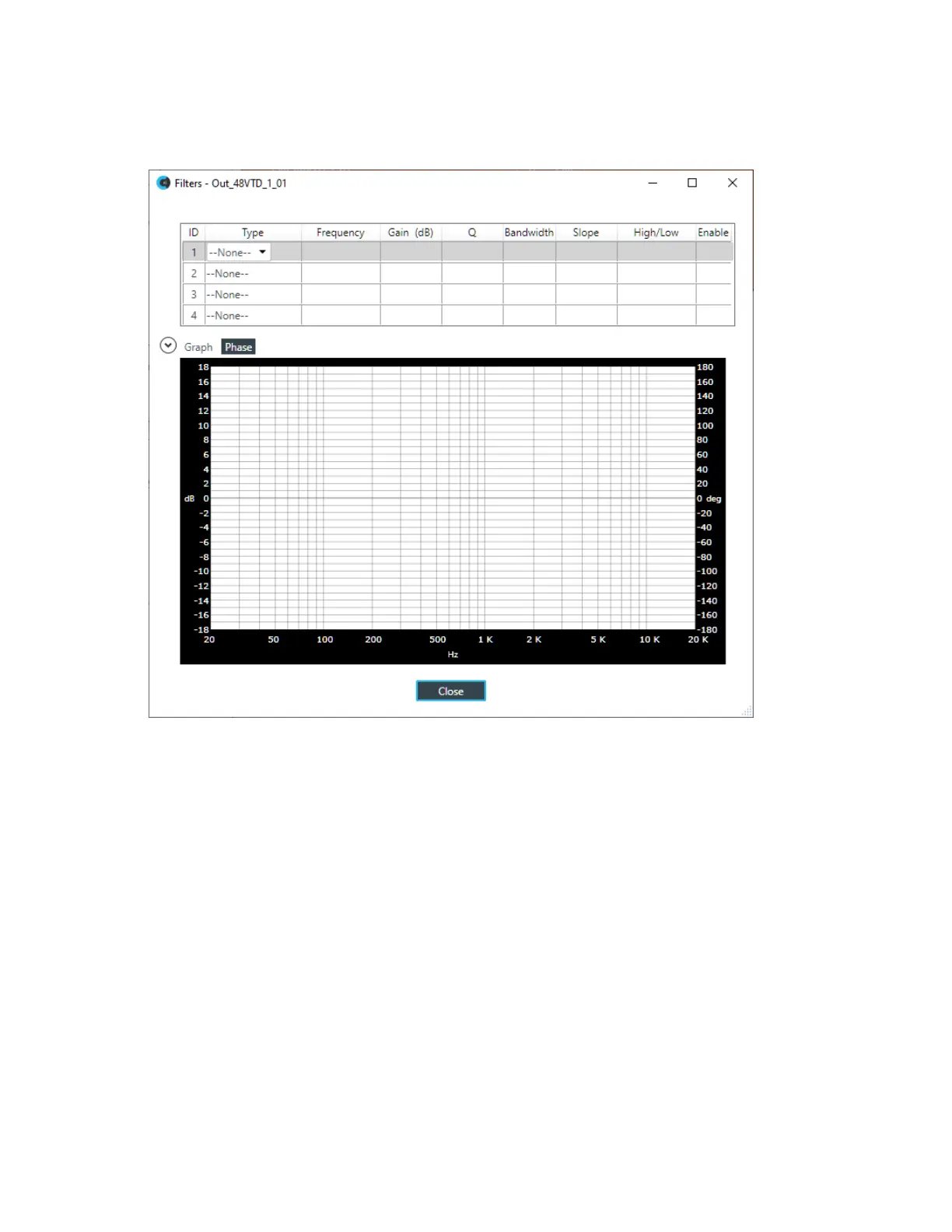
8. To enable and configure a filter, click the Filter button.
The Filters dialog box appears:
9. For one of the available filters, choose a filter type from the Type drop-down list (see the table below for
a brief description of the available filter types).
Filter Type Description
All Pass A filter that provides only phase shift or phase delay without
appreciably changing the magnitude characteristic. The filter produces
a flat amplitude response. It is useful for matching the delay of two
processing channels with different delays.
Bessel Crossover A crossover using a low-pass filter design characterized by a linear
phase response. This results in a constant time delay throughout the
passband.
Butterworth Crossover A crossover using a low-pass filter design characterized by a maximally
flat magnitude response. This results in no amplitude ripple in the
passband.
CD Horn EQ Horn drivers used in arenas and auditoriums have aninherent 6dB/
octave high frequency rolloff. The CD Horn EQ compensates for this
characteristic.
High Pass Passes high signal frequencies while attenuating low frequencies.
Selectable frequency cutoff is 20.00Hz to 20.00kHz. Rolloff is 12dB/
octave. Level is fixed at 0dB.
CONSOLE AI User Manual









 To Next Page