CONSOLE AI | Interface | 30
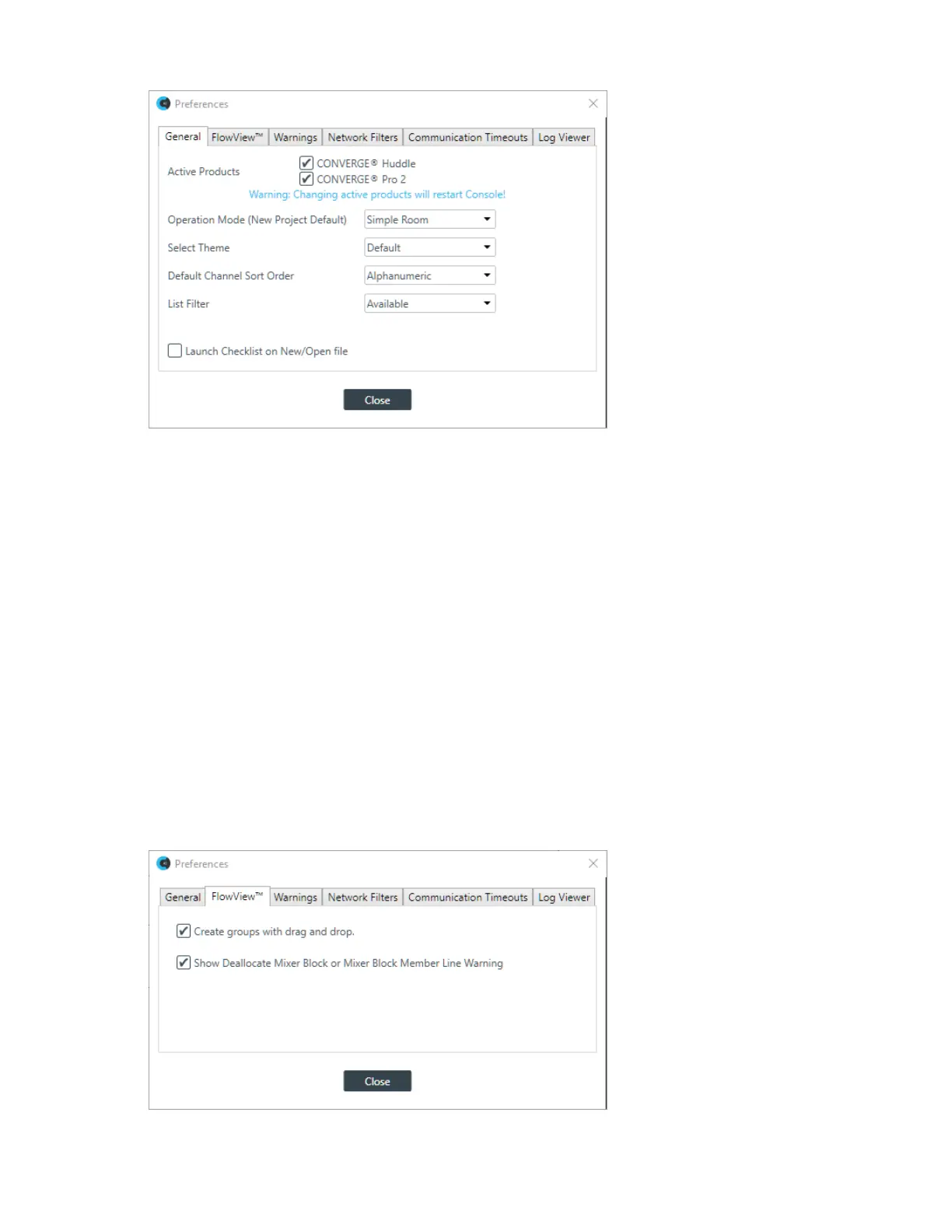
2. (Optional) Change which products you want to be active (CONVERGE Huddle and/or CONVERGE Pro
2).
Changing these options causes the CONSOLE AI application to restart.
3. (Optional) Change any of the options, as described in the table below:
Option Description
Operation Mode (New Project
Default)
Specify whether new projects, when created, use Simple Room
operation mode (no partitions) or Advanced Mode operation mode
(using partitions).
Select Theme Change the appearance of the CONSOLE AI user interface to be
dark or light (default).
Default Channel Sort Order In screens that list channels, specify whether the default sort order
for listing channels is Alphanumeric or by Device & Connector
List Filter Specify whether the default list filter is Available or All.
Launch Checklist on New/
Open File
Specify whether to launch the Workflow Checklist when creating a
new project or opening a project.
4. (Optional) To specifying FlowView settings, click the FlowView
™
tab.
The FlowView tab appears:
CONSOLE AI User Manual









 To Next Page