CONSOLE AI | Configuration - Offline (Huddle) | 95
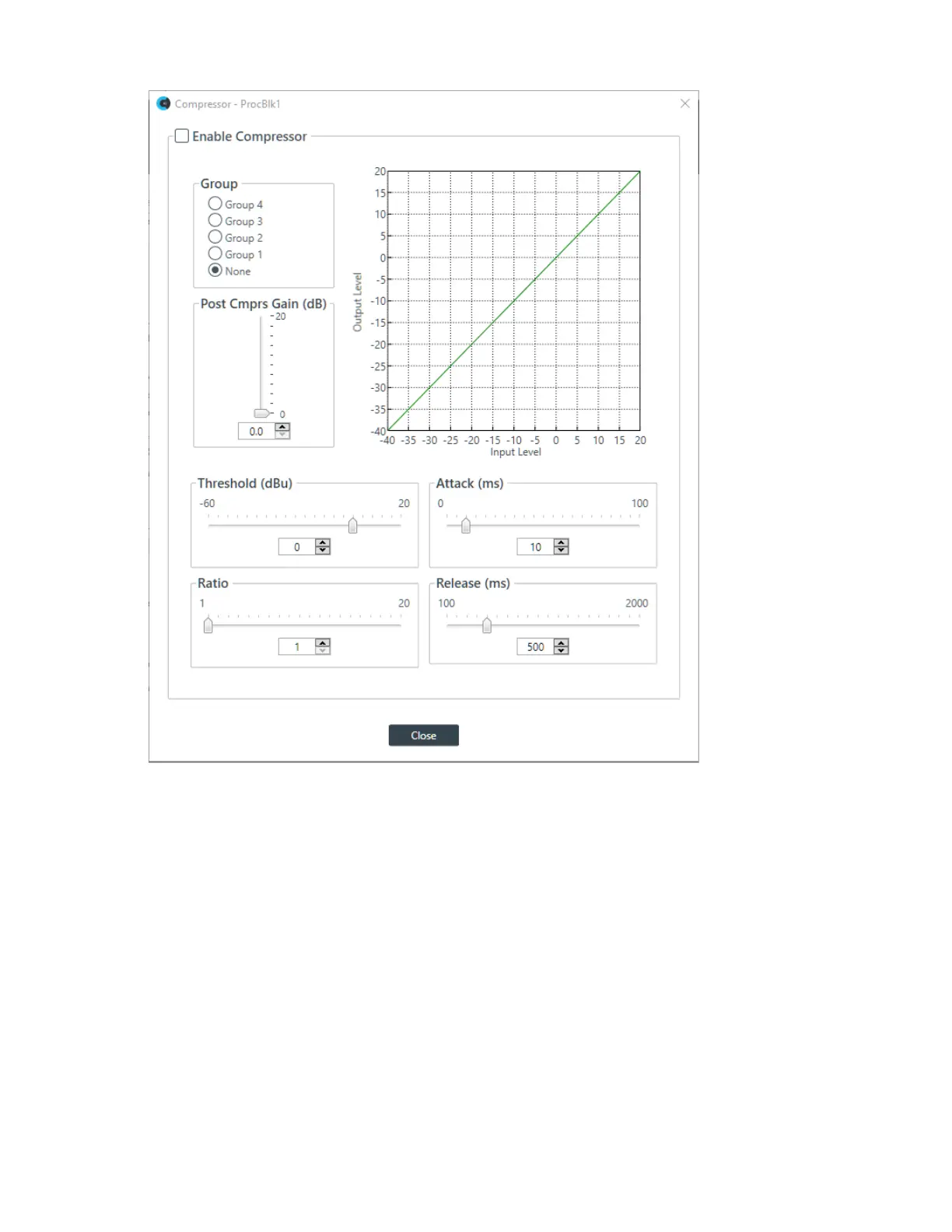
15.Change any of the Compressor options, as described in the table below.
Option Description
Enable Compressor Check the check box to activate the compressor on this channel.
Group Use the Group radio buttons to assign this compressor to a
compressor group. The default is None. When you assign a
compressor to a compressor group—such as a group of two
compressors configured for left and right stereo channels—the
compressors will monitor each other. When one channel compresses,
all compressors in the group compress together.
Post Compression Gain A level adjustment made after compression has occurred.
Threshold Determines the RMS level at which the compressor begins to operate.
The range is from -30 to +20dBu. The defaultis 0dBu.
Attack Sets the time increment used to reduce the signal from input level to
the prescribed output level when the thresholdis exceeded. The range
is 0 to 100ms in .5ms steps. The default is 10ms.
CONSOLE AI User Manual









 To Next Page