CONSOLE AI | Configuration - Offline (Huddle) | 98
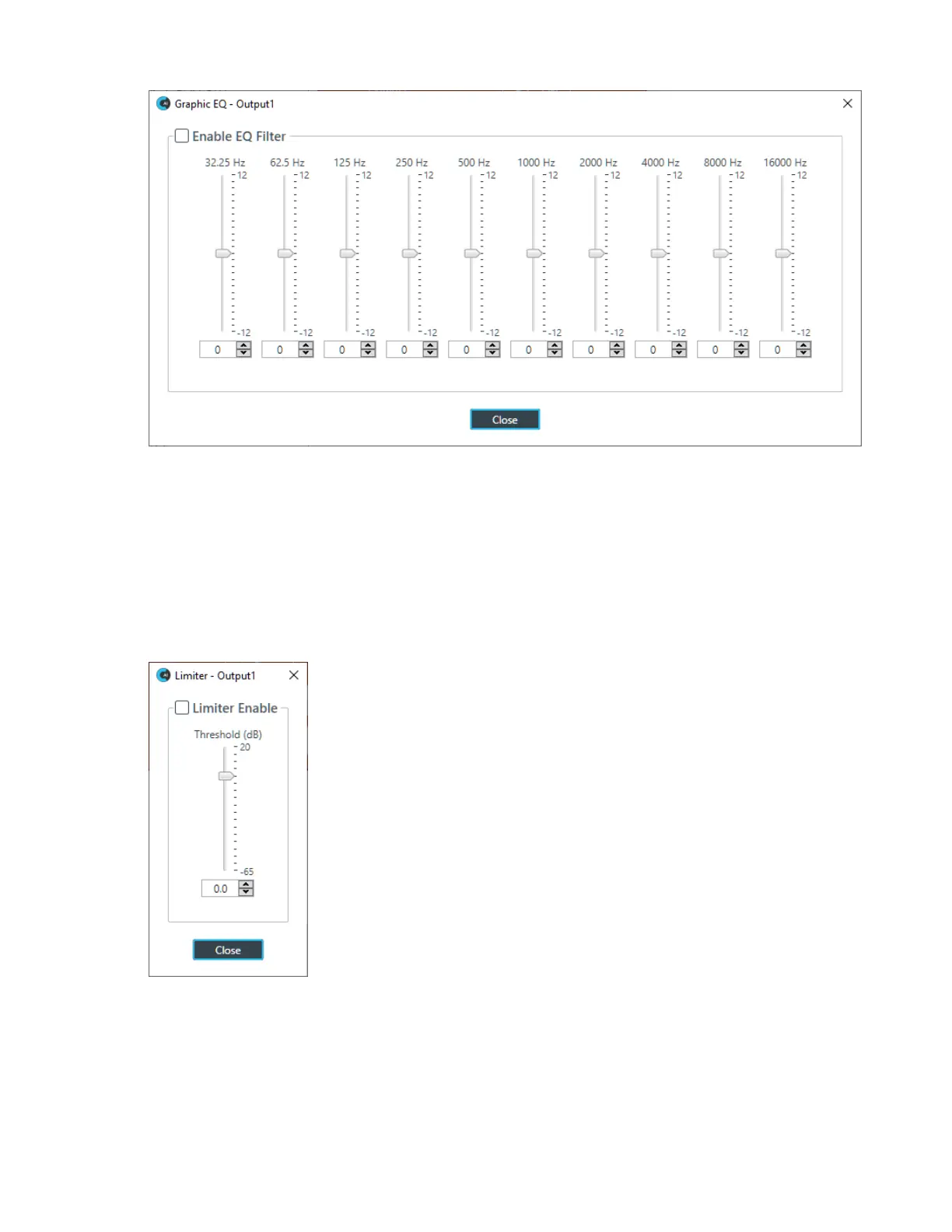
8. You can change the gain value for any of the frequency ranges in any of the following ways:
• Drag the slider
• Type a value in the text box
• Click the incrementer and decrementer arrows beside the text box to set the value
9. Click Close.
Limiter
10.To enable and configure a limiter, click the Limiter button.
The Limiter dialog box appears:
11.To activate the limiter, click the Limiter Enable check box.
12.Adjust the limiter threshold in any of the following ways:
• Drag the slider
• Type a value in the text box
• Click the incrementer and decrementer arrows beside the text box to set the value
13.Click Close.
CONSOLE AI User Manual









 To Next Page