76 | Functions of the System
ETAS ES800 System | User Guide
11.1.5 Display of the System State (ES830.1 only)
The front side of the ES830.1 features two LEDs for indicating the system state of
the module:
- SYS: status as of bypass model
- USER: user-specific configuration in INTECRIO
LED „SYS“
LED „USER“
Status of further Interfaces
The function state of the USB 2.0, USB 3.0 and I/O interfaces on the Rapid Proto-
typing Module ES830.1 is not indicated.
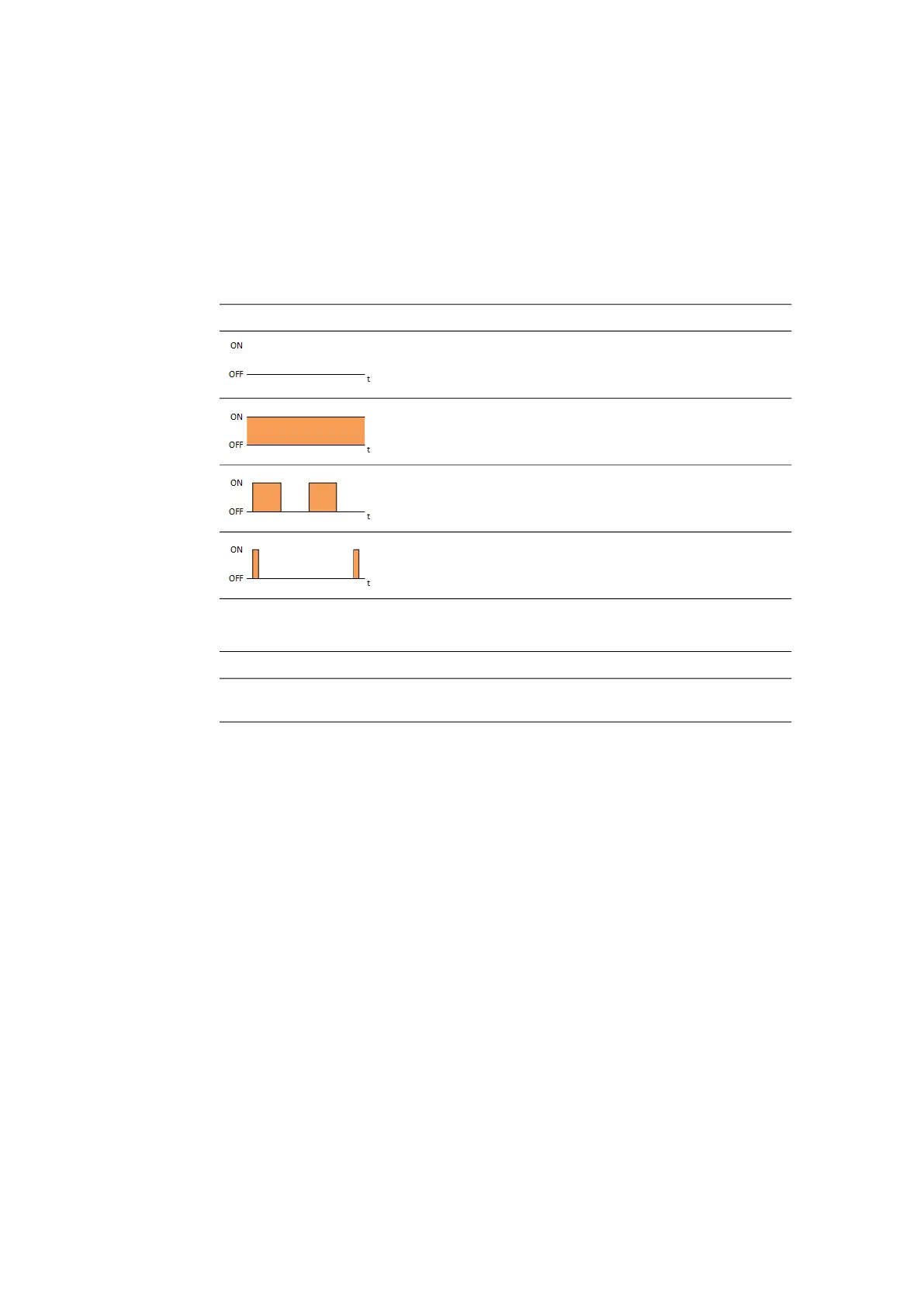
SYS LED Description State
Off No model running on the system
Illuminated
orange
Model was stopped
Flashing orange,
0.5 s on/0.5 s off
Model running on the system from RAM
Flashing orange,
0.1 s on / 1.9 s off
Model running on the system from Flash
USER LED Description State
Orange User-specific configuration in
INTECRIO (see Release Notes)



 To Next Page